Open
How to reconnect Firefox to my printer?

Firefox stopped sending docs to my printer. Printer is connected to my computer and works with files saved to computer.
Firefox stopped sending docs to my printer. Printer is connected to my computer and works with files saved to computer.
모든 댓글 (2)

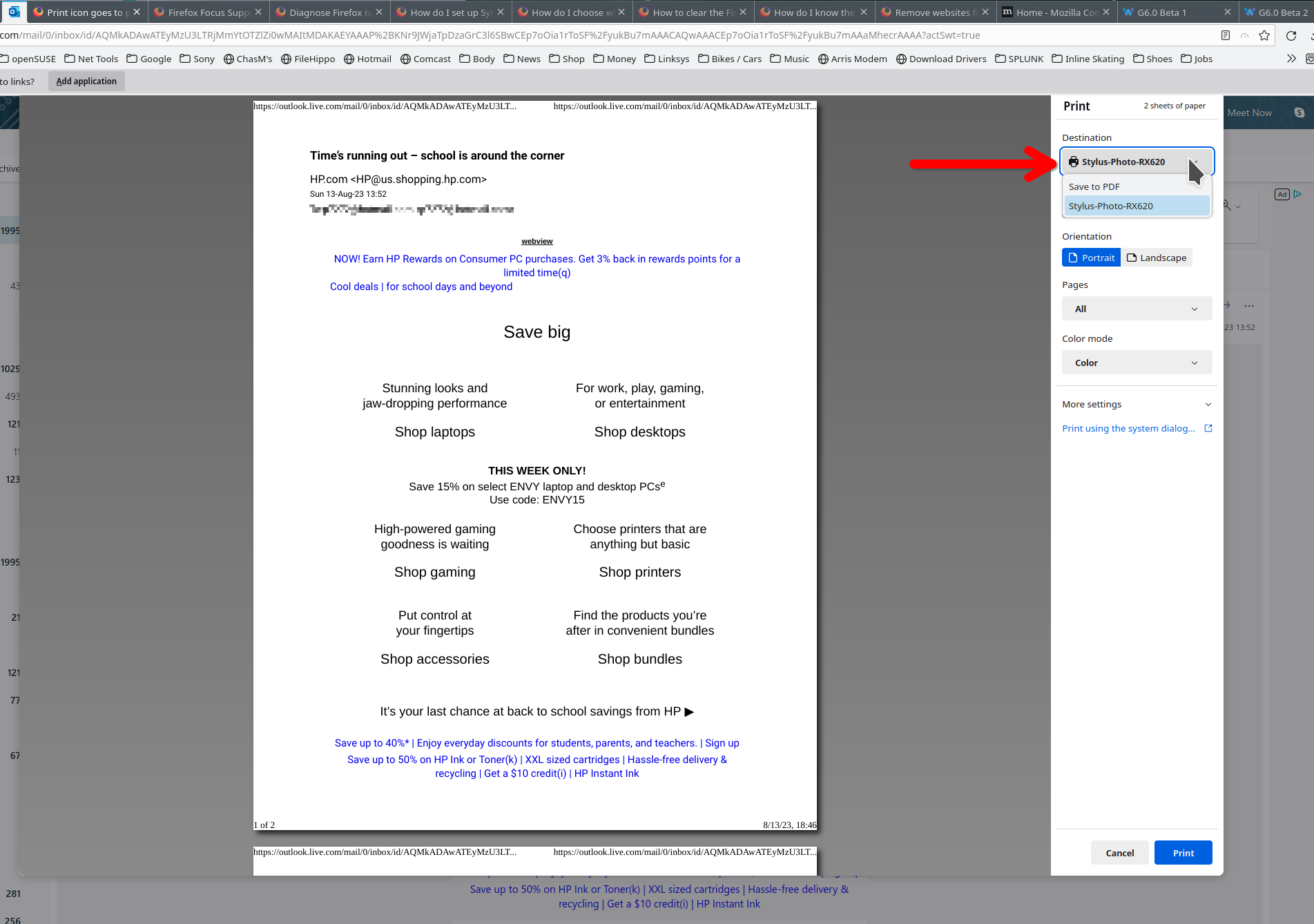
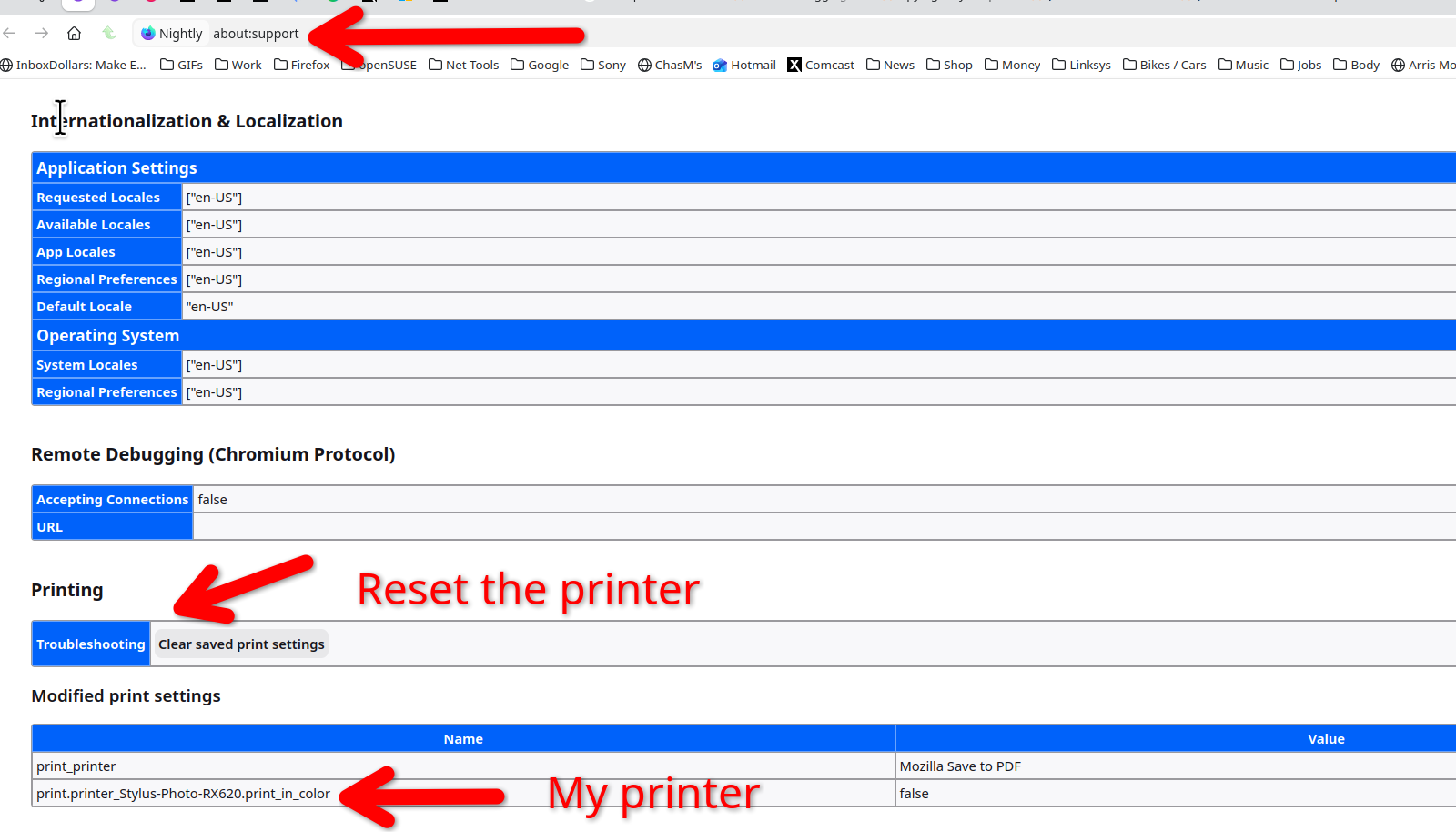
Show what Firefox is seeing for printers. see screenshot You can also try the reset option. see screenshot

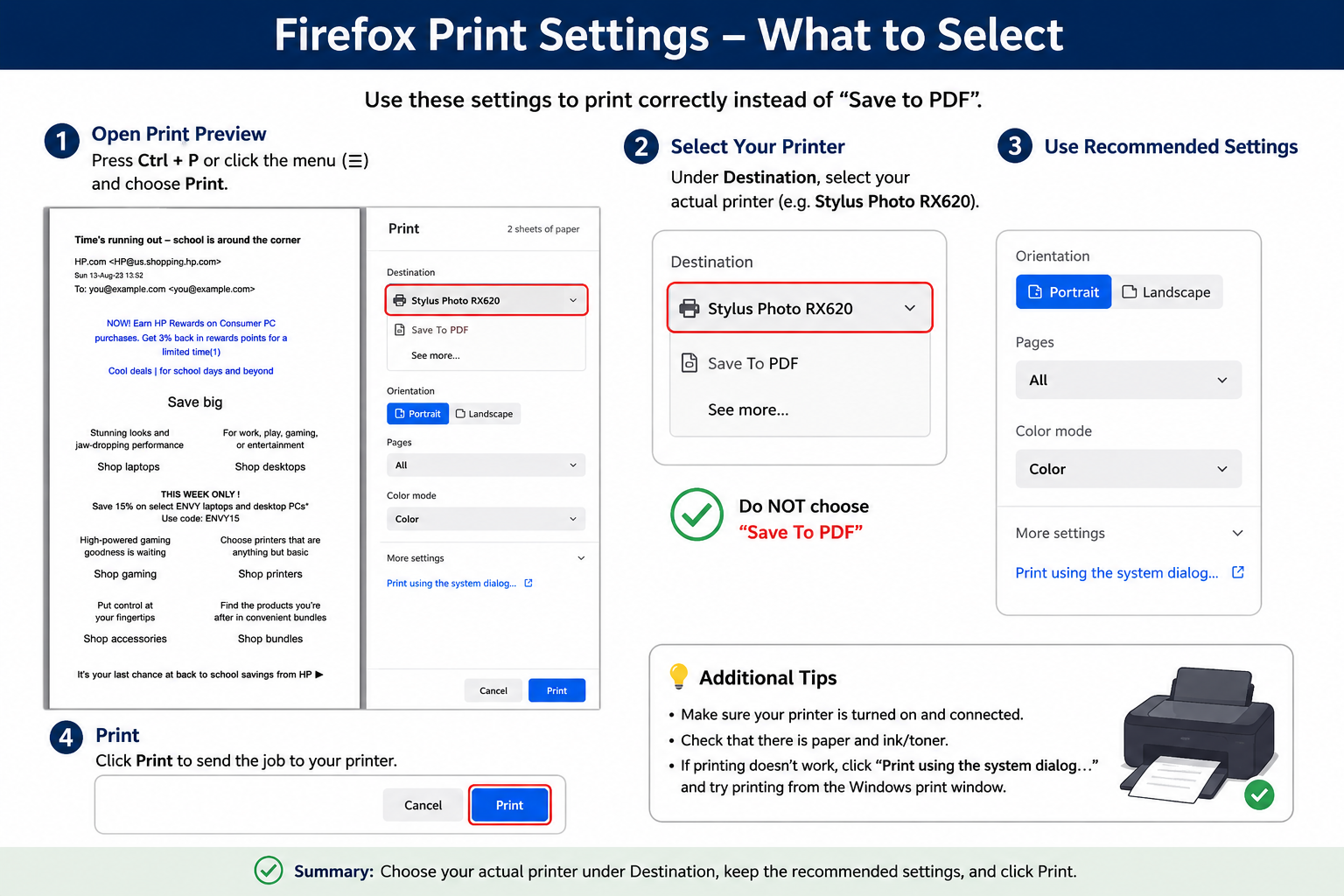
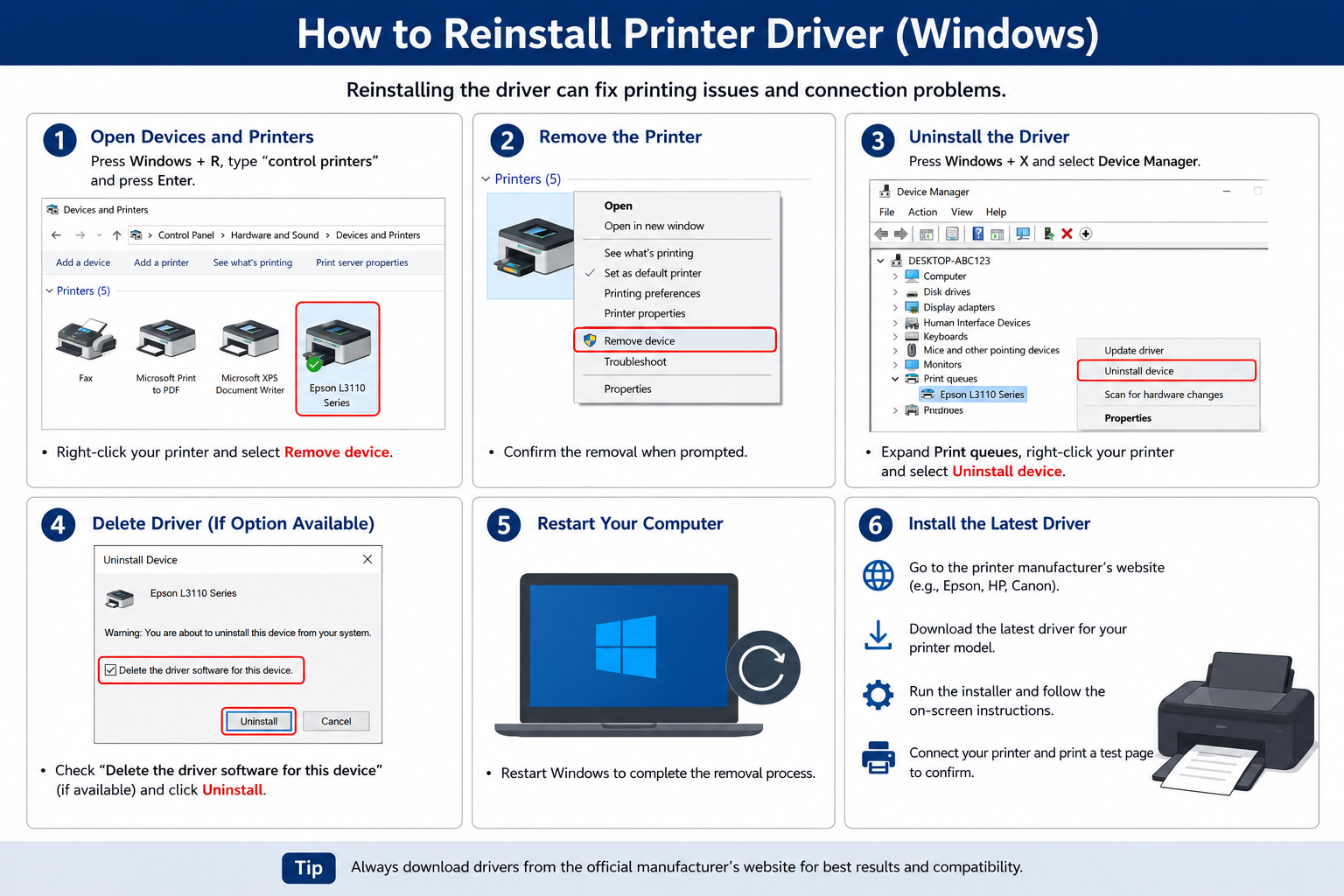
To reconnect Firefox to your printer, first make sure the printer is powered on and connected to the same network as your computer if you're using a wireless printer. Open Firefox and try printing a test page by pressing Ctrl + P. If the printer does not appear, reinstall the driver.