how to resize message pane

I upgraded to TB v115.10.1 and find it somewhat difficult versus previous app.
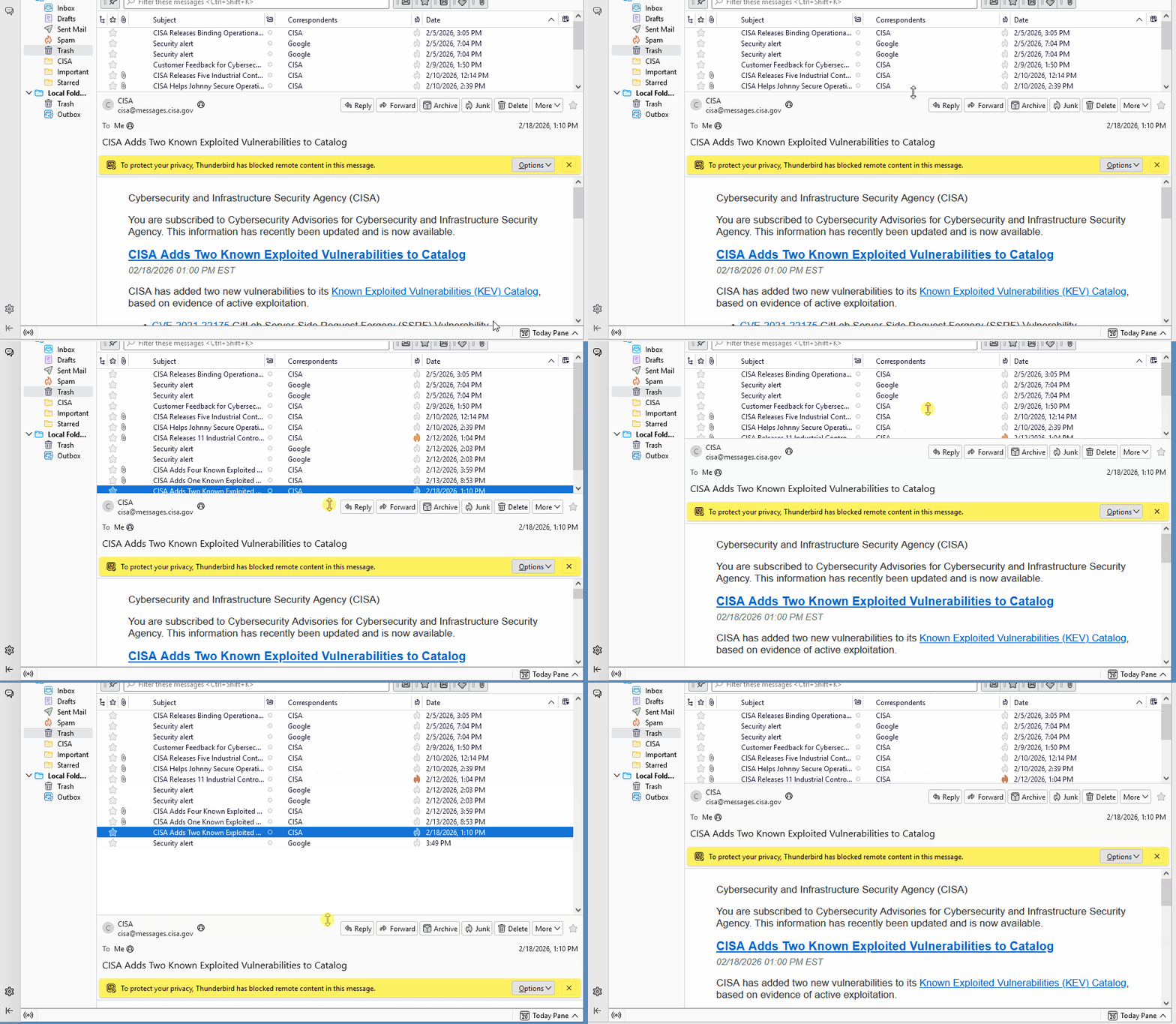
My problem is the same as with previous versions - I cannot resize the message pane. On Classic View left pane I have 20+ email accounts listed. On top right pane I have the inbox for a selected email account and takes 1/2 of window. On bottom right pane, the individual message displays with header and takes the other 1/2. The message pane height size can be reduced with mouse but not increased. I want it to take at least 3/4 of right pane to make previewing emails easier.
In older versions it was possible to do this but not for several years. Any suggestions as to how to edit the settings? Nothing seems to be available that I can see.
Thanks!
모든 댓글 (3)
And the 'folder pane toggler' may offer the ability to hide folder pane temporarily. It's a nice ability to hide the list of accounts when you're just reading messages.

I find I can drag the message pane up and down at will, but there does appear to be a limit as to how far you can drag the border upward. Is this what you're referring to? I don't know of a way around this behavior. The limit does not exist in later versions.
You can entirely hide and reveal the message pane by pressing F8.