


How can i remove Ai?

I despise ai in every use and way with a passion. Now, it gets spammed everywhere on this browser, with no apparent way to disable and/or remove that filth. I don't want to see it, ever! Why is it even on by default??? I don't want "chatbots", "Ai assistants" or any of that shit at all.
모든 댓글 (3)
Hi there,
We have indeed, several AI-powered features in Firefox but the good news is, you can absolutely control them, including turning them off if you prefer not to use them. Here's a quick overview:
- AI Chatbot in Firefox Sidebar. This feature allows access to AI chatbot from the sidebar. If it was enabled accidentally, you can disable it by unchecking the AI chatbot option in the Firefox tools section.
- AI-Powered Link Previews. AI is used here to enhance link previews with extra information. This is completely optional, and you’ll find steps to enable or disable it in the linked article.
- Smart Tab Groups. This uses AI to automatically group similar tabs. If you haven’t turned this on, it won’t affect your browsing. No action is needed unless you want to explore it and you’ll find steps to enable or disable it in the linked article.
- Alt Text Generation for PDFs. This feature uses AI to generate alt text for images in PDFs. It’s off by default, so you won’t need to do anything unless you choose to enable it.
- Perplexity Search Integration. Perplexity is being offered as an optional built-in search engine. If you prefer not to use it, you can remove it from your search engine list using the steps in the article.

Now make sure also the Sidebar won't come back with every goddamned update.
NO AI, NO SIDEBARS, NO ANALYTICS, jfc. I should get some other browser cuz mozilla is really going google recently.
Hello
Use the sidebar to access tools and vertical tabs https://support.mozilla.org/en-US/kb/use-sidebar-access-tools-and-vertical-tabs
Firefox AI controls https://support.mozilla.org/en-US/kb/firefox-ai-controls
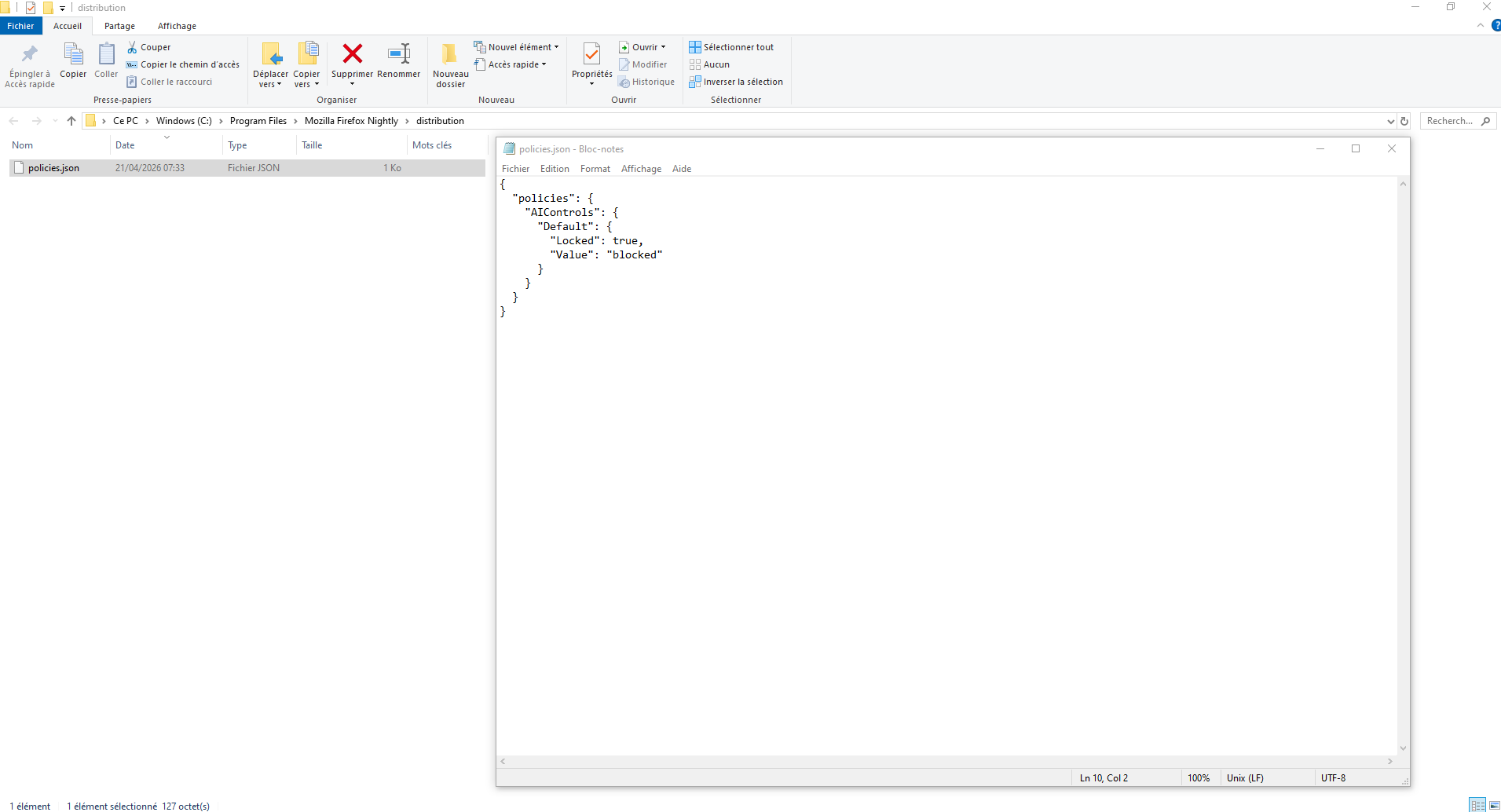
Other information Firefox policies https://mozilla.github.io/policy-templates/#aicontrols Enterprise Policy Generator https://www.camp-firefox.de/artikel/1182-großes-update-enterprise-policy-generator-8-0-firefox-firefox-veröffentlicht - https://addons.mozilla.org/firefox/addon/enterprise-policy-generator
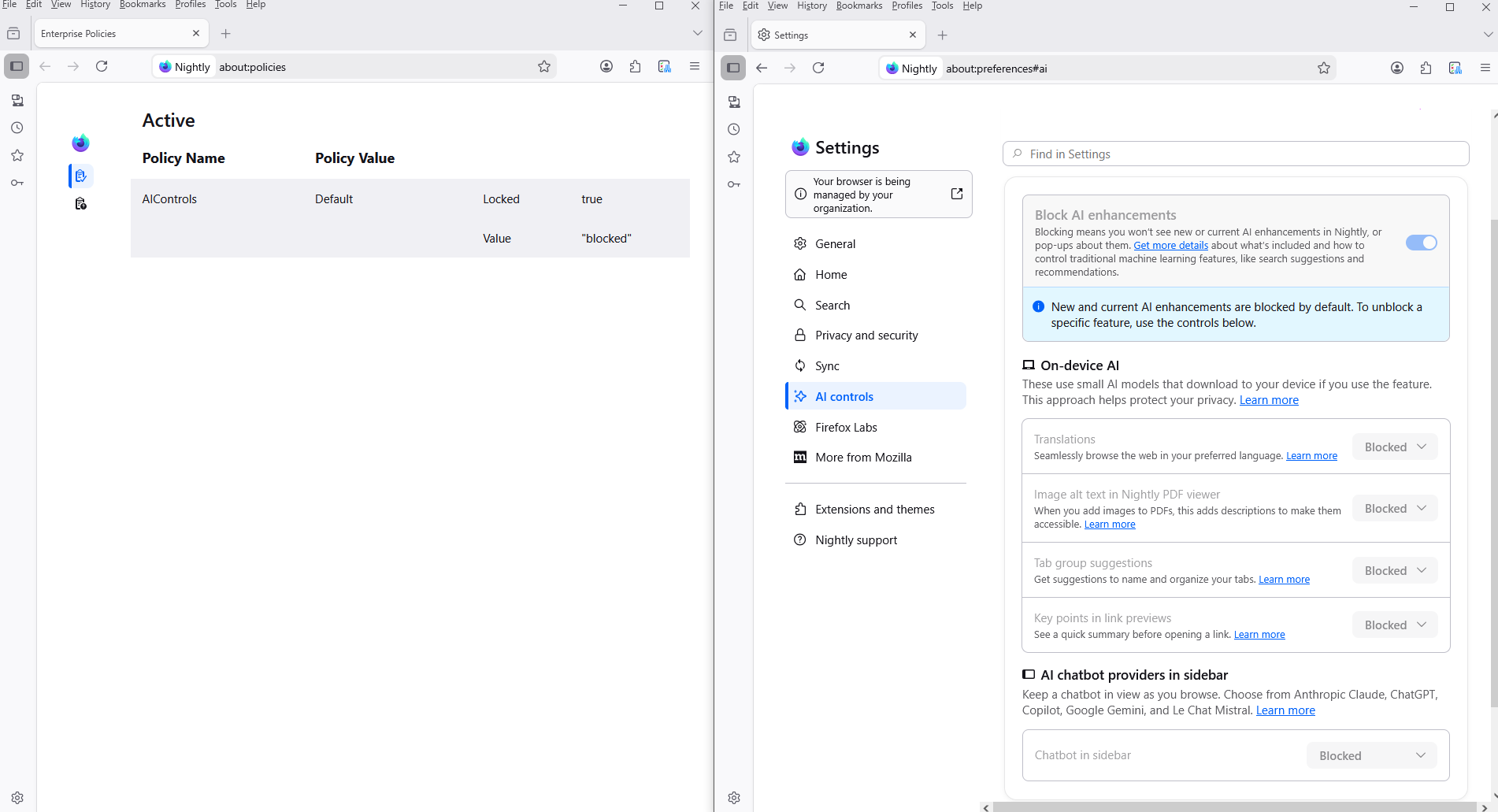
{ "policies": { "AIControls": { "Default": { "Locked": true, "Value": "blocked" } } } }
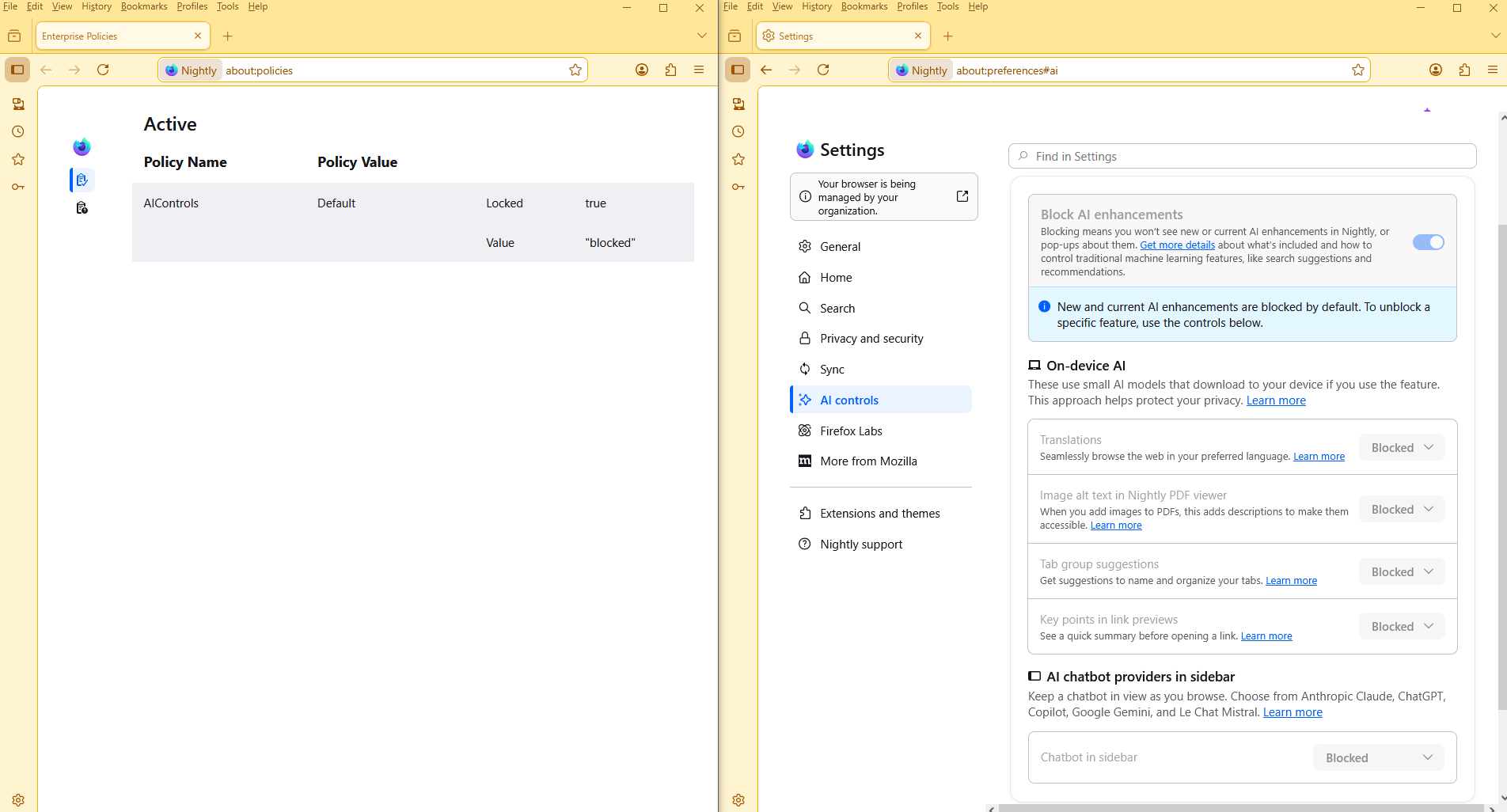
Restart Firefox Your browser is being managed by your organization Firefox policies affect all profiles
글쓴이 Agent virtuel 수정일시