

이 쓰레드는 보존되었습니다.
만약 도움이 필요하시면 새로운 질문을 올려주세요.

보존
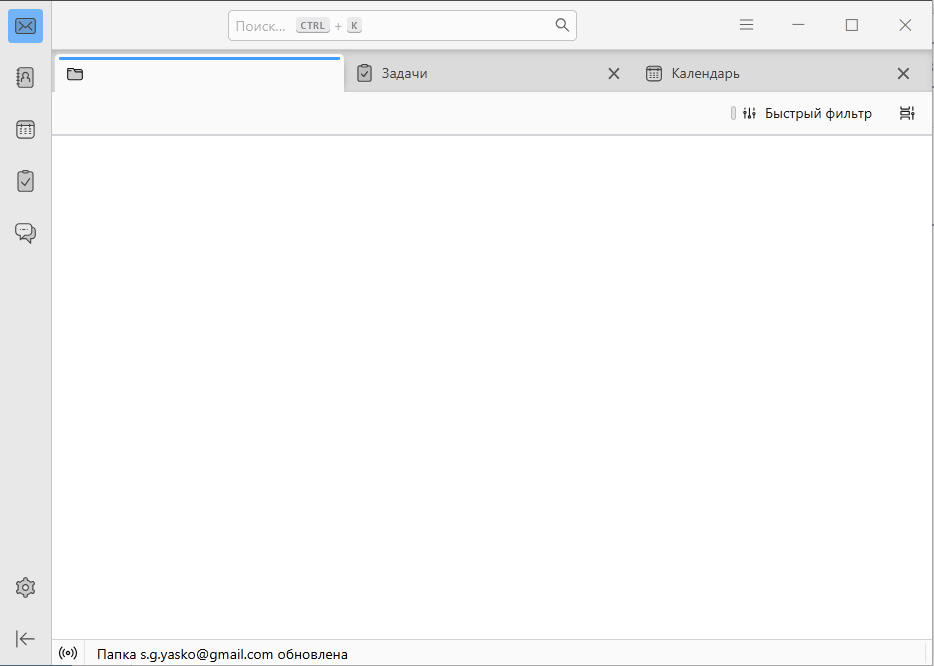
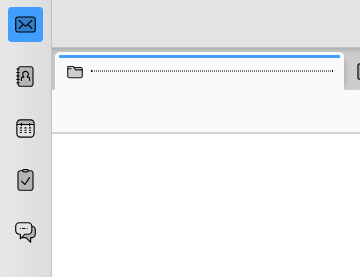
The Mail tab displays nothing.

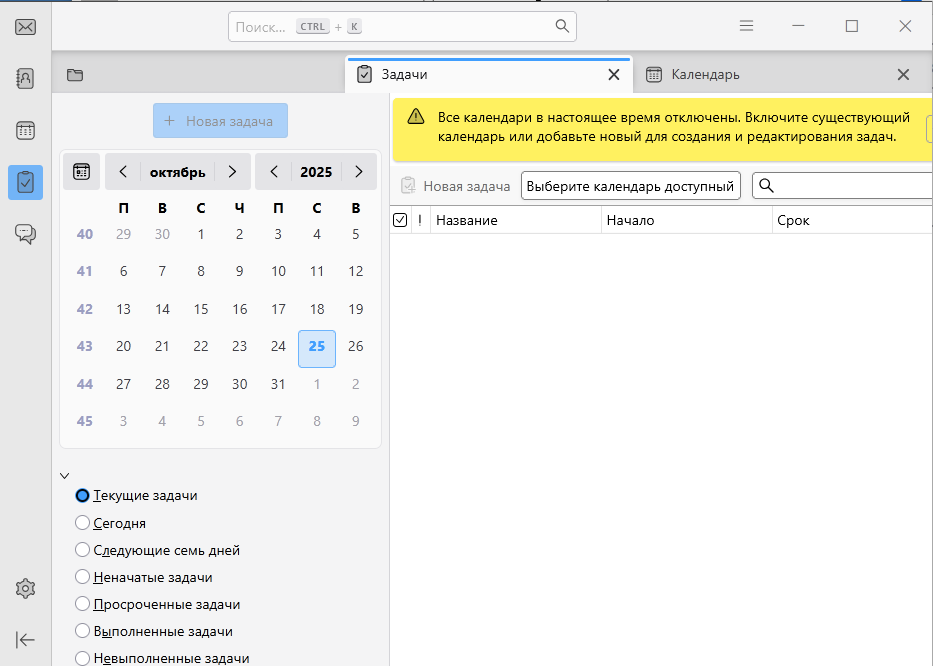
The Mail tab displays nothing. The other tabs display normally. Messages arrive. Messages open from the Windows notification area. How to fix this?
The Mail tab displays nothing. The other tabs display normally. Messages arrive. Messages open from the Windows notification area. How to fix this?
모든 댓글 (2)
If you start Thunderbird in troubleshoot mode is the issue the same? https://mzl.la/3AbU5jz
The tab was visible in Safe Mode. I had to delete the account and then re-add it. The issue was most likely a deleted or moved folder. As a result, the folders weren't syncing and the mail tab wasn't showing.