


Windows 10 reached EOS (end of support) on October 14, 2025. If you are on Windows 10, see this article.

Mozilla 도움말 검색

고객 지원 사기를 피하세요. 저희는 여러분께 절대로 전화를 걸거나 문자를 보내거나 개인 정보를 공유하도록 요청하지 않습니다. "악용 사례 신고"옵션을 사용하여 의심스러운 활동을 신고해 주세요.

자세히 살펴보기
보존

Accessing pinned favorites issue re-occurring

Erik Jones replied
msengel32

When I launch Firefox iOS for mobile and press on any of my pinned favorites, nothing happens. To actually access the pinned favorites or recently accessed browser pages it is now a 3-step process instead of 1. The first step is to press AND hold the favorite you want to access. When depressed, a menu of options appears which gives the user the option to choose “Open in new tab.” When the “Open in New Tab” option is chosen a blue banner appears below that reads “Open in new tab” at which point the favorite or recently visited site opens up. This had been going on for months until about a week ago but is back again and it is annoying!!!
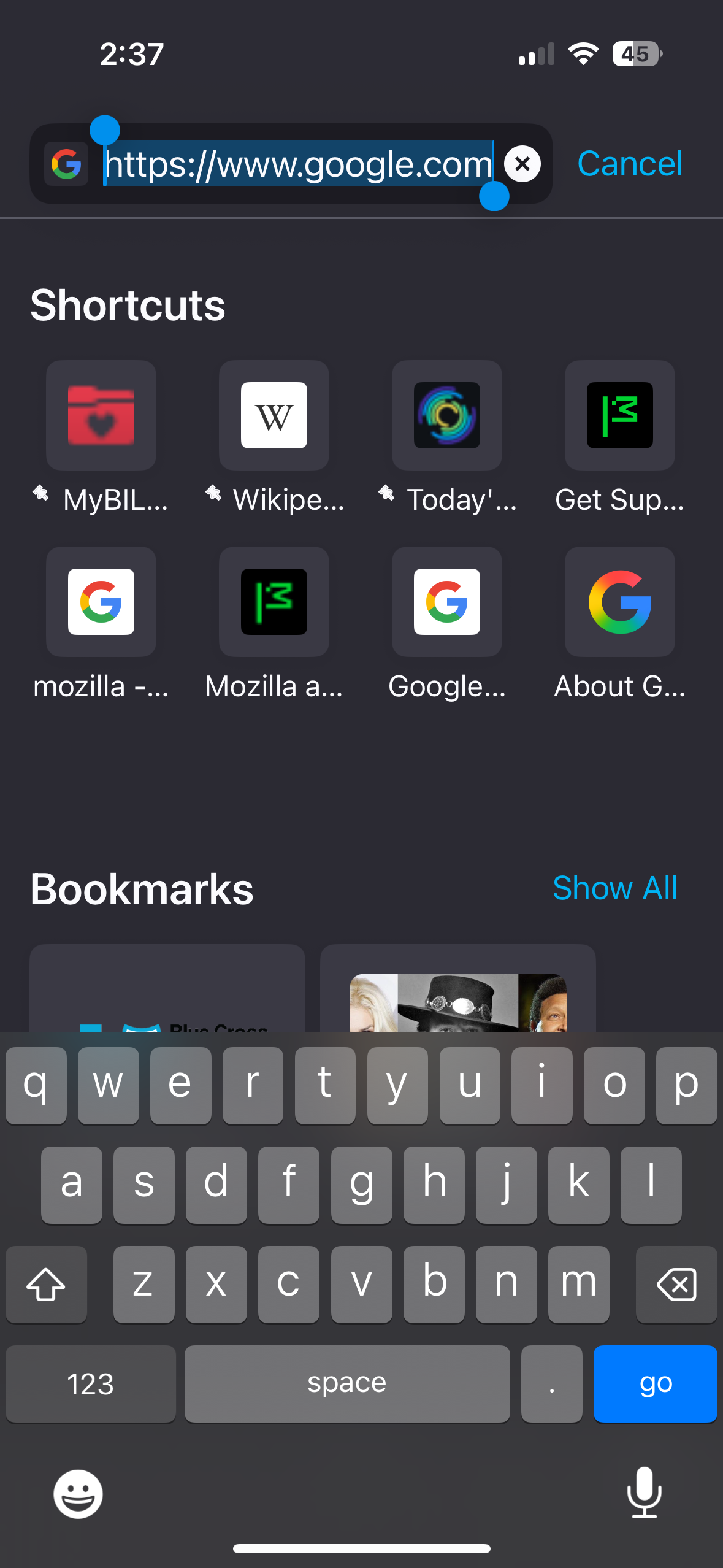
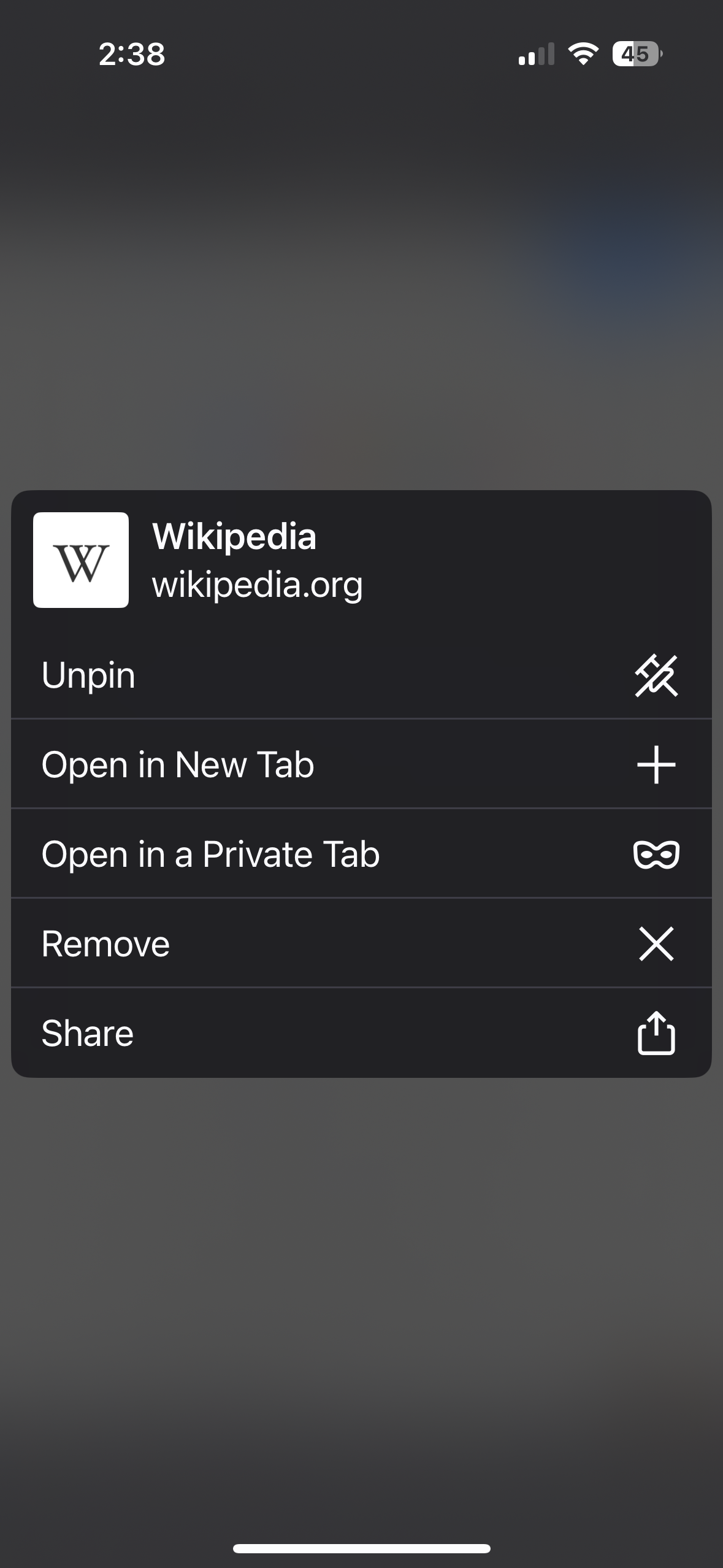
When I launch Firefox iOS for mobile and press on any of my pinned favorites, nothing happens. To actually access the pinned favorites or recently accessed browser pages it is now a 3-step process instead of 1. The first step is to press AND hold the favorite you want to access. When depressed, a menu of options appears which gives the user the option to choose “Open in new tab.” When the “Open in New Tab” option is chosen a blue banner appears below that reads “Open in new tab” at which point the favorite or recently visited site opens up. This had been going on for months until about a week ago but is back again and it is annoying!!!
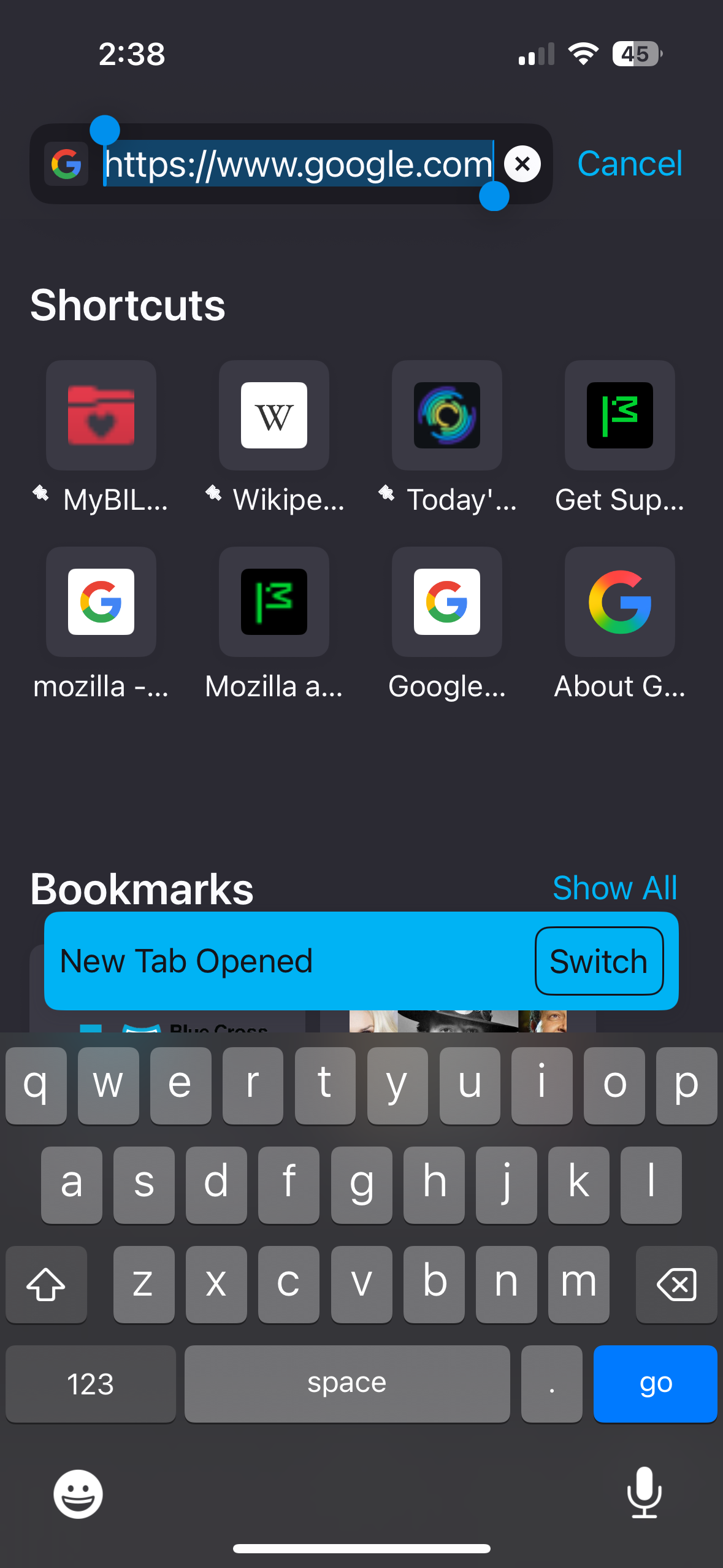
첨부된 스크린샷

모든 댓글 (1)

Same here. Only difference is I did not have this problem over the last few weeks like you seem to have, but it started with the last update and it's really annoying because I cannot click on any of my favorites.