Windows 10 reached EOS (end of support) on October 14, 2025. If you are on Windows 10, see this article.

Mozilla 도움말 검색

고객 지원 사기를 피하세요. 저희는 여러분께 절대로 전화를 걸거나 문자를 보내거나 개인 정보를 공유하도록 요청하지 않습니다. "악용 사례 신고"옵션을 사용하여 의심스러운 활동을 신고해 주세요.

자세히 살펴보기

unable to use x.com

  • 5 답장
  • 0 이 문제를 만남
  • 343 보기
  • 최종 답변자: 79522270892
  • 보존

Hello, for some time now, firefox focus is unable to load the x.com homepage; the app instantly tries to launch the X app. A provate tab in Firefox does NOT have the same issue. Please help and consider me available if you need to investigate further. Many thanks Alberto
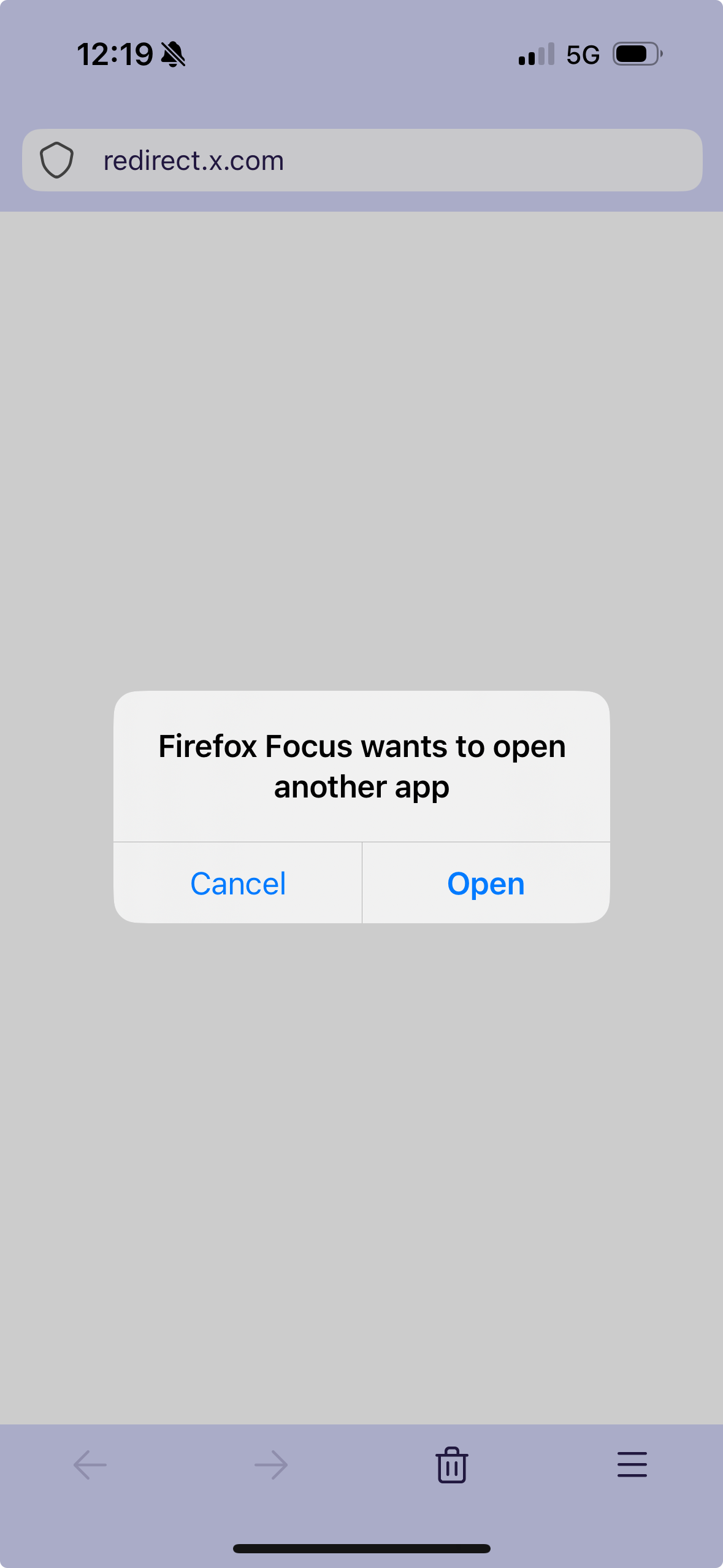
Hello, for some time now, firefox focus is unable to load the x.com homepage; the app instantly tries to launch the X app. A provate tab in Firefox does NOT have the same issue. Please help and consider me available if you need to investigate further. Many thanks Alberto
첨부된 스크린샷

모든 댓글 (6)

FireFox Foxus - top right corner, 3 dots - settings - advanced/developer tools - toggle open links in app off

Uhm, I don't have the "advanced" line in my settings, which hopefully explains why I haven't seen it :-P

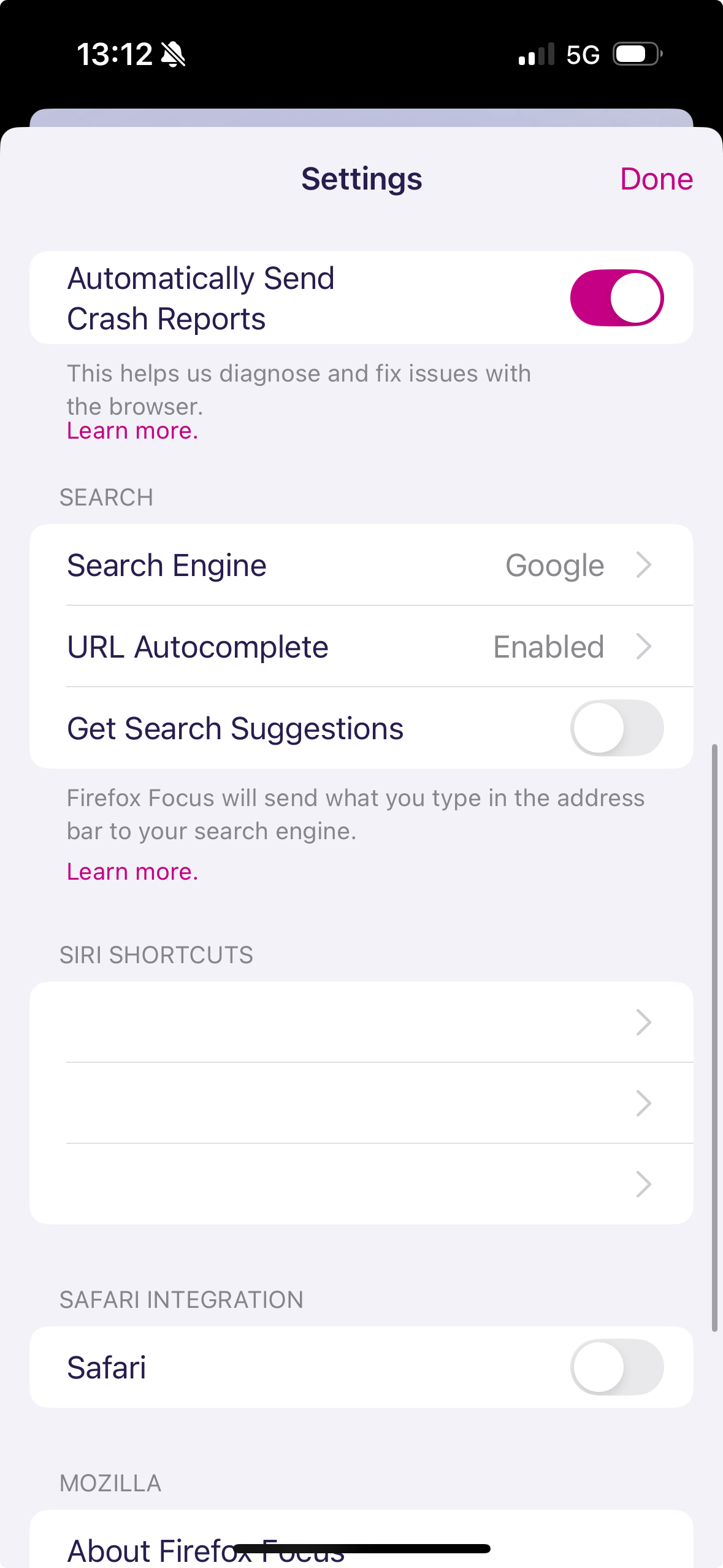
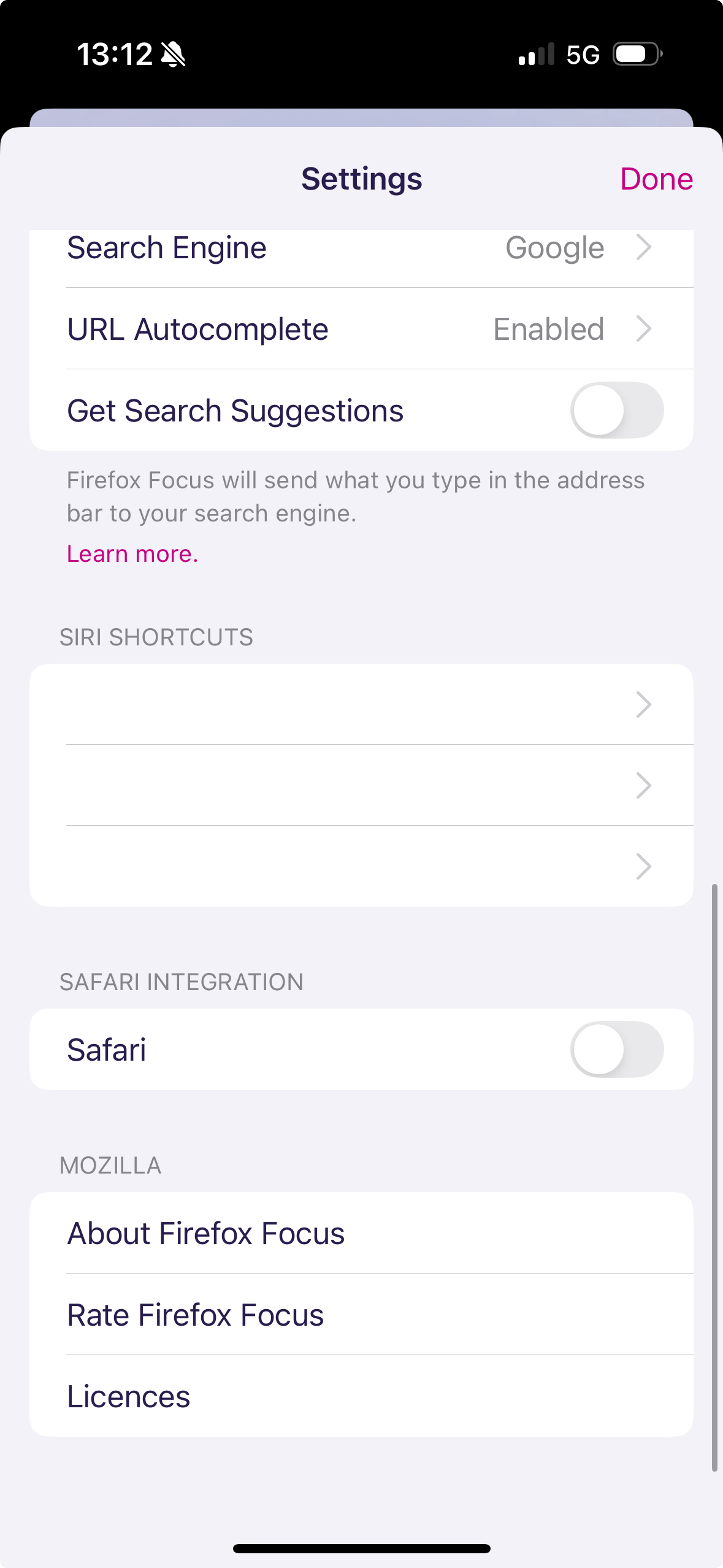
See pictures

Thanks

Alberto
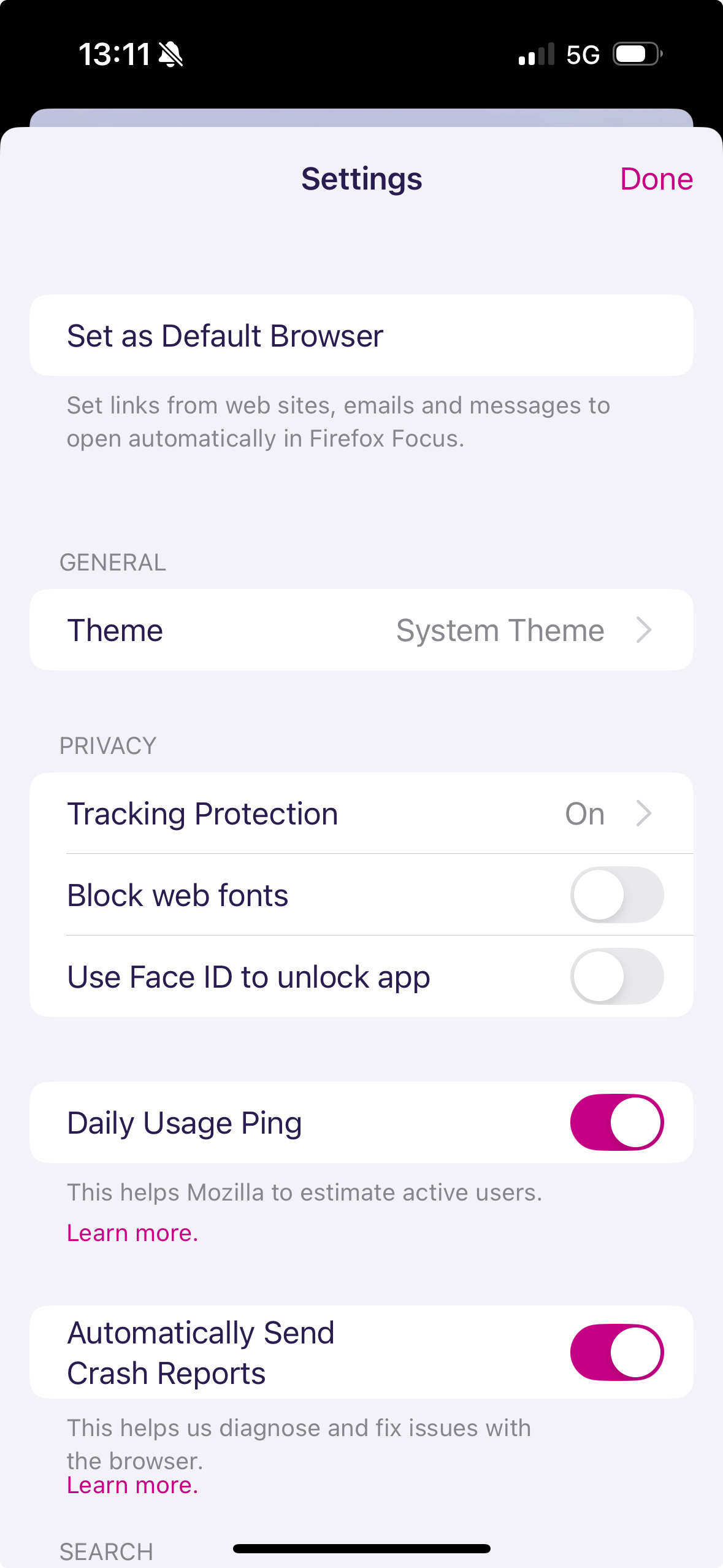
Oh, sorry, I wasn't paying attention, this is iOS, not Android. Unfortunately, I have no experience. Search for something similar in meaning in the settings. The point is that URLs are not opened in applications

In the FireFox IOS thread, they will probably answer faster

https://mzl.la/3WhPWG9 Instructions for disabling this behavior in the full version of FireFox

This seems like a Firefox Focus issue, possibly caused by app linking or cached data. Clearing the app data or disabling X app link handling might fix it. I noticed similar link behavior while testing links on my Slushy Noobz Merch Page, so this issue definitely stood out to me. https://slushynoobz-merch.com/

글쓴이 Aron Smith 수정일시