



모든 댓글 (3)
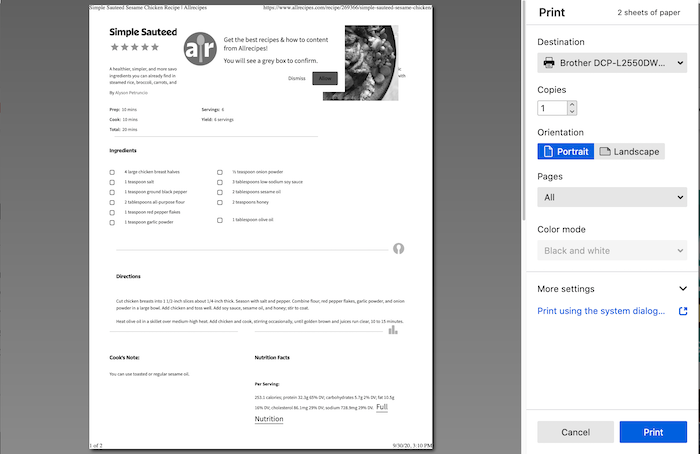
See this image. A list of your printers is in the Destination drop-down.
s.cure said
How do I change printer?
Just go to your Mac’s System Settings → Printers & Scanners, hit the “+” button to add your new printer, then select it as the default. You can remove the old one if you want.
s.cure said
How do I change printer?
Just click the Destination drop-down at the top of the print window and select a different printer from the list. If you don’t see the one you want, make sure it’s installed on your computer first. 👍