


Mobile device Firefox synching

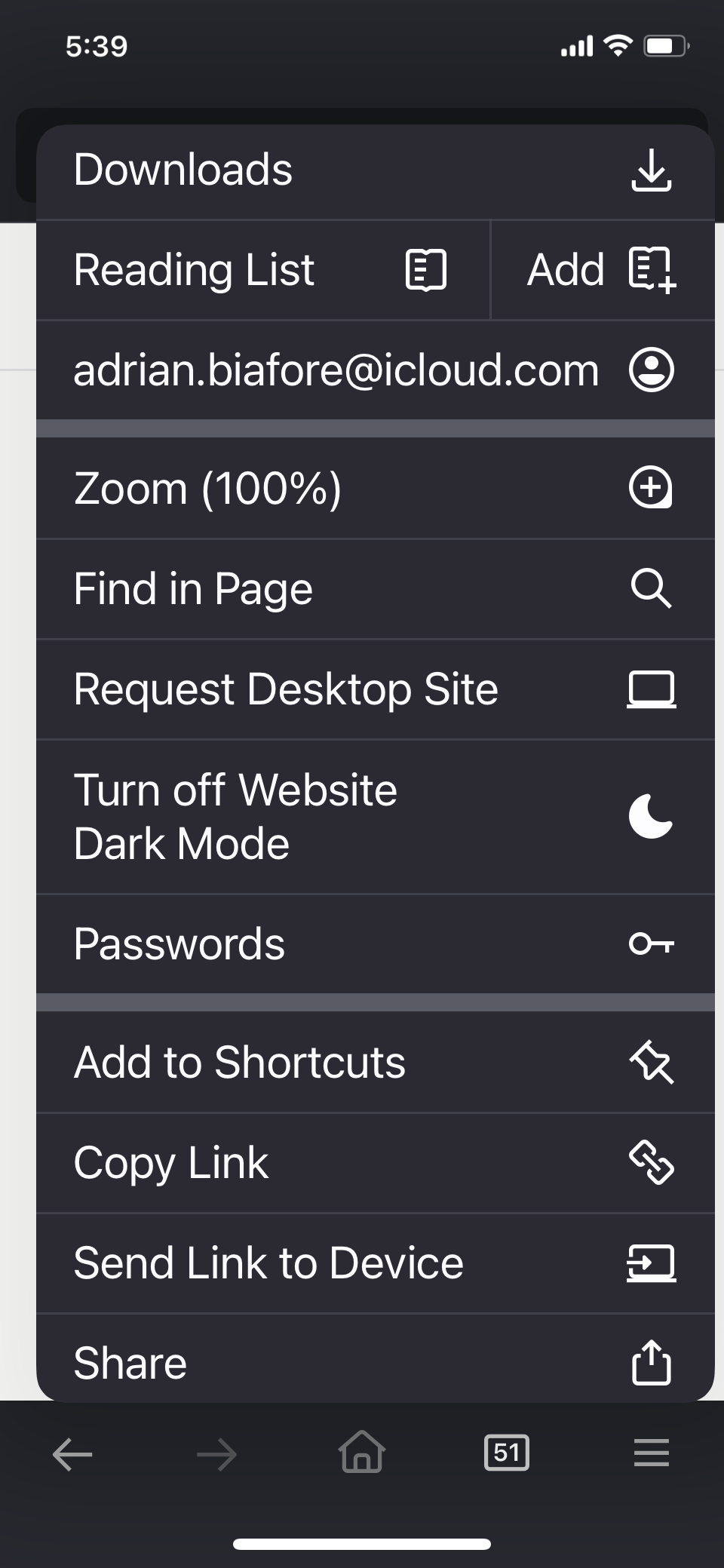
Where is the “Synch and Save Data” option in my iPhone Firefox app settings? This option is not showing in my Firefox mobile app settings.
모든 댓글 (3)
Hello,
That's because you're already signed in. Now tap your email address to set up Sync (I can't see the Settings option in your screenshot so I assume that's the right way).
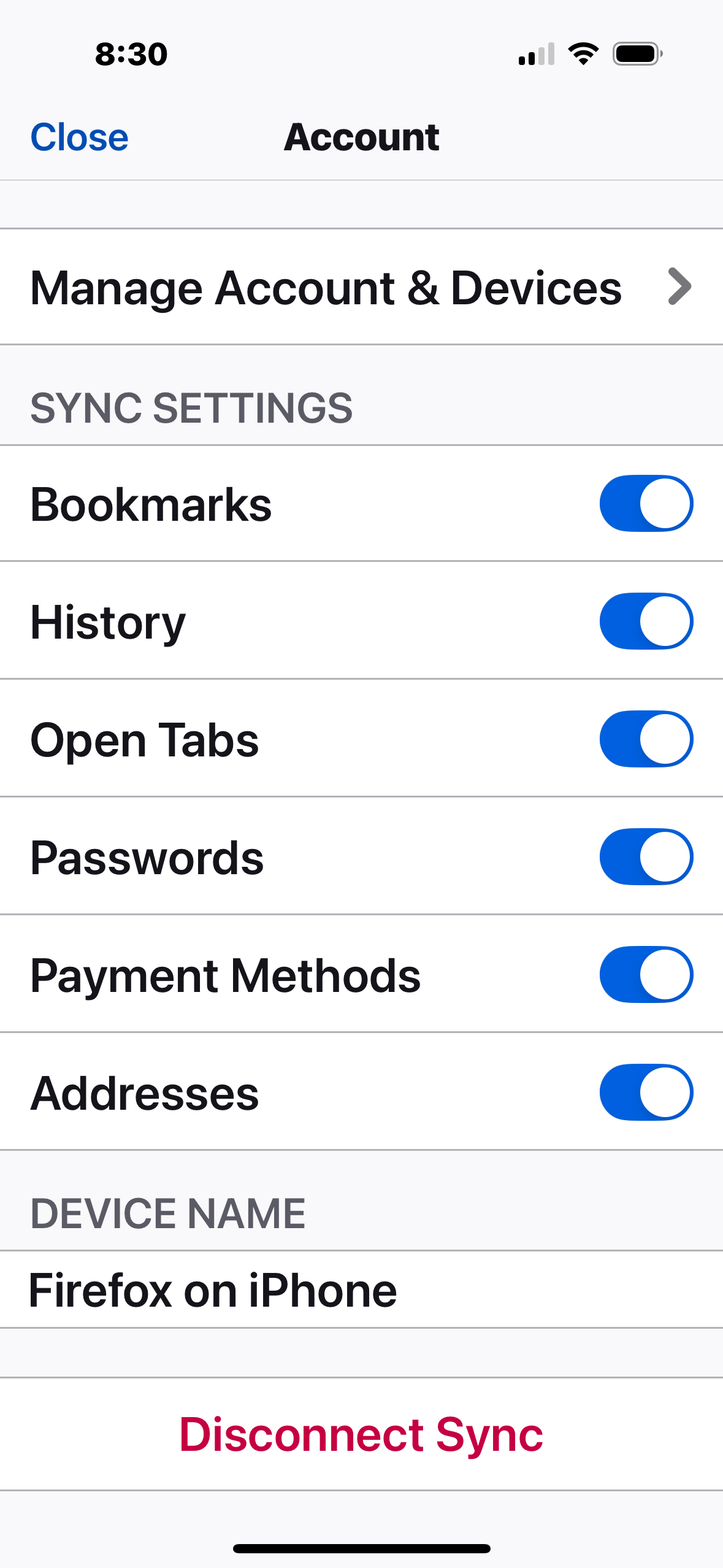
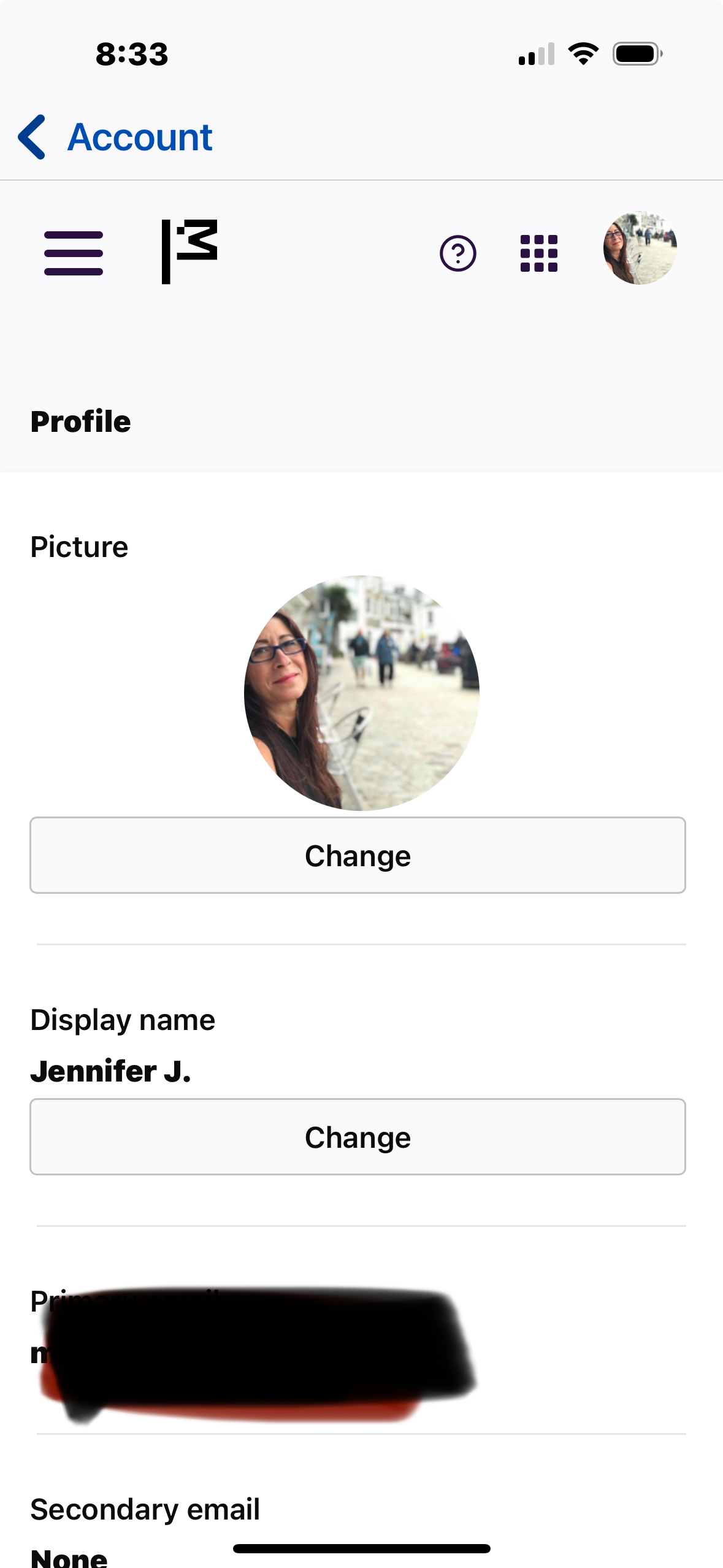
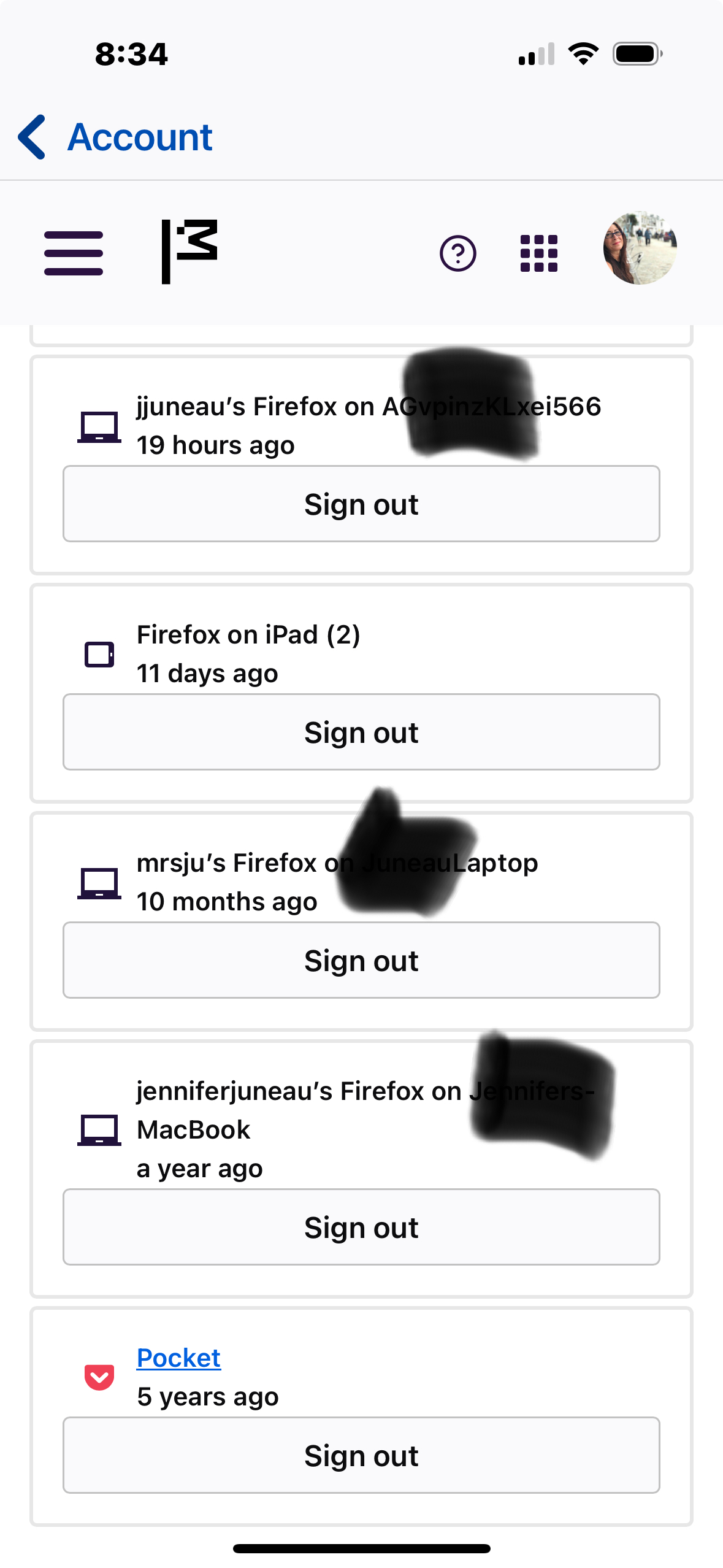
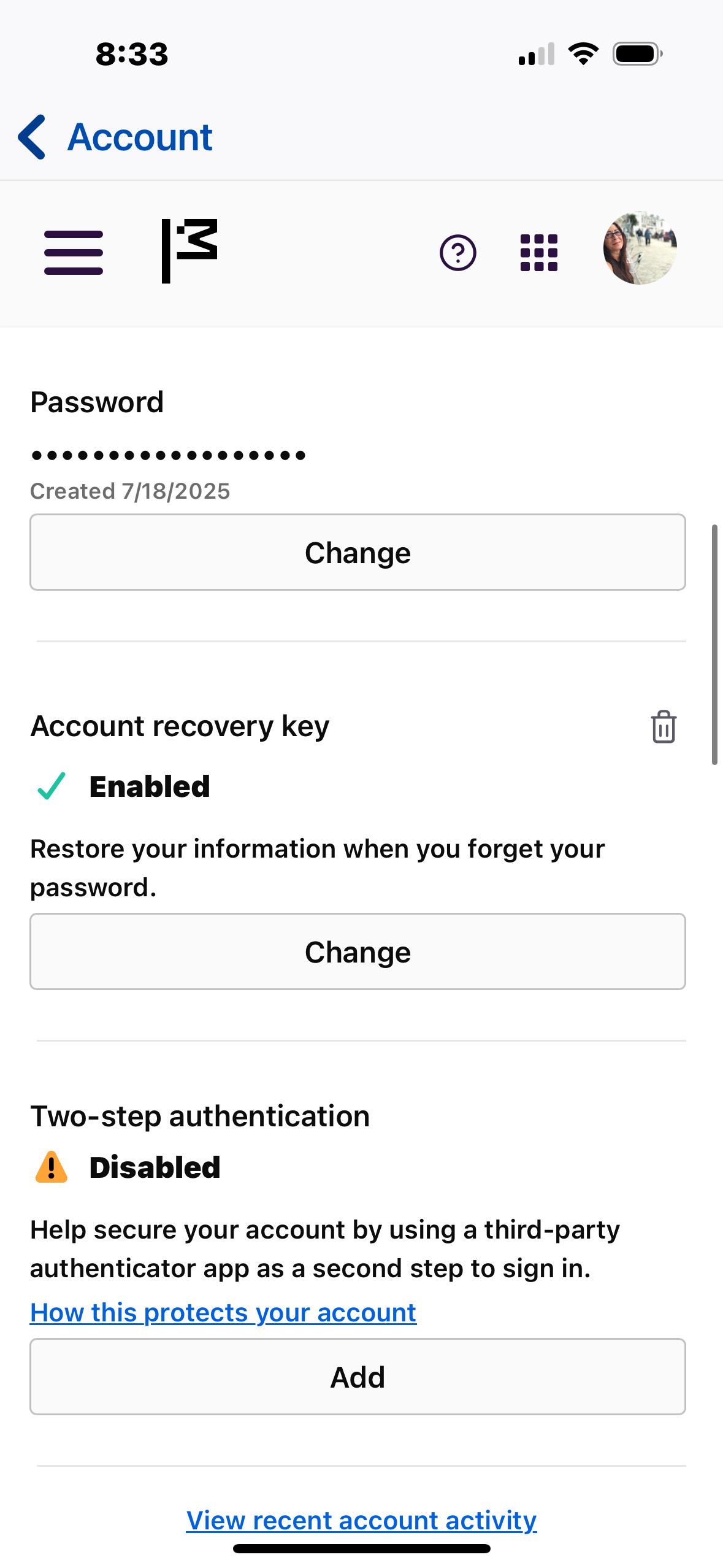
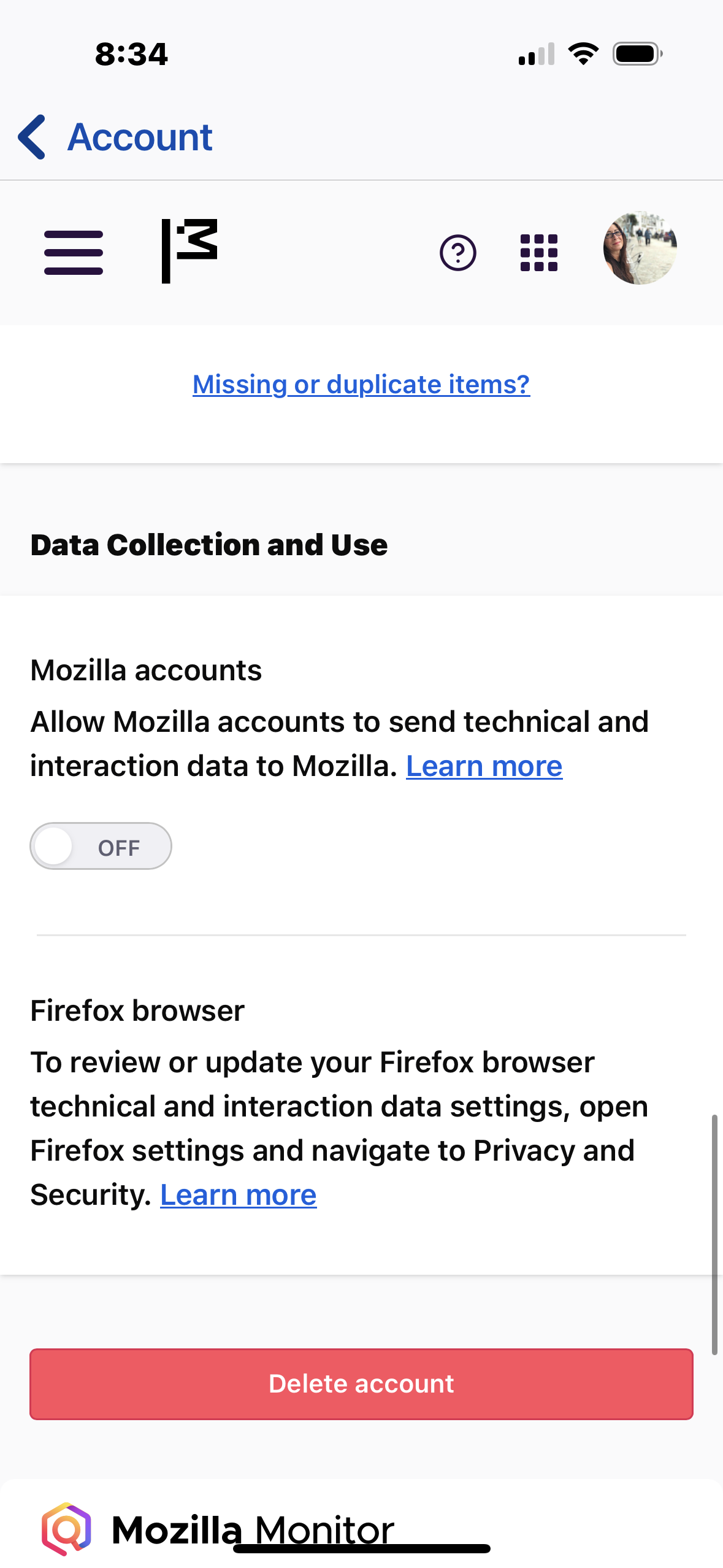
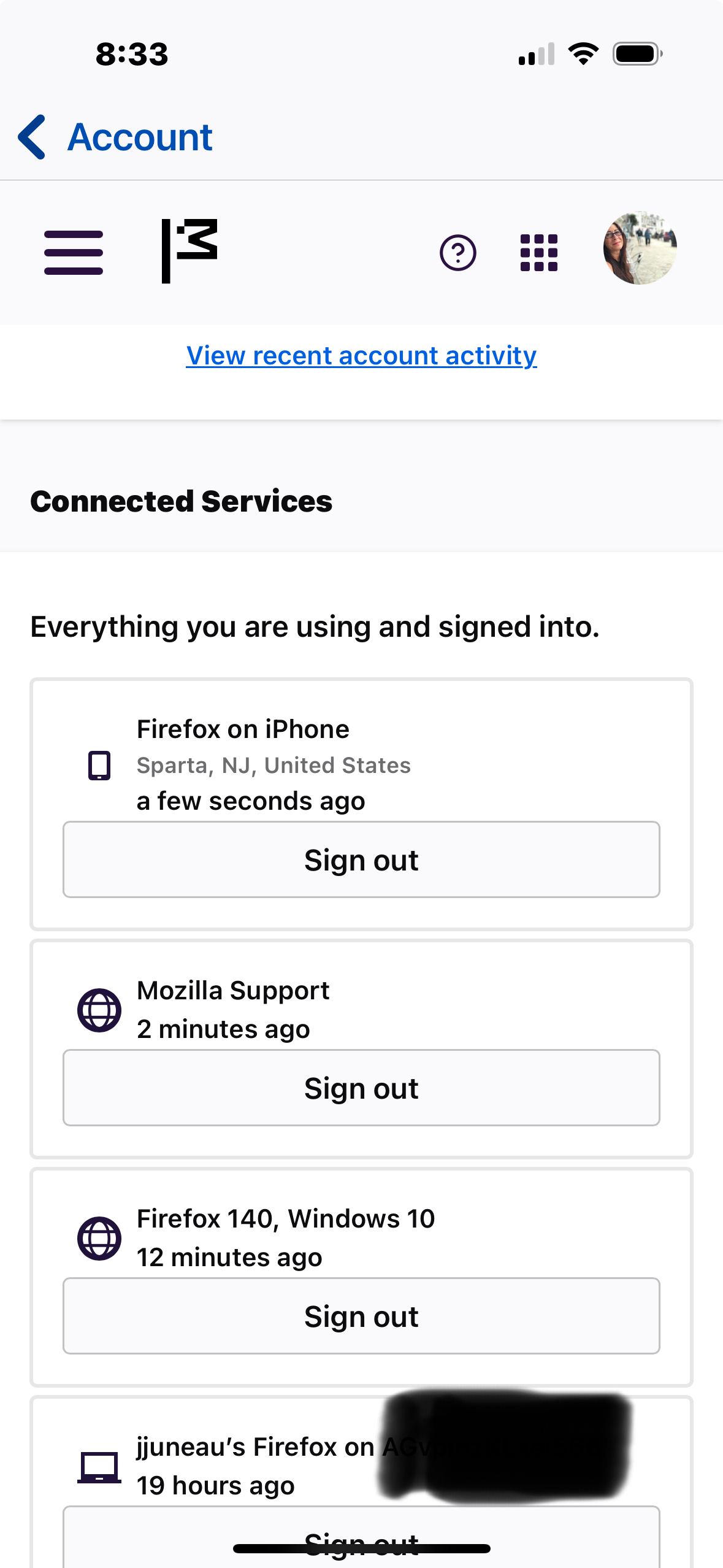
I tapped and i still have no option to synch. It shows I am signed into the new pc i want to synch to, but the pc wants me to scan the QR code to synch. So its is not set up.
Pics below.
Hi, thank you for getting back!
Firefox should be already syncing. You don't need to scan the QR code since your device is already connected.
To force sync, I believe you should head to the Settings and the button will be right under your account name.