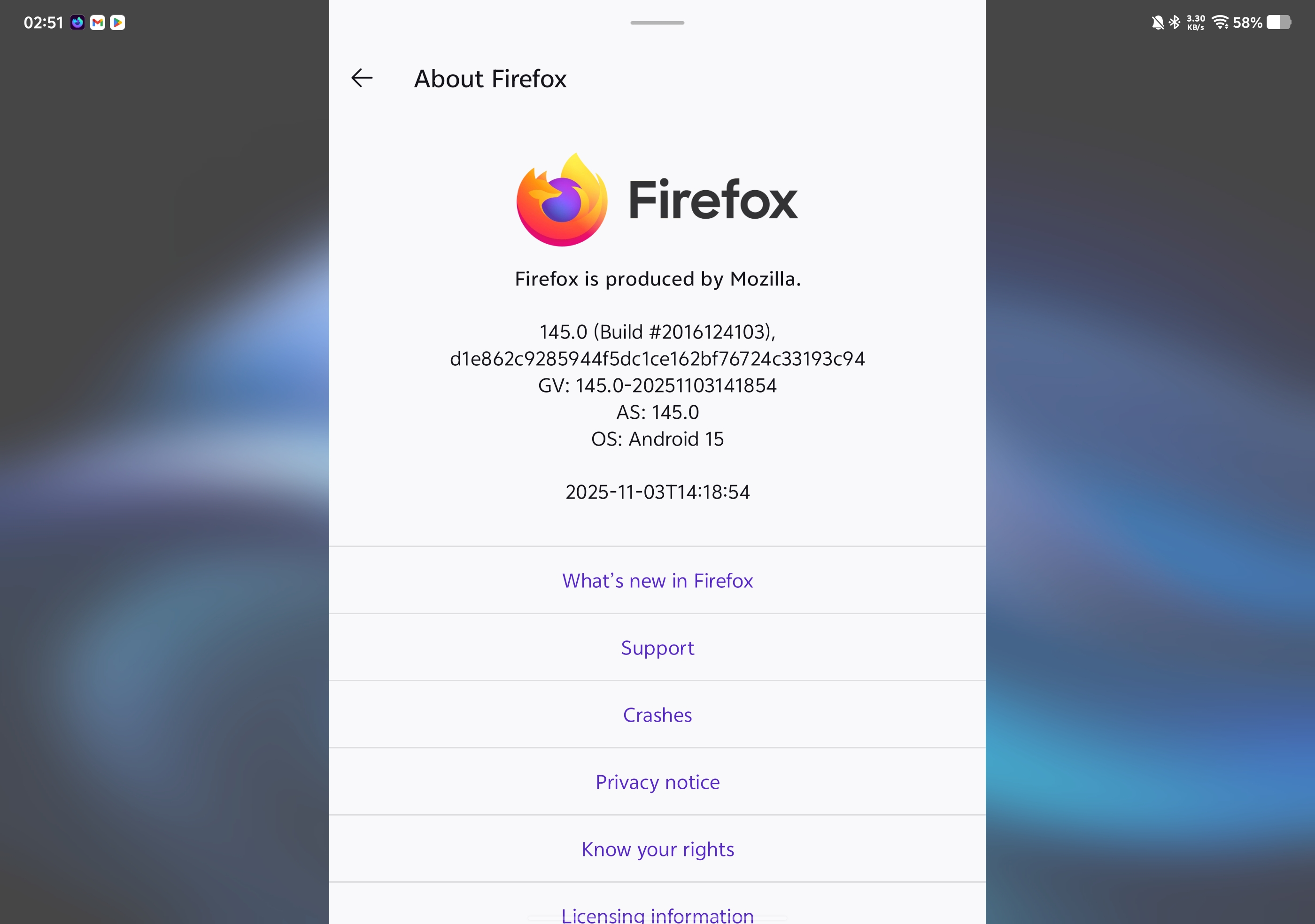
Firefox doesn't use the full screen under landscape mode

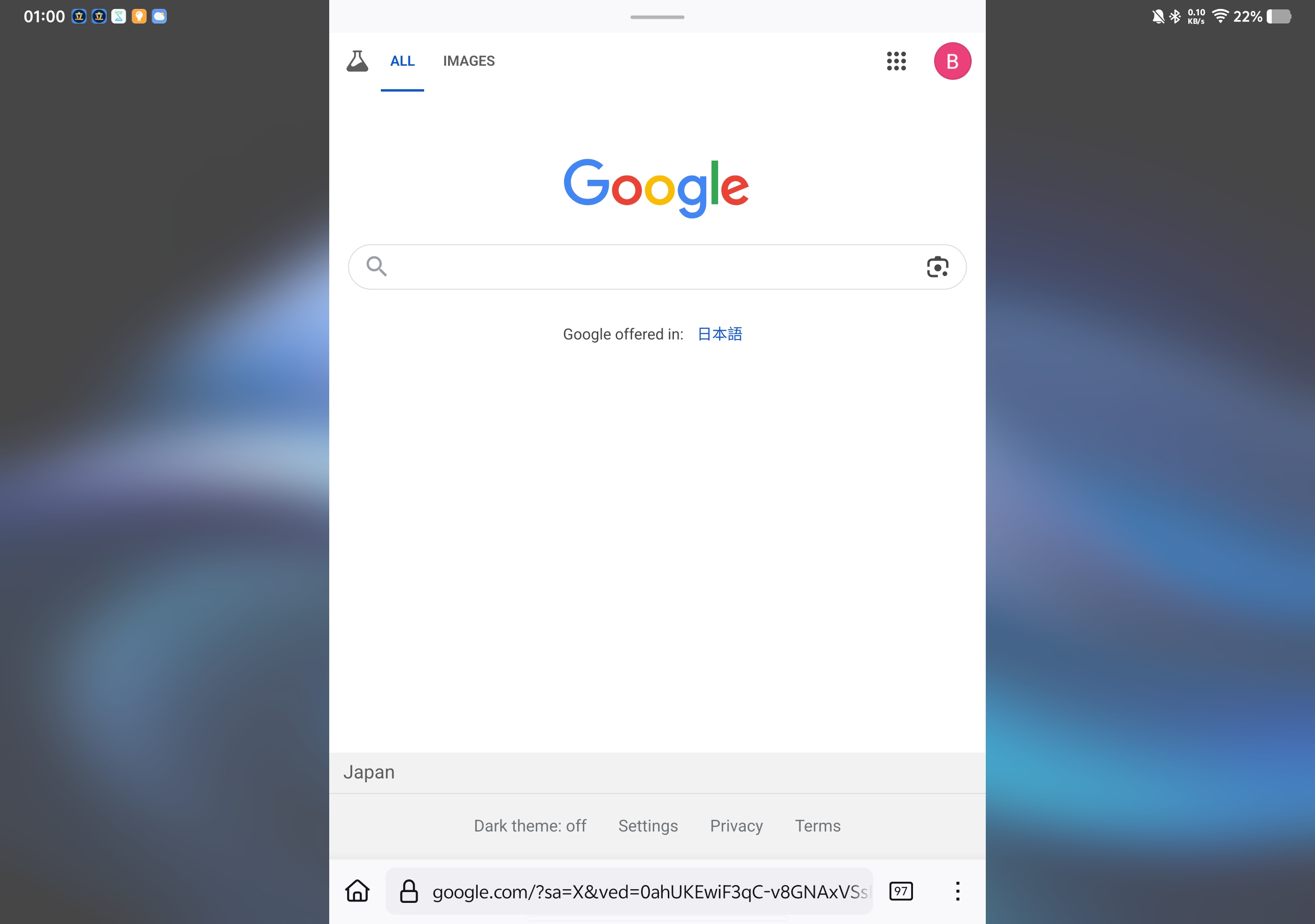
I have a vivo pad 3, and when I'm using it in landscape mode, the firefox app would only occupy part of the screen, leaving the two sides empty. It used to work fine and I don't know what made it to behave like this since I didn't touch the settings, and no other app is like this.
선택된 해결법
I also have this problem, but later I found it normal in Firefox Nightly, you can also have a try. I hope it helps you.
문맥에 따라 이 답변을 읽어주세요 👍 1모든 댓글 (8)
Hi there,
We have a difficult time replicating this issue and believe that this is a device-specific bug. For more details, see https://bugzilla.mozilla.org/show_bug.cgi?id=1969918.

선택된 해결법
I also have this problem, but later I found it normal in Firefox Nightly, you can also have a try. I hope it helps you.
Hey Max,
Thanks for chiming in. If this works fine on Nightly, I bet it'll also be fixed in the next version(s). Please keep an eye on future's update!
I can confirm that it works fine on nightly. Thank you, Max and Kiki!
bowencui36 said
I can confirm that it works fine on nightly. Thank you, Max and Kiki!
Happy to help. And thanks to you for marking a solution. It'll greatly help others with the same problem.
Kiki さん曰く
bowencui36 said
I can confirm that it works fine on nightly. Thank you, Max and Kiki!Happy to help. And thanks to you for marking a solution. It'll greatly help others with the same problem.
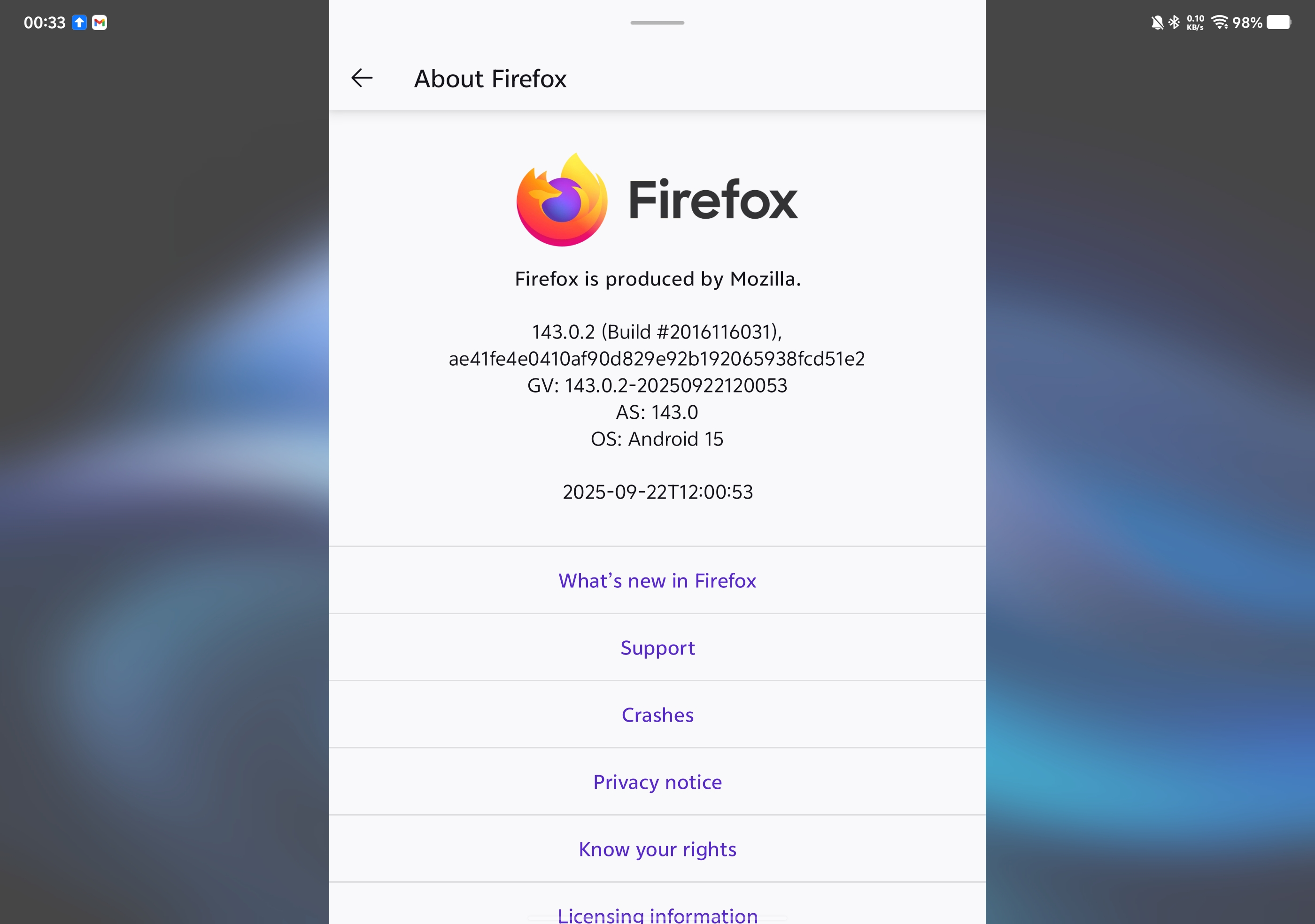
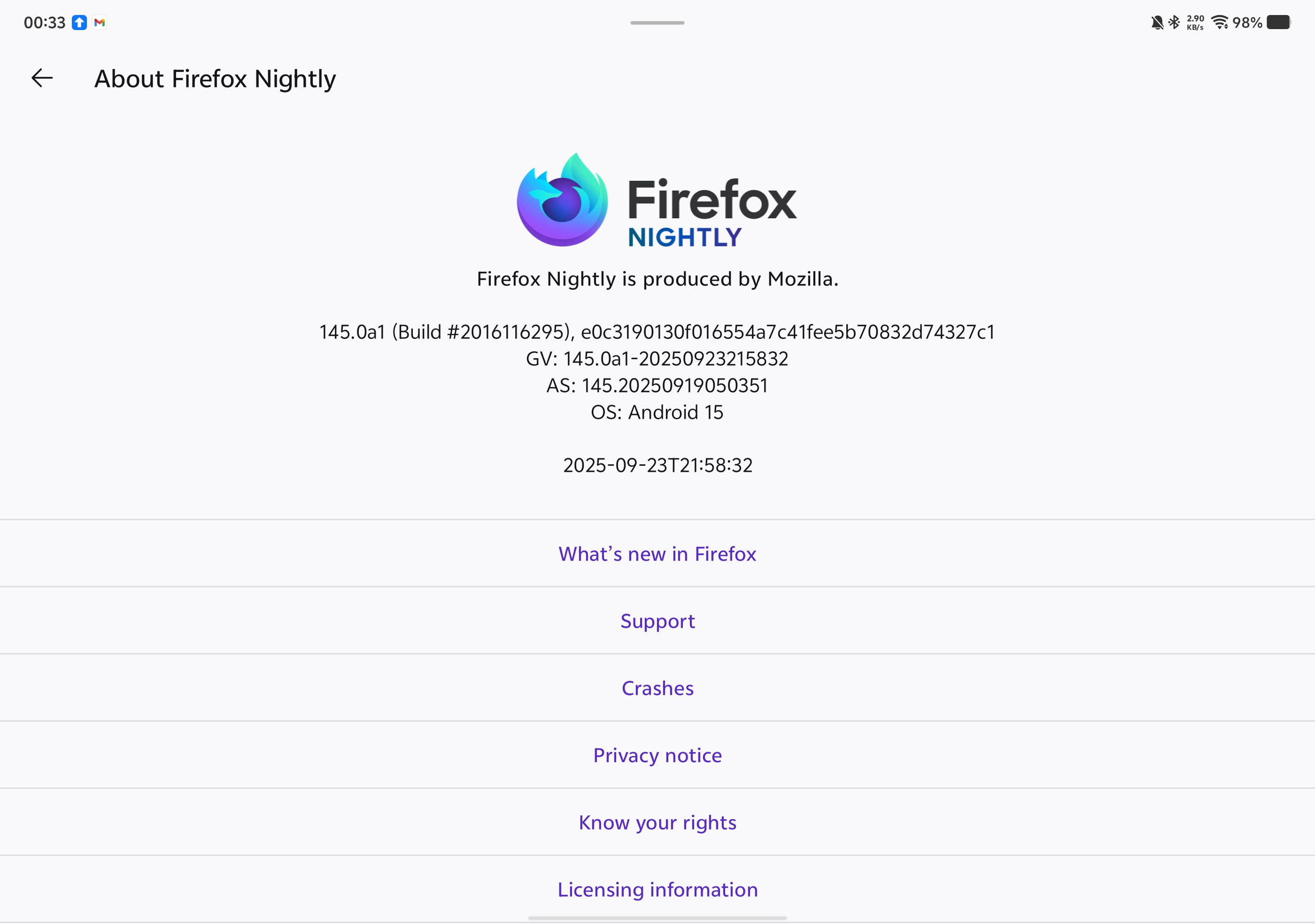
Hello, it's been 3 months and unfortunately this issue still persists in the official stable release on Google Play. The nightly release still works fine though. I have attached two screenshots comparing the two versions.
Hi there,
It looks like the Nightly version is 145 and we're at 143 on Release at the moment. You may need to wait a bit more. In the meantime, I'd recommend using the Nightly version while waiting for the fix on the release version.
Now I'm using Firefox 145 from the play store and the problem persists. Firefox nightly 146.0a1 still works fine just like before. Please address this issue if possible, thanks.