


Export Firefox bookmarks to an HTML file to back up or transfer bookmarks

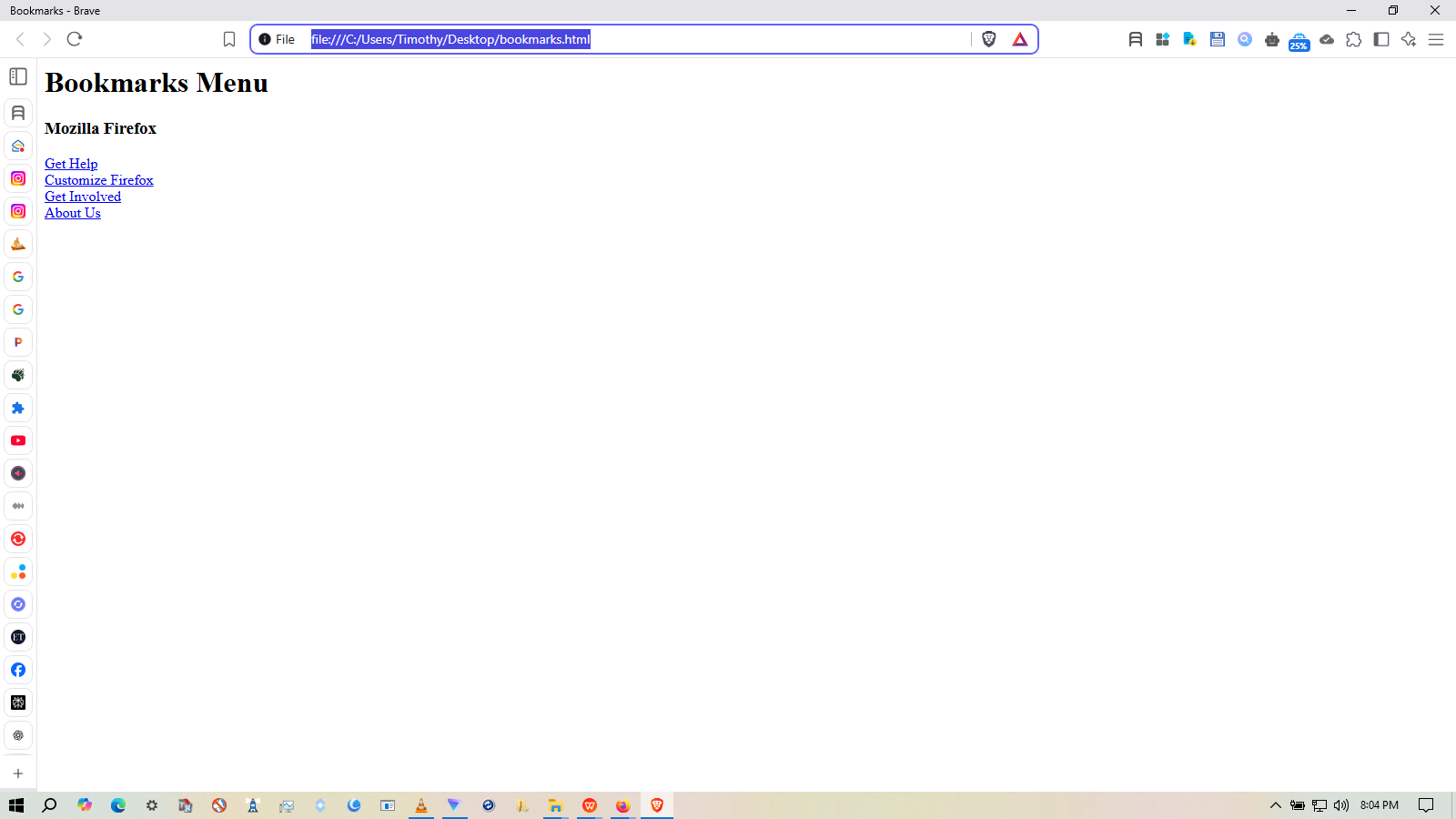
I followed these directions - https://support.mozilla.org/en-US/kb/export-firefox-bookmarks-to-backup-or-transfer but Firebox only exports this data in the bookmarks.html file and attached image! Bookmarks Menu
Mozilla Firefox
Get Help Customize Firefox Get Involved About Us
How can export all of my bookmarks in Firefox?
글쓴이 timpsullivan 수정일시
모든 댓글 (2)

Those are the default bookmarks on a new Firefox profile. Go to about:profiles and check that you are on the profile that you want to export bookmarks from, then do the steps in https://support.mozilla.org/en-US/kb/export-firefox-bookmarks-to-backup-or-transfer.
Where are the rest of your bookmarks? If you check the sidebar (Ctrl+B) in Firefox, are they under Bookmarks Toolbar or Other Bookmarks?
Or can you see them in the Library window (Ctrl+Shift+O as in Organizer)?