


Windows 10 reached EOS (end of support) on October 14, 2025. If you are on Windows 10, see this article.

Mozilla 도움말 검색

고객 지원 사기를 피하세요. 저희는 여러분께 절대로 전화를 걸거나 문자를 보내거나 개인 정보를 공유하도록 요청하지 않습니다. "악용 사례 신고"옵션을 사용하여 의심스러운 활동을 신고해 주세요.

자세히 살펴보기

Picture in picture issues

  • 1 답장
  • 2 이 문제를 만남
  • 207 보기
  • 최종 답변자: TyDraniu
  • 보존

I've been using firefox for a few months now to use ublock origin when watching YouTube. Yesterday I was watching a video and went to open another app on my phone when the PIP stopped playing the video. It appears that the PIP tries to open in full screen (it has the popup stating to drag from top or press back to exit when picture in picture starts) and stops playing. If I go back to the video I can play it normally but essentially picture in picture is not working. I've tried uninstalling and reinstalling, I tried disabling all extensions, I cleared my browsing history, and I searched to see if anyone had a similar issue. Any tips would be appreciated. I've attached a picture of what the picture in picture looks like in case that helps.
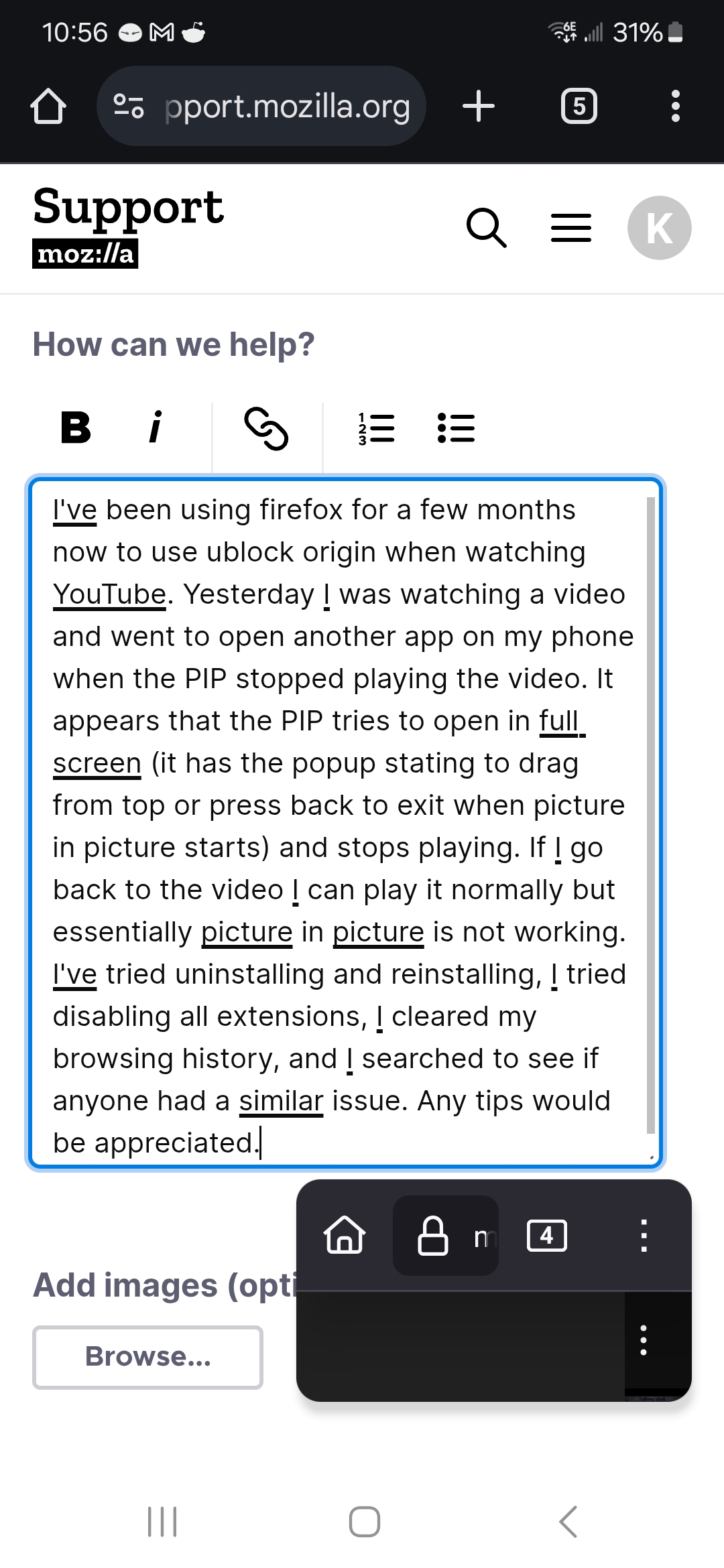
I've been using firefox for a few months now to use ublock origin when watching YouTube. Yesterday I was watching a video and went to open another app on my phone when the PIP stopped playing the video. It appears that the PIP tries to open in full screen (it has the popup stating to drag from top or press back to exit when picture in picture starts) and stops playing. If I go back to the video I can play it normally but essentially picture in picture is not working. I've tried uninstalling and reinstalling, I tried disabling all extensions, I cleared my browsing history, and I searched to see if anyone had a similar issue. Any tips would be appreciated. I've attached a picture of what the picture in picture looks like in case that helps.
첨부된 스크린샷

모든 댓글 (1)

Hi, we're analyzing it under bug 1956165.