


Windows 10 reached EOS (end of support) on October 14, 2025. For more information, see this article.

Mozilla 도움말 검색

고객 지원 사기를 피하세요. 저희는 여러분께 절대로 전화를 걸거나 문자를 보내거나 개인 정보를 공유하도록 요청하지 않습니다. "악용 사례 신고"옵션을 사용하여 의심스러운 활동을 신고해 주세요.

자세히 살펴보기

4 original tabs open in firefox but 12 in pc task manager

  • 1 답장
  • 1 이 문제를 만남
  • 54 보기
  • 최종 답변자: TyDraniu

more options

I have many more tabs open in the background then I actually have. I am not good at this but I can give what I know I am experiencing. 1st photo has16 tabs open in pc's task manager 2nd photo shows that I only had 2 tabs open in Firefox browser 3rd picture show 19 in task manager. I expanded in task manager the Firefox app and right clicked to end task to remove what might be ghosts tabs running in task manager. ----That did not work There are currently 6 of them that has the efficiency mode on the 19 tabs.

Firefox is getting complicating for my abilities but I appreciate using Firefox for all the flexibility. I usually ask a friend to set me up or help but he is unavailable and this seems to be above his head to. Crossing my fingers for a easy solution. Thank you, Happycamper
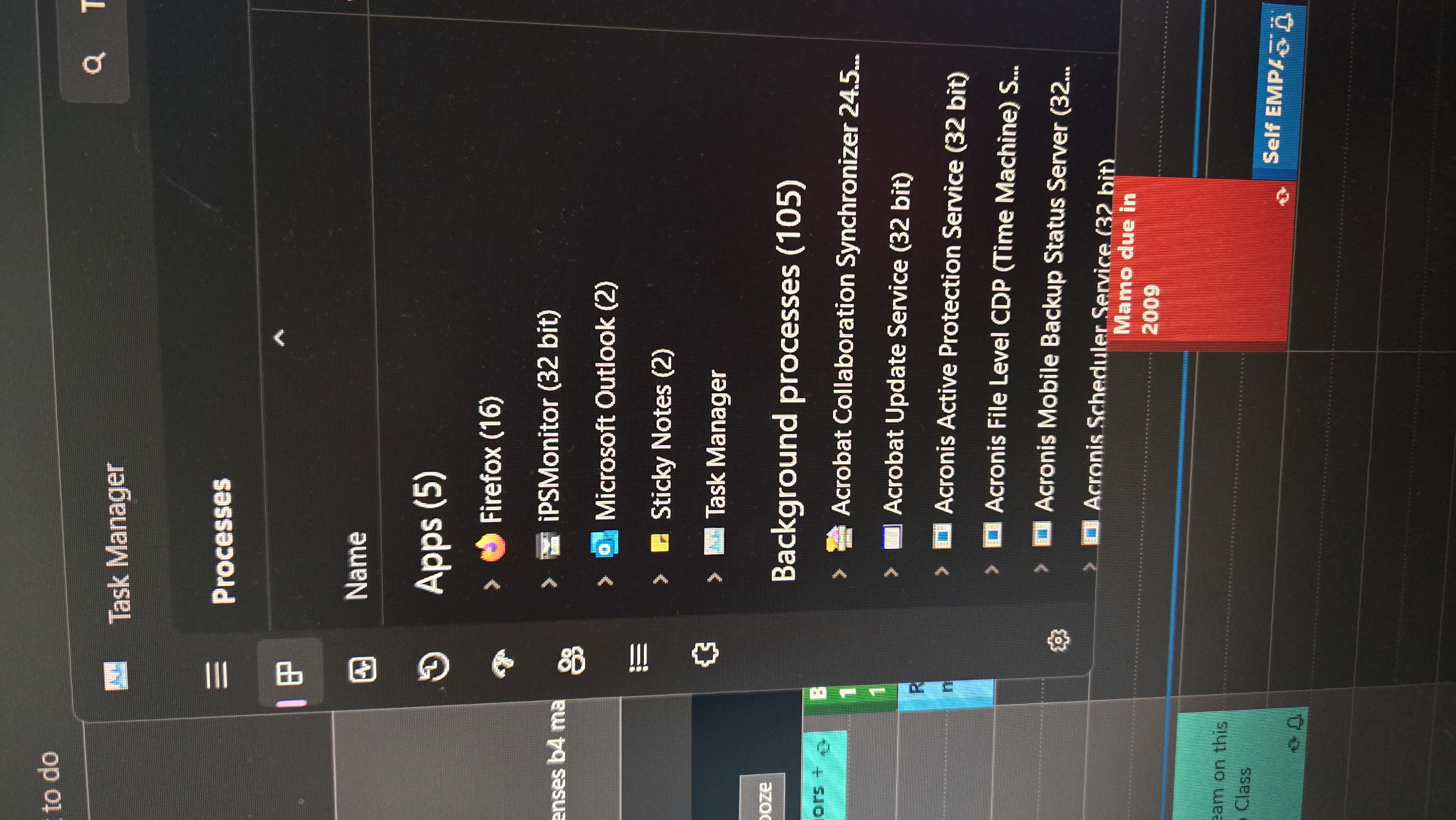
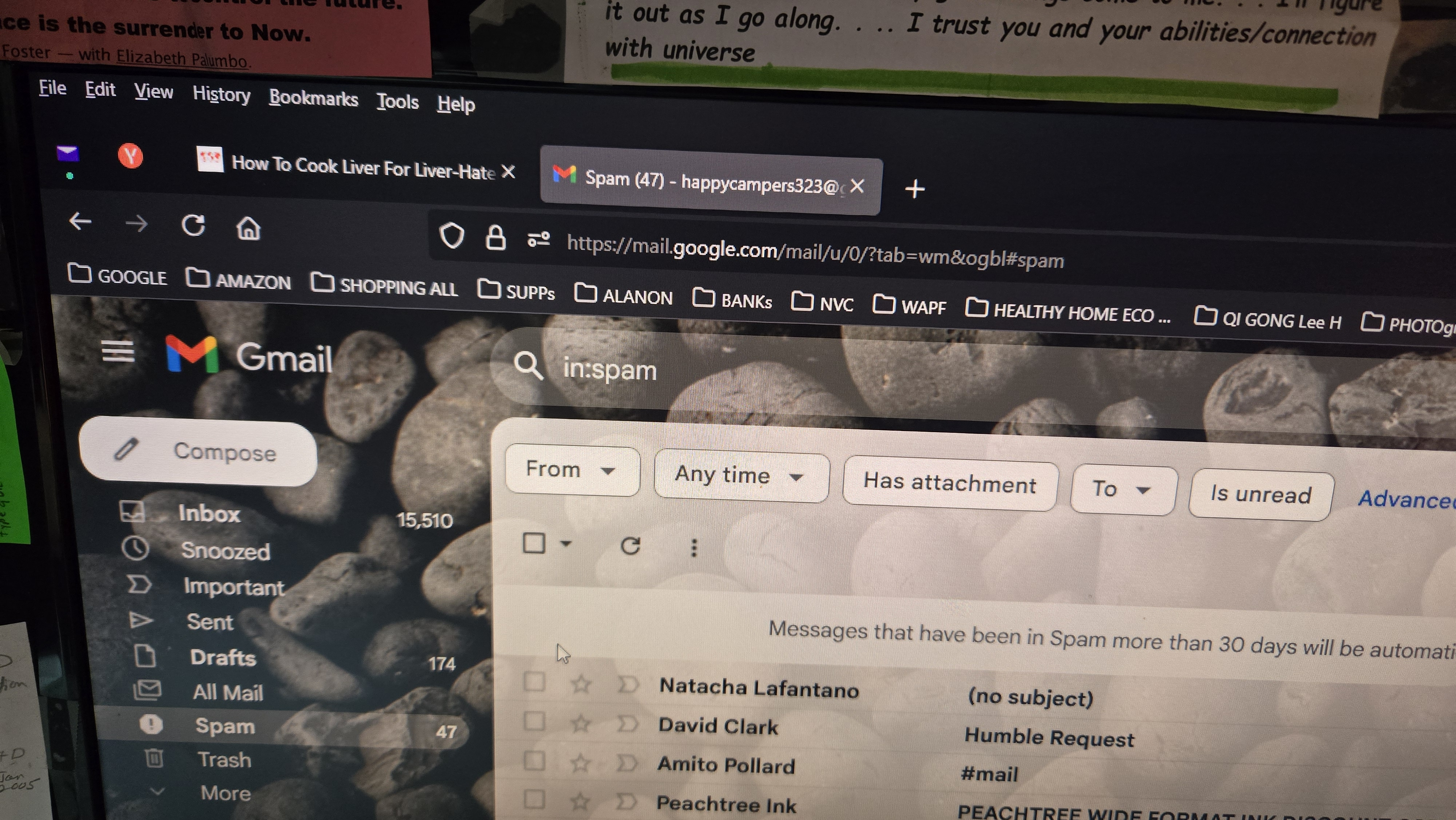
I have many more tabs open in the background then I actually have. I am not good at this but I can give what I know I am experiencing. 1st photo has16 tabs open in pc's task manager 2nd photo shows that I only had 2 tabs open in Firefox browser 3rd picture show 19 in task manager. I expanded in task manager the Firefox app and right clicked to end task to remove what might be ghosts tabs running in task manager. ----That did not work There are currently 6 of them that has the efficiency mode on the 19 tabs. Firefox is getting complicating for my abilities but I appreciate using Firefox for all the flexibility. I usually ask a friend to set me up or help but he is unavailable and this seems to be above his head to. Crossing my fingers for a easy solution. Thank you, Happycamper
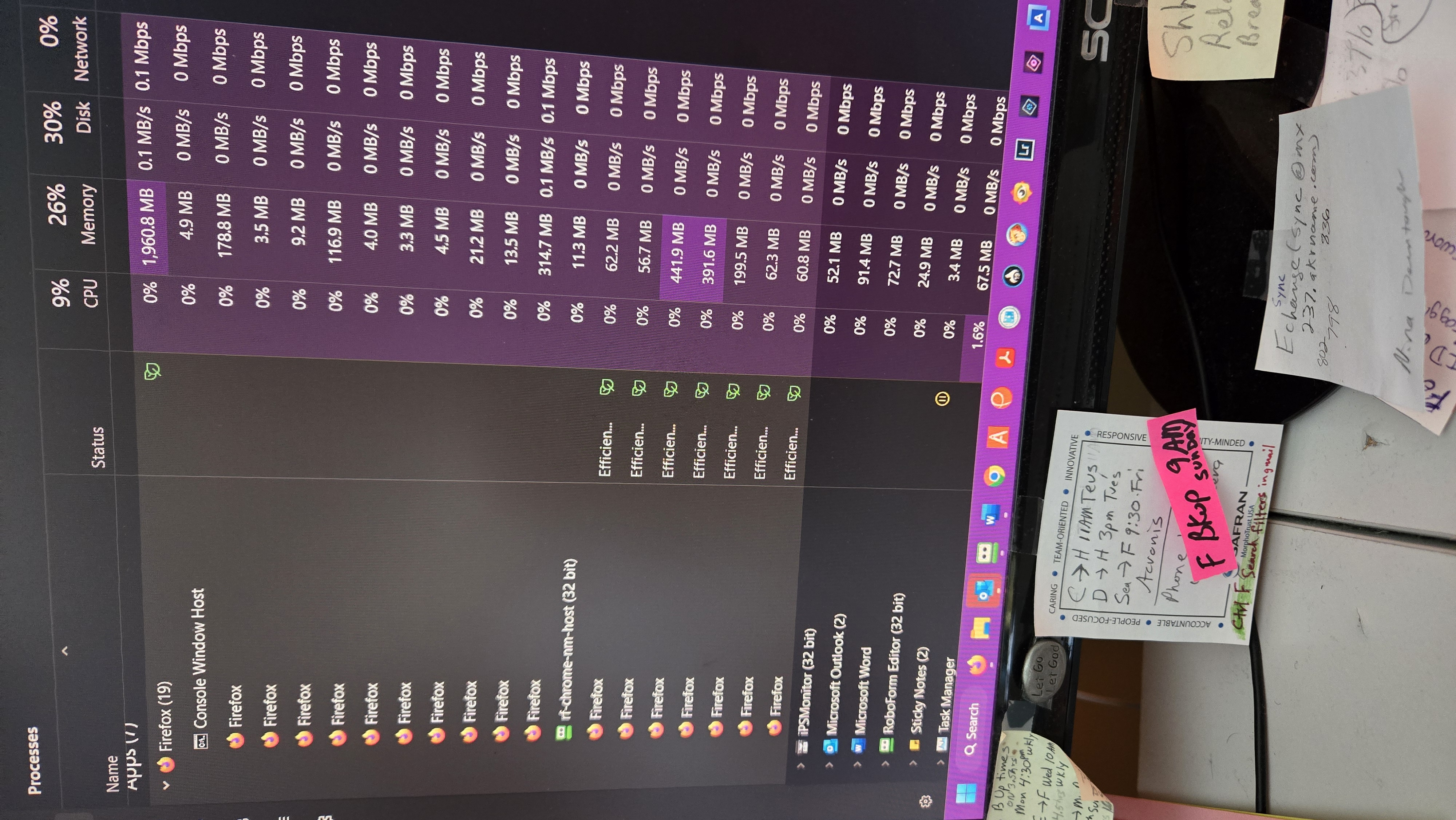
첨부된 스크린샷

모든 댓글 (1)

more options

Task manager doesn't show tabs. That person who told you that was wrong.