


Filtering and Searching in an MBOX

How do I filter and search for dates in an MBOX on Thunderbird? The search seems to only go through email accounts and not Local MBOX files.
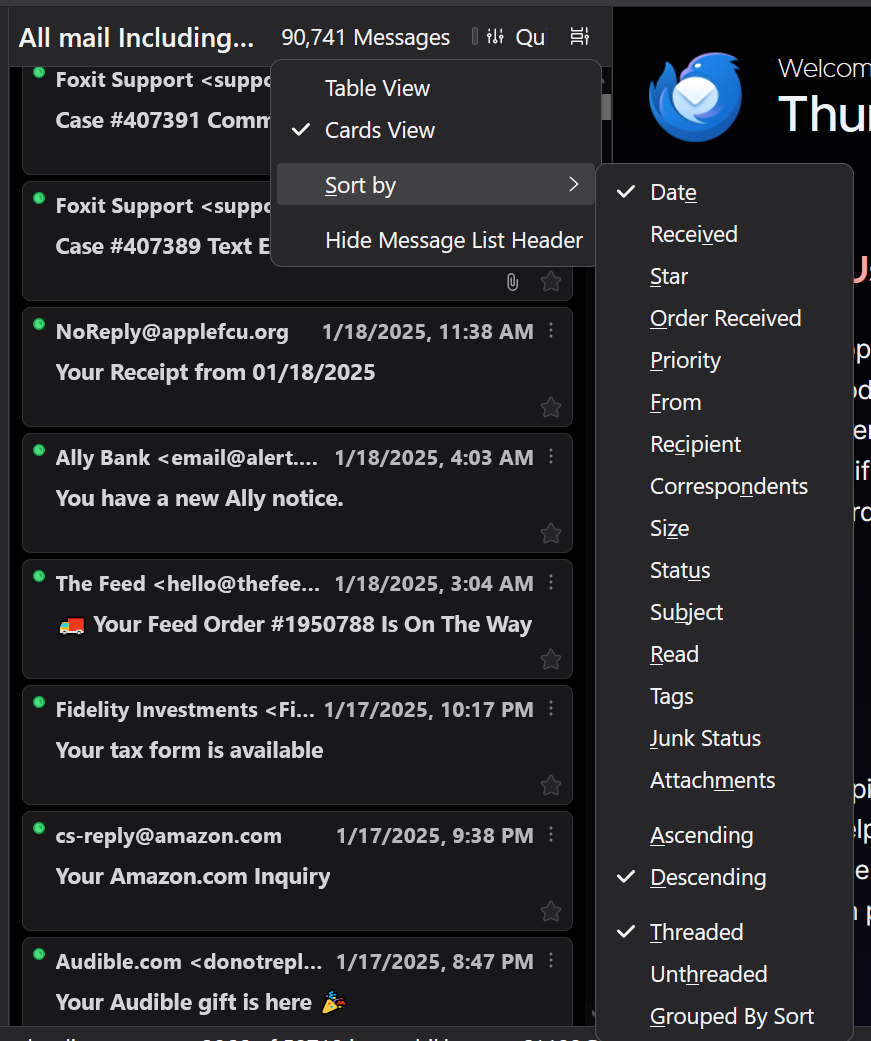
FYI I am using the extension ImportExportTools NG to open the MBOX file. And this picture shows that I can Sort by Date, either newest or oldest first but that's not what I want. I want to filter to a specific range between 2 dates or search for all emails from a specific date. How I can do this?
모든 댓글 (5)
선택된 해결법
Create a Classic Search (Ctrl+Shift+F) like the attached pictures.
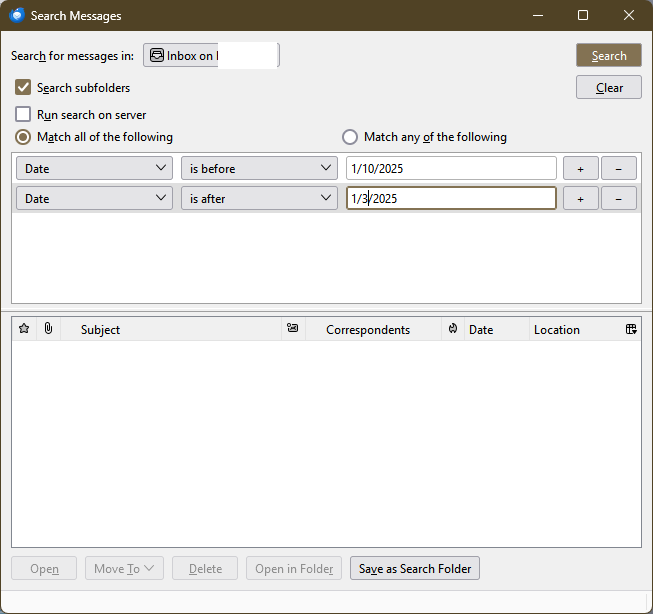
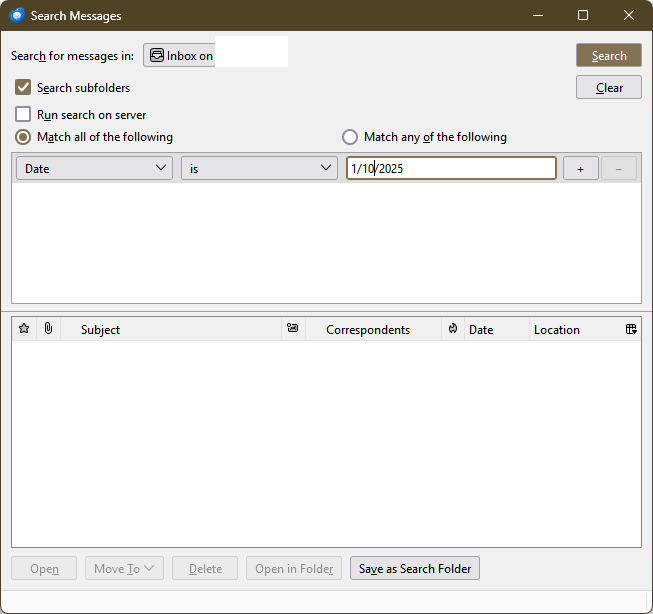
Thanks that was super helpful! Is there a way I can search multiple accounts at the same time with that?
Classic Search is for a single account, but you can create saved searches for any set of folders. File/New/Saved Search...; press Alt if the Menu Bar with File is hidden.
If you invoke global search (Ctrl+K) and show the timeline, all accounts are searched, and the date range can be selected by clicking the bars in the timeline.
I think this is what you are referring to with the timeline, but is there a way to adjust it so it's like all emails from 4/12/22 to 9/7/23? It seems like with the way I currently understand it you put in a search term and then from all those results you can narrow down by year then month then day.
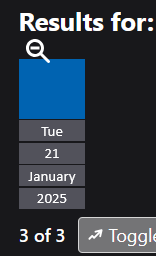
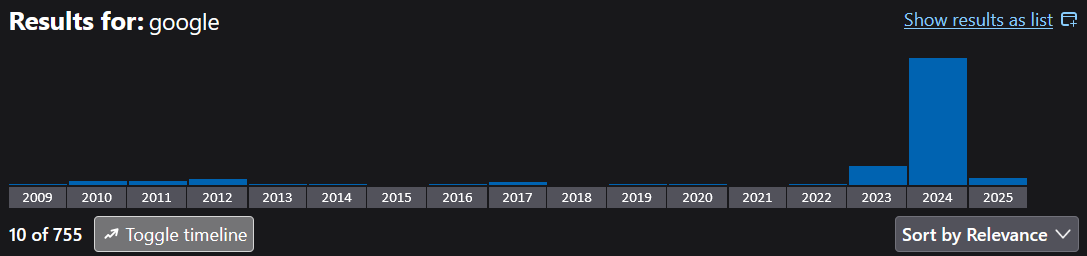
The timeline only offers the results according to the time slots obtained by clicking the bars. For precise dates, use the methods mentioned above.