


Android - pages stop loading

Hello,
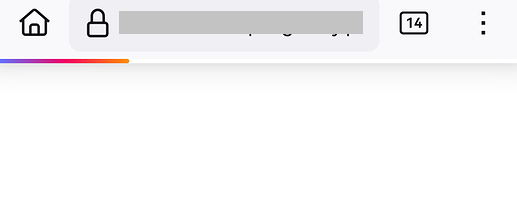
If the phone is not used for a while, it takes a very long time to open a page in Firefox. The bar immediately goes to about 25% and hangs. When it finally starts, it works. Sometimes it hangs during use, but usually the problem occurs after a long period of inactivity.
What I do know:
- The problem does not occur with any other browser or application.
- The problem occurs on different smartphones from different manufacturers running different versions of Android.
- Deleting and reinstalling Firefox cleanly (without any add-ons) does not help.
- Same problem over Wi-Fi as over cellular.
- Turning Firefox off and on again usually does not help.
I installed Waterfox and for a while there was no problem at all. Then it appeared. I noticed that at least in Waterfox, the problem does not occur in private mode.
This is an unresolved issue that has been discussed before. https://support.mozilla.org/questions/1416241
글쓴이 NoahSUMO 수정일시
모든 댓글 (2)
What steps have you taken to troubleshoot the page loading issue on your Android device?
As I wrote above,
- Deleting and reinstalling Firefox cleanly (without any add-ons, without logging into account) but it does not help.
Would you suggest anything else? Several people I know have the same problem.
글쓴이 Ether 수정일시