


Tbird crashes on boot

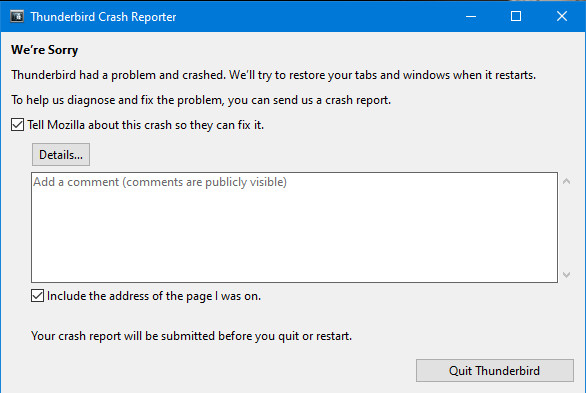
I am unable to access Thunderbird for my emails. On first boot it quickly shows the normal screen for a couple of seconds then crashes and shows a screen for an error report. Any further tries to open it results in just the error report screen which I then allow send to Tbird. I can print the report here if that is safe.
선택된 해결법
Did exactly as suggested and that worked so a big thanks for that and your prompt response. Best regards. Denis.
문맥에 따라 이 답변을 읽어주세요 👍 0모든 댓글 (2)
All I can suggest is that:
1. You back up all your profiles. C:\Users\[Users]\AppData\Roaming\Thunderbird\Profiles\XXXX.default-release
2. You re-install the same version WITHOUT UNINSTALLING to see if it might overwrite a corrupted line of code. https://www.thunderbird.net/en-US/thunderbird/releases/
Please respond to this - even if you don't want to do this - so that your email re-enters the list of questions that need answering.
선택된 해결법
Did exactly as suggested and that worked so a big thanks for that and your prompt response. Best regards. Denis.
글쓴이 denis65 수정일시