


Can’t install add-ons
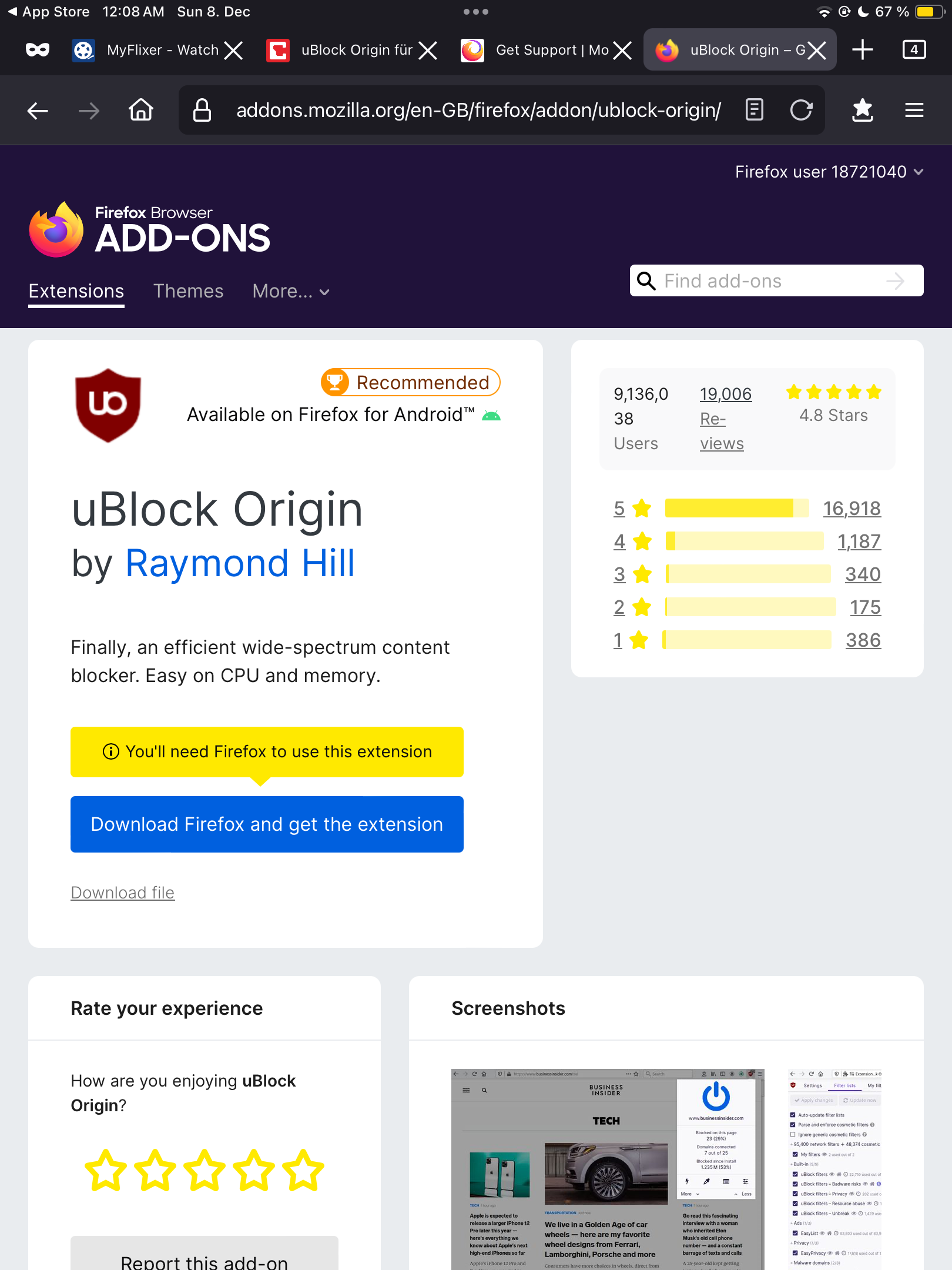
I tried to install/download uBlock origin through the official Firefox add-on “store” but it just tells me to install Firefox first. I’m using Firefox right now. Firefox is the only browser on my device… I tried to get another add-on but the issue stayed the same. How should i try to solve this?
모든 댓글 (1)
Extensions for Firefox are only available for Firefox for Android and (desktop) Firefox for Windows, macOS, Linux.
There are currently no Extensions for Firefox for iOS/iPadOS due to Apple's restrictions on what browser engine can be used on iOS/iPadOS as Firefox in this case is using webkit. https://support.mozilla.org/en-US/kb/add-ons-firefox-ios
desktop Firefox https://addons.mozilla.org/firefox/
Firefox for Android https://addons.mozilla.org/android/