

이 쓰레드는 보존되었습니다.
만약 도움이 필요하시면 새로운 질문을 올려주세요.

보존
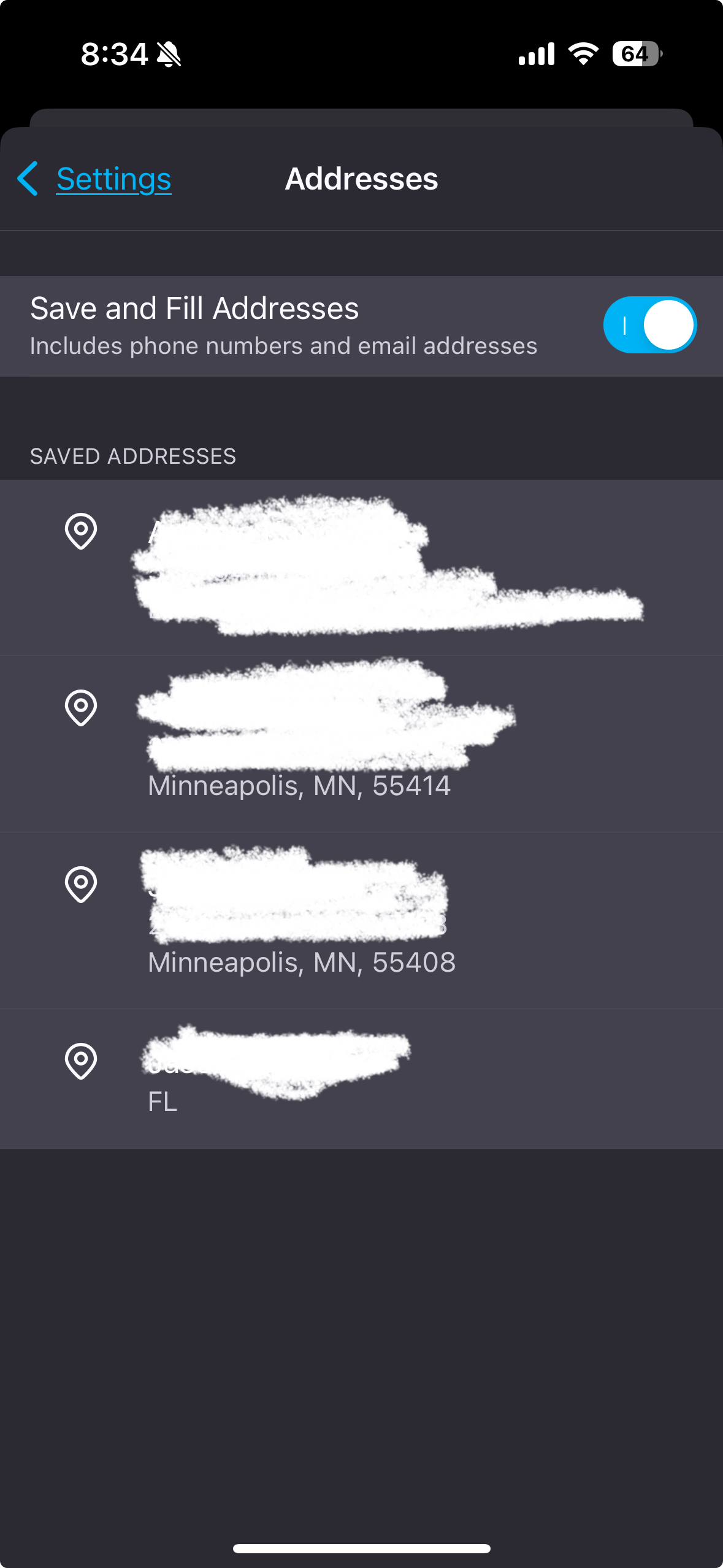
No option to edit, remove, or add autofill addresses

When I go into settings in Firefox for both iOS and on my MacBook Air, I can see some old saved addresses, but I’m not given any options to add, edit, or delete them. I can tap on the address, but nothing happens.
I’m using the latest versions of the operating systems and Firefox is up to date. I’ve tried uninstalling and reinstalling the app but that didn’t work either.
When I go into settings in Firefox for both iOS and on my MacBook Air, I can see some old saved addresses, but I’m not given any options to add, edit, or delete them. I can tap on the address, but nothing happens.
I’m using the latest versions of the operating systems and Firefox is up to date. I’ve tried uninstalling and reinstalling the app but that didn’t work either.
모든 댓글 (1)

If you can’t manage saved addresses in Firefox, you need to go to Settings, Privacy & Security and make sure autofill is turned on. Try clearing saved data, syncing your account, or reinstalling the app. This usually fixes the problem!
MIke Taku.