


Newer Thunderbird (Just upgraded to 115.12.2) doesn't have columns??

So... just upgraded to 115.12.2, and I'm seeing that the columns have been removed -- and I don't see a way to re-enable them!
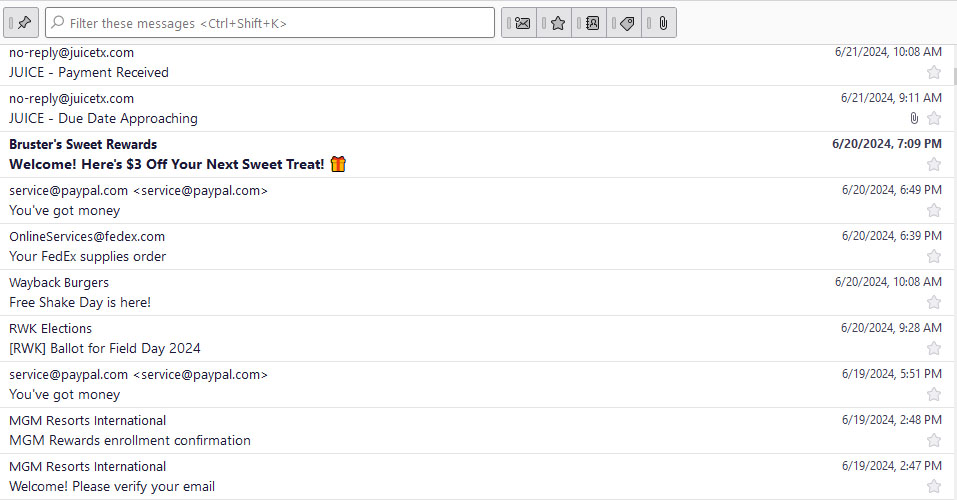
So on the main view, we now have a line.... from address with subject below, and then to the far right, the date/time.
Is there no longer a view with columns that we could more easily see, sort, move, etc?!
Example of new view is attached.
모든 댓글 (4)
In latest thunderbird, there are two views: table and card. At top of message list pane is 'quick filter' button. to its right is a small icon. Click that to change from card view to table view.
Hrmm.... You see that in my preview screen I posted? I don't see a small icon to change view
I did not realize that was the top of the Thunderbird screen in your settings. In that case, click View>Layout>messagelistheader and then you will see the referenced icon.
Thank you... see it and fixed!