


Various things do not load anymore since the latest Firefox update today

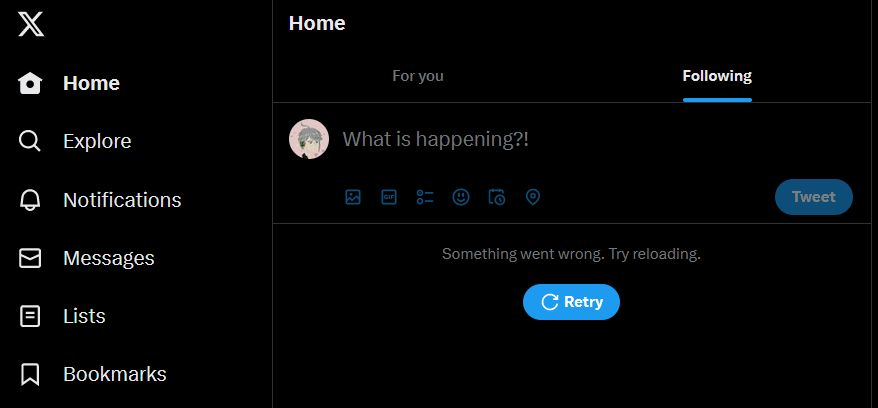
I was using my computer and Firefox all day to watch videos, browse twitter and Tumblr and whatnot until around 15:30 my time, when suddenly Twitter stopped loading my timeline. I thought it was an issue with Twitter or my computer. I restarted my PC twice so far and rebooted my modem (completely unplugged, left it alone for a min and plugged it in again).
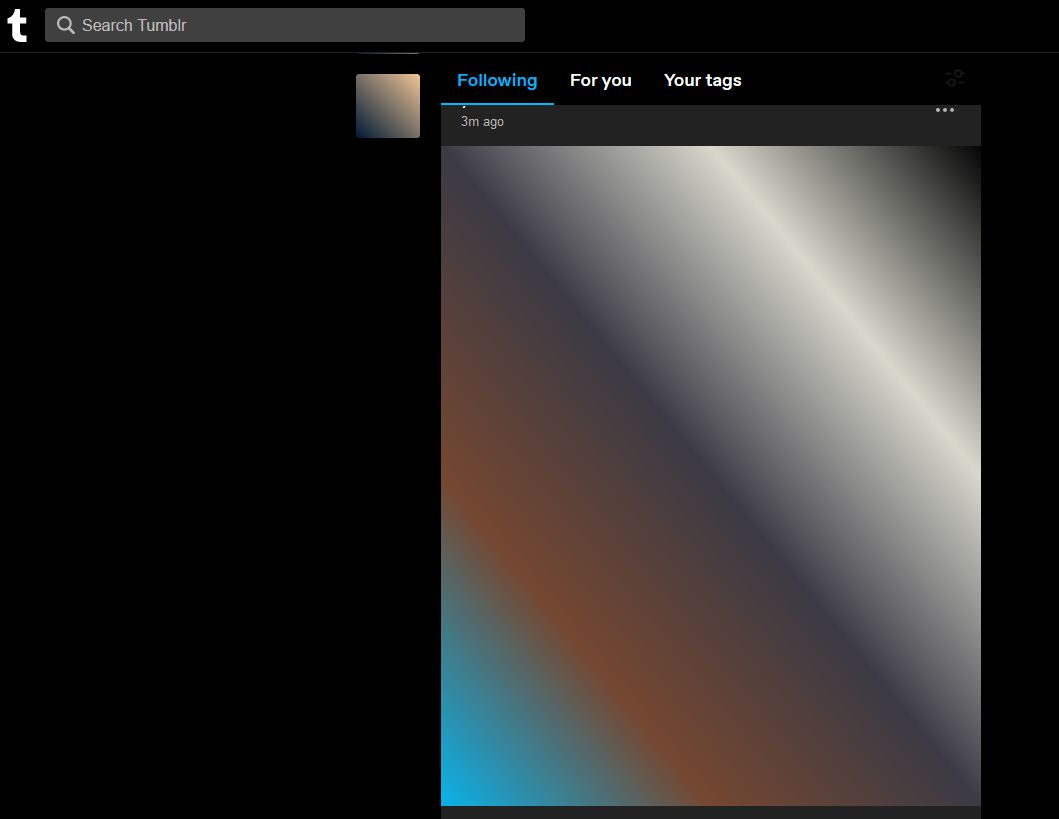
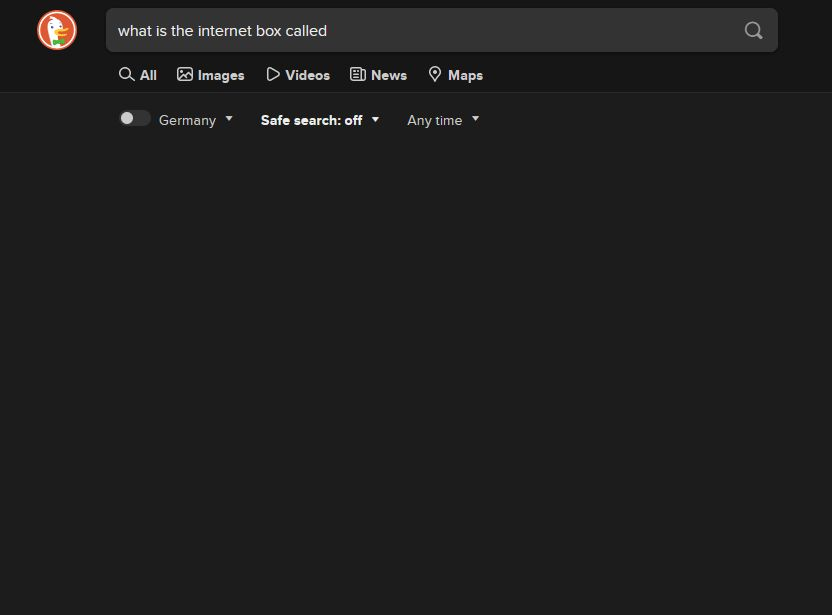
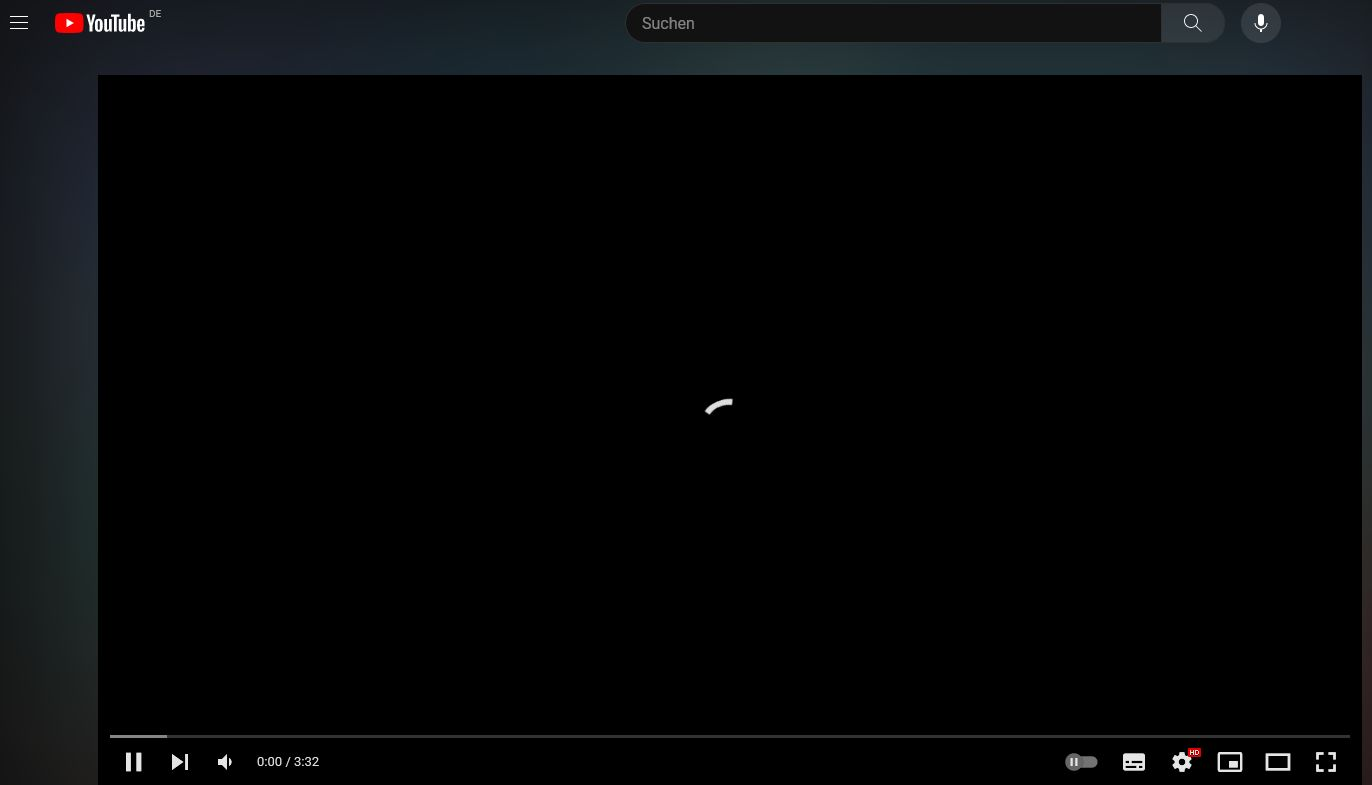
I still cant load my twitter timeline, not even in private with all extensions turned off. It does load Tumblr, but like 80% of the pictures/gifs, even profile pictures do not load. When I search for something on Duck Duck Go it sometimes works but most times it just stays blank. Youtube videos either do not load at all, or stop loading/load endlessly at some point. I am still able to navigate the Youtube website tho.
I really do not want to use Chrome, but the latest update is just unusable. Am I the only one?
(I forgot the word for modem, dont judge me.)
모든 댓글 (5)
선택된 해결법
Hi
Are you using ZoneAlarm on your computer?
Do you have Adblocker Ultimate installed in Firefox?
I forgot to mention. I tried everything above in Chrome and it worked ...
Okay.
Are you using ZoneAlarm on your computer?
Do you have Adblocker Ultimate installed in Firefox?
Paul said
Okay. Are you using ZoneAlarm on your computer? Do you have Adblocker Ultimate installed in Firefox?
i disabled the adblocker ultimate and everything is back to normal, thank uuuuuu <3
The problem is with AdBlocker Ultimate. I disabled all of my FireFox extensions and turned them on one by one on websites that didn't load while AdBlocker Ultimate was enabled. This completely fixed the issue of websites not loading after the FireFox update of today (08/05/2023)
The problem is with AdBlocker Ultimate. Disable it for now. Go with uBlock Origin, Facebook Container, Google Container and Privacy Badger still work with the latest update of FireFox and then submit a bug report to have them look at updating their extension to be compatible with the latest FireFox update.