


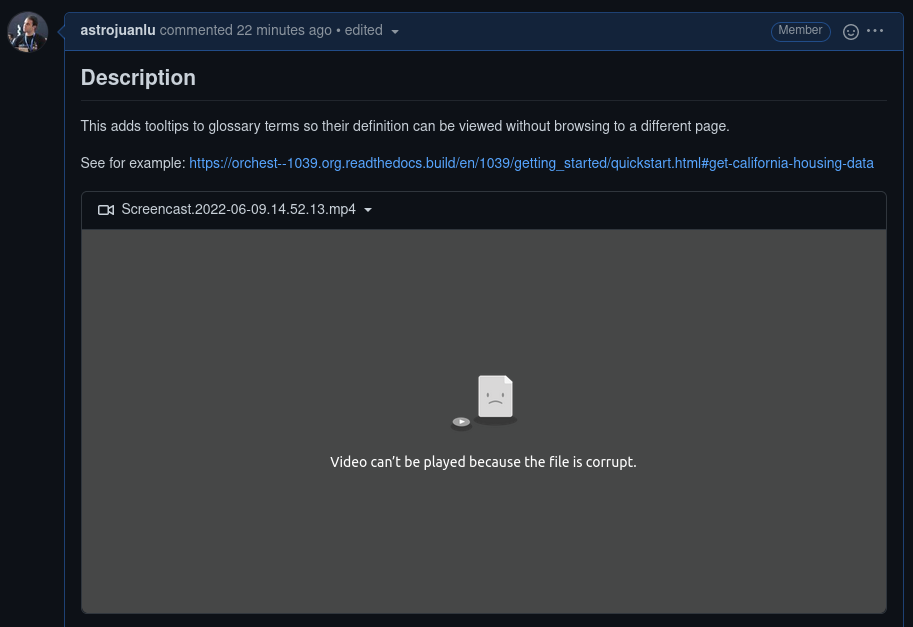
MP4 videos encoded with H264 say "Video can't be played because the file is corrupt"

I routinely record short screencasts with Kazam, and I can't watch my own videos after posting them on sites like GitHub because Firefox says "Video can't be played because the file is corrupt". Or for example when I upload them to sites like ezgif to convert them to a GIF, which works just fine because, well, the file is not corrupt. Other browsers like Chromium play them just fine.
Apparently the "OpenH264 Video Codec provided by Cisco Systems, Inc" is properly enabled in my system. This has been happening to me for months or years, but only today I decided to open a thread here.
There are two things here:
1. Firefox can't play the file. I'm sure there's some sort of misconfiguration on my side, or bad defaults, or a missing plugin, or similar. 2. Firefox shows a misleading message. The file is not corrupt! The root cause is something else.
Any advice on how to fix the first one?
모든 댓글 (2)
Sorry, failed to provide links: see https://github.com/orchest/orchest/pull/1039#issue-1266073238 for example.
선택된 해결법
Kazam records h264 in yuv444 which isn't supported. Convert video with ffmpeg: ffmpeg -i in.mp4 -pix_fmt yuv420p -c:a copy -movflags +faststart out.mp4
글쓴이 Denis 수정일시