


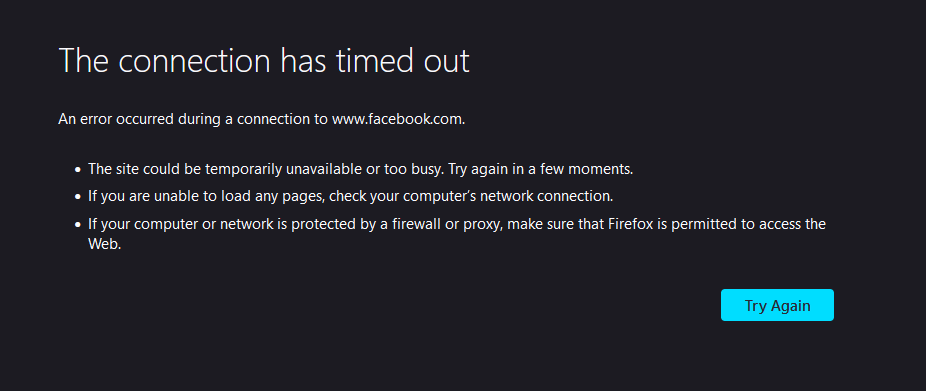
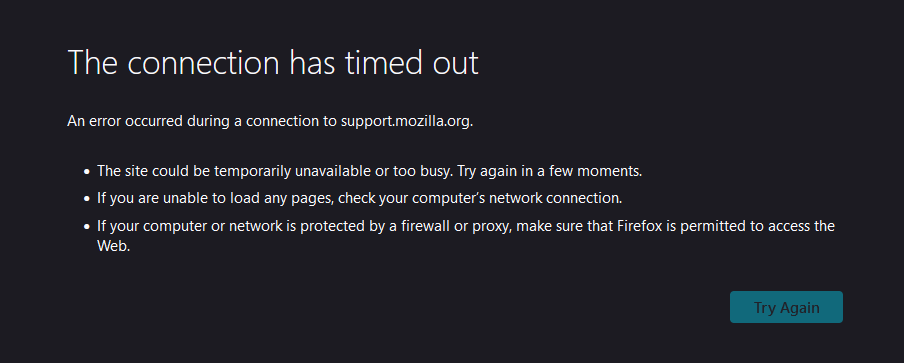
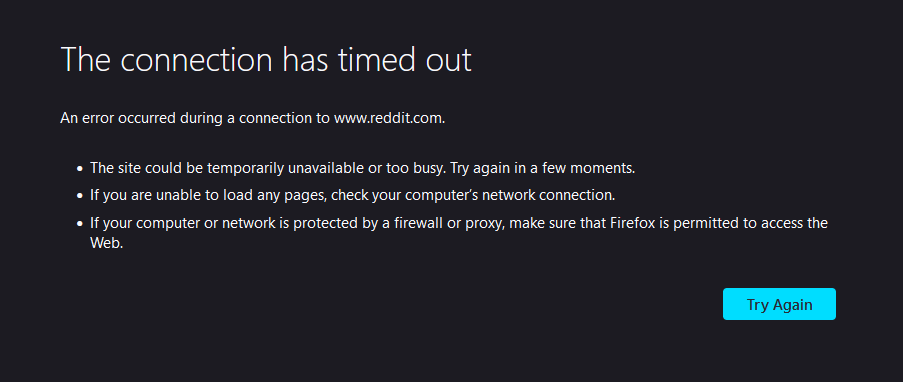
Firefox doesn't load any sites (other browsers work fine) | "The connection has timed out"

Firefox on PC doesn't load any sites, not even 192.168.0.1. Not even in Troubleshoot Mode Yesterday it worked.
Firefox is the only browser with this issue. Chrome and Edge work fine
Firefox on my Android phone works fine as well
I tried following these articles but they didn't help:
https://support.mozilla.org/en-US/kb/firefox-cant-load-websites-other-browsers-can https://support.mozilla.org/en-US/kb/firefox-and-other-browsers-cant-load-websites
선택된 해결법
The issue fixed itself. I didn't do literally anything to fix it, it just started working when I checked a few hours later
문맥에 따라 이 답변을 읽어주세요 👍 0모든 댓글 (4)
donthavecow powiedział
That looks like router IP address. Did you follow the router instructions.
It is a router IP address. I was just using it as an example that it wasn't just the "public" addresses that aren't working (sorry I don't know proper terminology I'm not educated on this).
it's not the fault of the router 100%, I haven't changed anything on it in a while and Firefox worked like normal before today
글쓴이 eb.krogulewski 수정일시
Did you try to reset (power off, wait thirty seconds, and power on) the router and reboot the computer as that is usually the first to try ?
cor-el powiedział
Did you try to reset (power off, wait thirty seconds, and power on) the router and reboot the computer as that is usually the first to try ?
I have. I also cleared catche, cookies, etc.
선택된 해결법
The issue fixed itself. I didn't do literally anything to fix it, it just started working when I checked a few hours later