Second Monitor Display Scaling

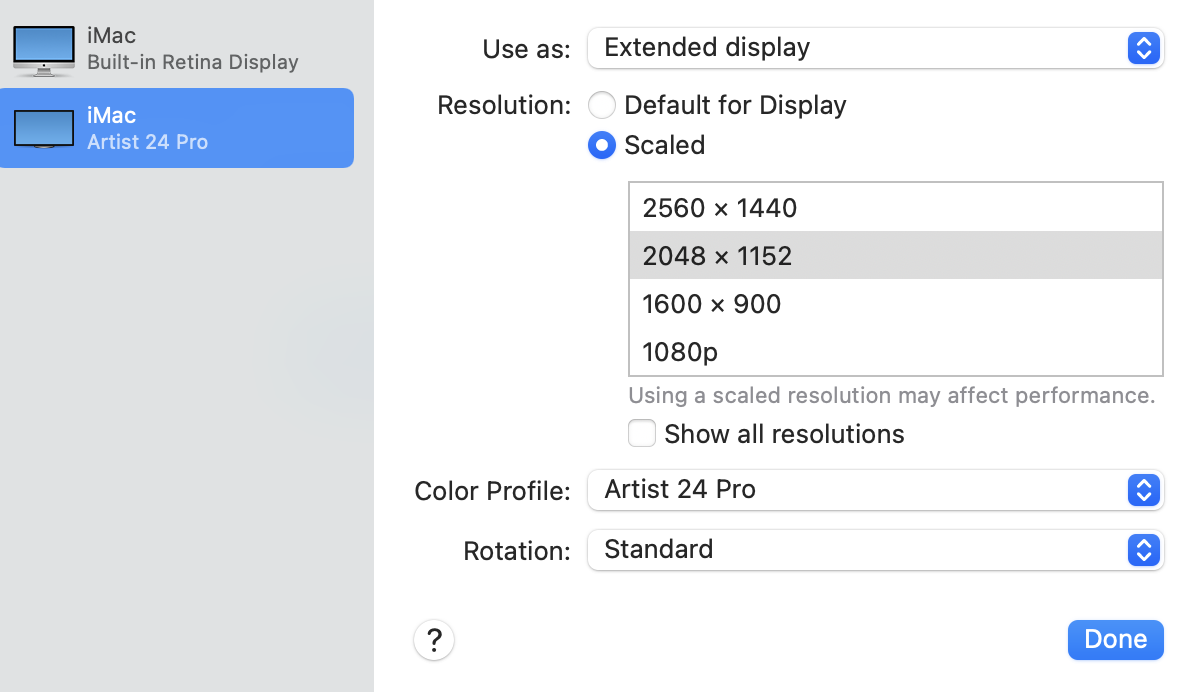
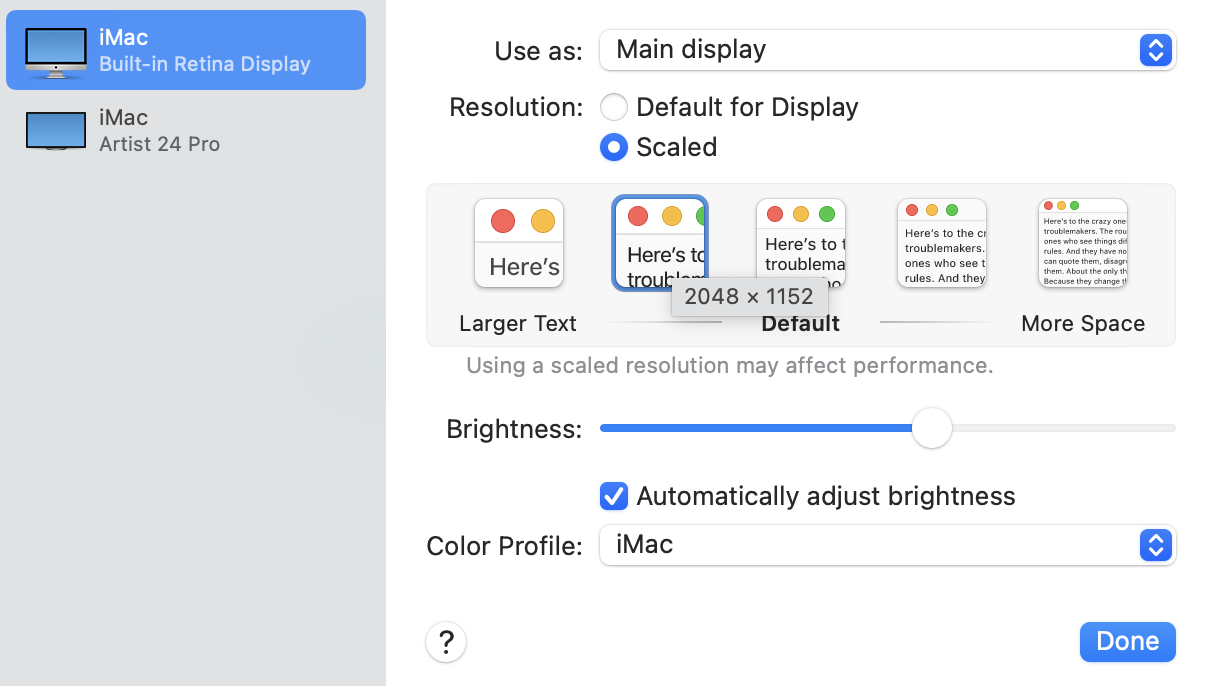
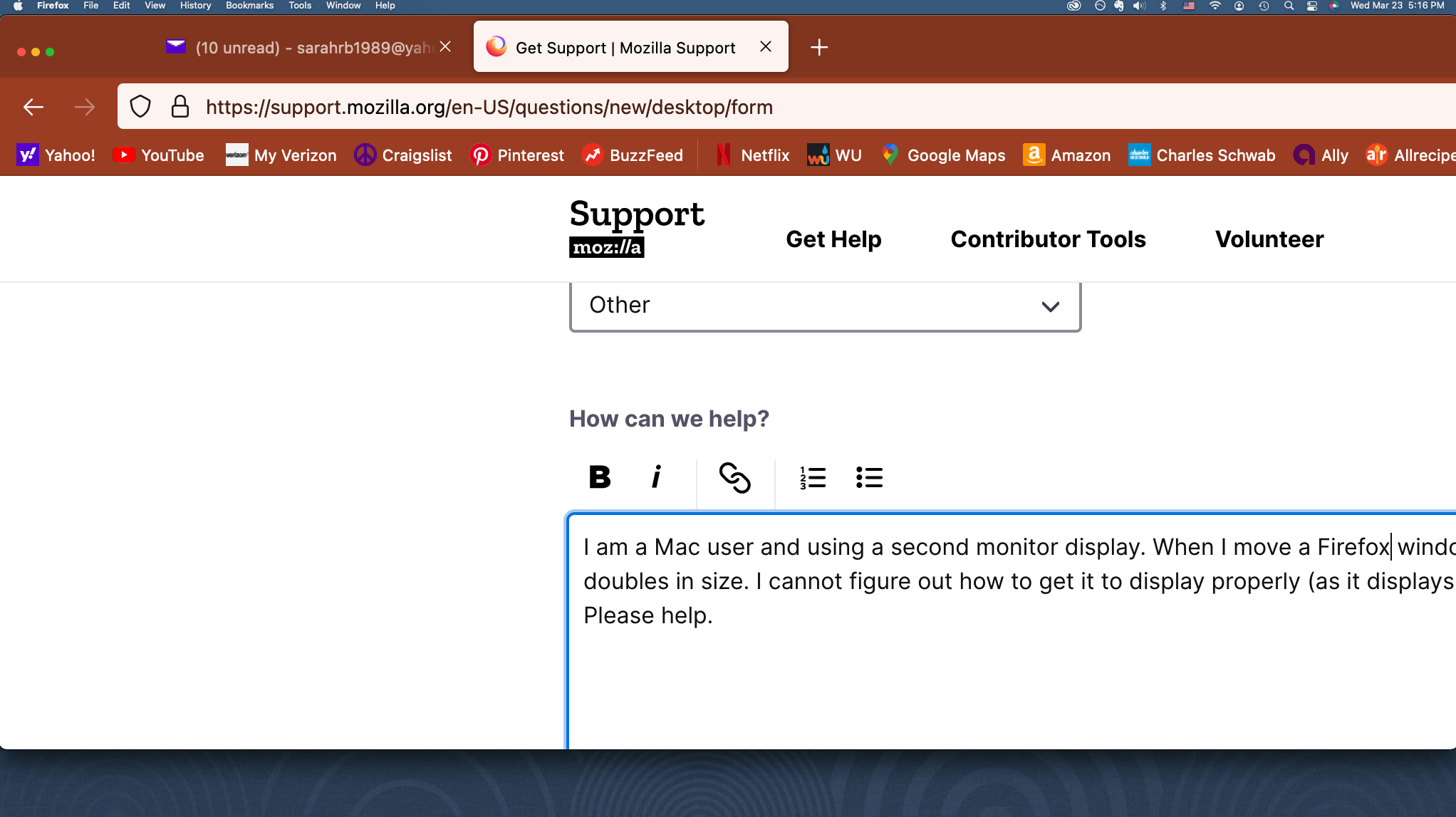
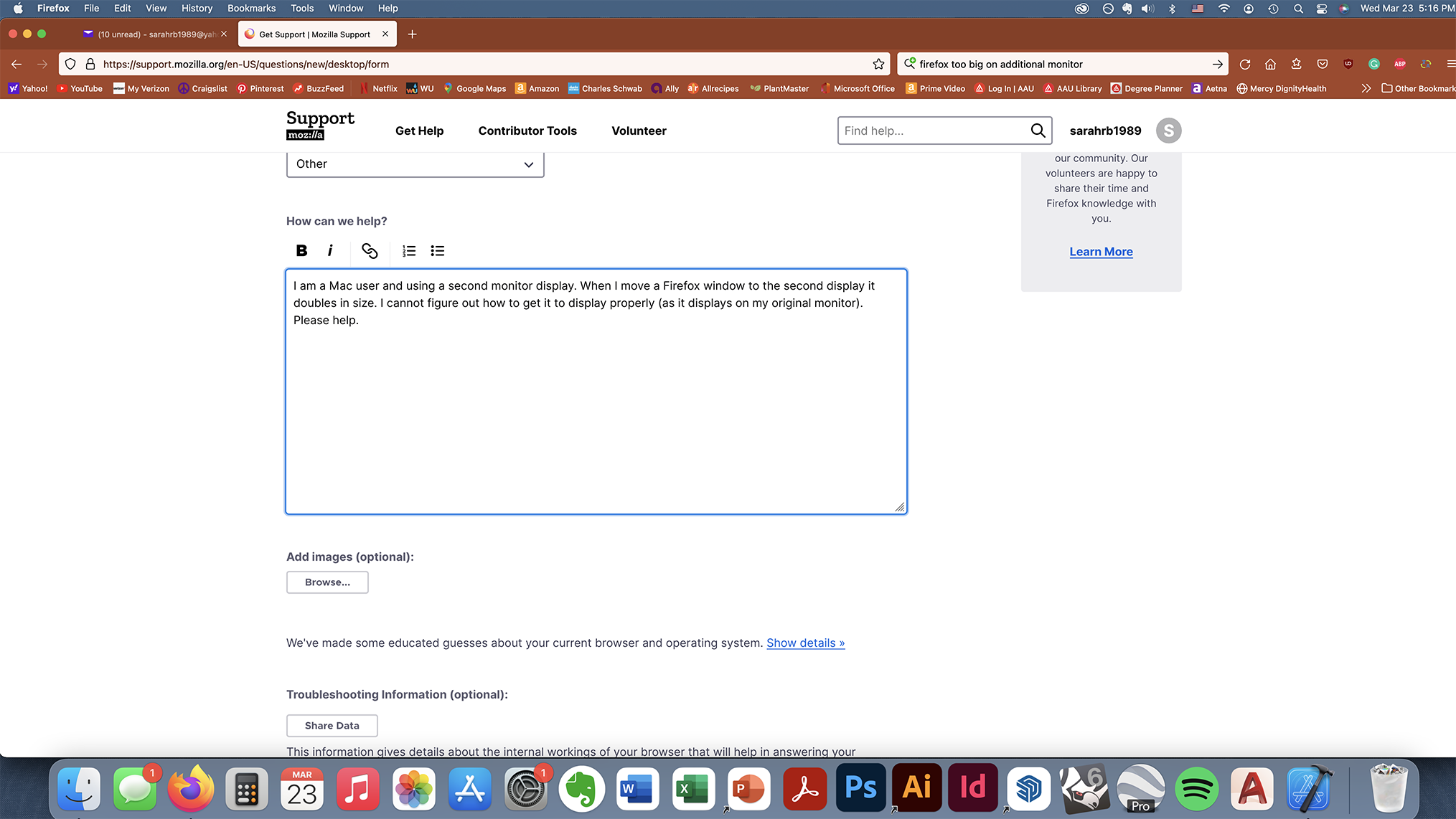
I am a Mac user and using a second monitor display. When I move a Firefox window to the second display it doubles in size. I cannot figure out how to get it to display properly (as it displays on my original monitor). Please help.
모든 댓글 (4)
It is not that. All my other program windows are scaled correctly when I move them to the second display. It is only Firefox that is doing this.
I’ve already used the about:config to set the main display to 2. If I do it again once I’ve dragged the window over to the second display then it rescales on my main monitor too which I don’t want. I just want the window to be the same scale on BOTH monitors.

I'm on a Macbook Pro from 2012 running 10.13.6 and here are my settings.
Displays: Color LCD:
 Display Type:	Built-In Retina LCD
 Resolution:	2880 x 1800 Retina
 Framebuffer Depth:	24-Bit Color (ARGB8888)
 Main Display:	Yes
 Mirror:	Off
 Online:	Yes
 Rotation:	Supported
 Automatically Adjust Brightness:	No
HP Z27n:
 Resolution:	2560 x 1440 (QHD/WQHD - Wide Quad High Definition)
 UI Looks like:	2560 x 1440 @ 59 Hz
 Framebuffer Depth:	24-Bit Color (ARGB8888)
 Display Serial Number:	CNK7240MFG
 Mirror:	Off
 Online:	Yes
 Rotation:	Supported
 Automatically Adjust Brightness:	No
What are your settings on your external monitor?
글쓴이 jonzn4SUSE 수정일시
Here are my settings, they are both set to the same resolution.