


Firefox Installer.exe Different SHA256 depending on wich web-browser/search engine you downloaded from?
Hi! So it seems that I get different SHA256sums depending on which browser I use and depending on what search engine I used to download the Firefox Installer.exe.
Using Edge on Windows 10, from google.se https://www.mozilla.org/sv-SE/firefox/new/ Gets the installer from: cdn.stubdownloader.services.mozilla.com, SHA256sum not listed here: https://releases.mozilla.org/pub/firefox/releases/84.0.2/
Using Firefox 84.0.2 (64-bit), from startpage.com https://www.mozilla.org/sv-SE/firefox/new/ Gets the installer from: https://download-installer.cdn.mozilla.net, SHA256sum not listed here: https://releases.mozilla.org/pub/firefox/releases/84.0.2/
Using Firefox 84.0.2 (64-bit), copy paste URL directly into browser: https://www.mozilla.org/sv-SE/firefox/new/ Gets the installer from: https://download-installer.cdn.mozilla.net Which then gets a SHA256sum match on https://releases.mozilla.org/pub/firefox/releases/84.0.2/
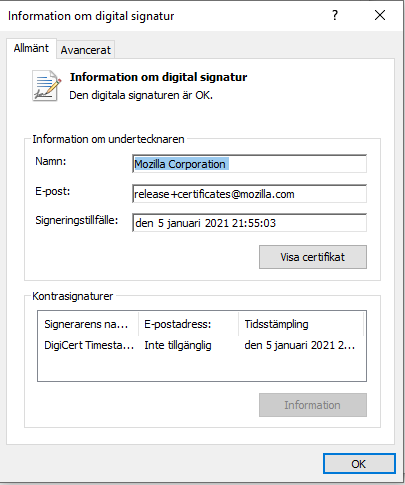
Is this something I need to be worried about? Is the Firefox Installer.exe just embedding some tracker from where it gets downloaded? Right clicking on the .exe -> Properties -> Digital Signature -> Highlight signature- > information says the signature is OK. Which means the Firefox installation should be OK, I guess?
Any information on this would be greatly appreciated!
모든 댓글 (1)
the first link you posted look like the small stub installer that downloads its files from internet and this file doesn't have a SHA256SUM.
Files downloaded from the CDN server have their SHA256SUMS file in their main release folder that have all sums in one file.
You will find the same SHA256SUMS file here.
- aba450101367bcf3d0524a9c786f4a1477a748fcfb7e09252946c0b278e795a8 win64/sv-SE/Firefox Setup 84.0.2.exe