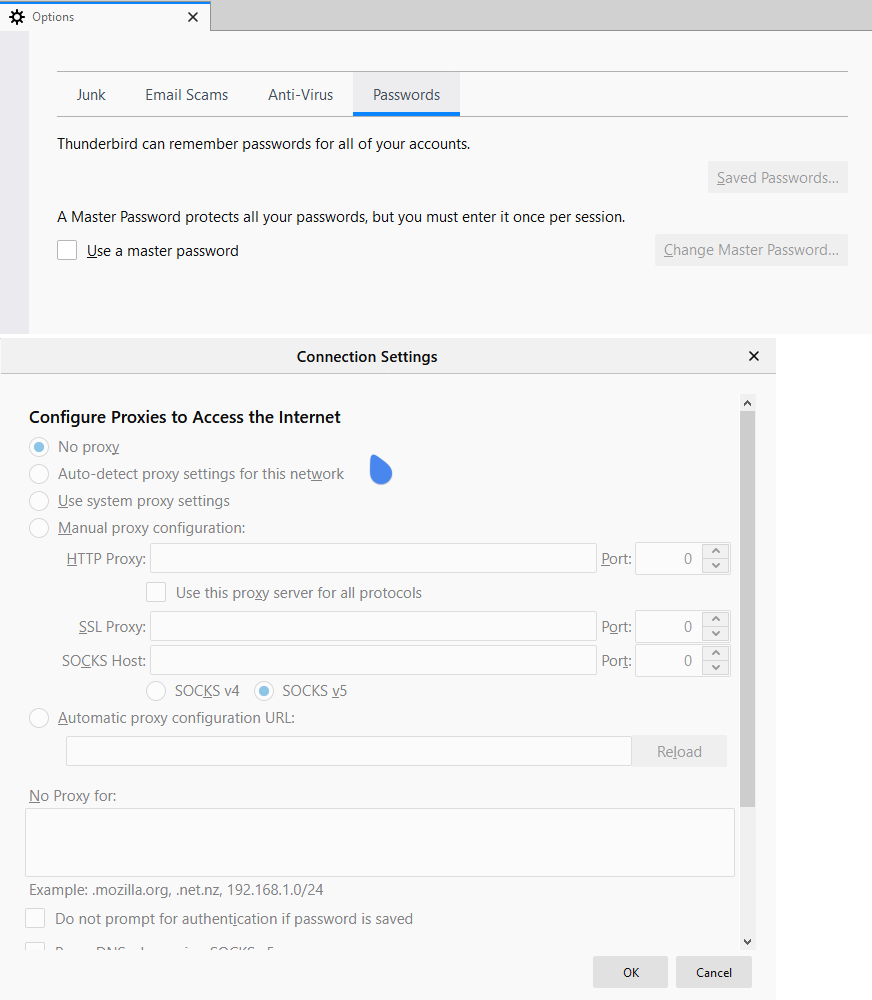
Disable View/Show Password Button
How to disable Show Password button is Mozilla Thunderbird? I want it remember the passwords, just don't show it to end users, and no, I don't to use the Master Password feature. Is there any way?
모든 댓글 (6)

Use the Config Editor to toggle the parameter shown in the attachment.
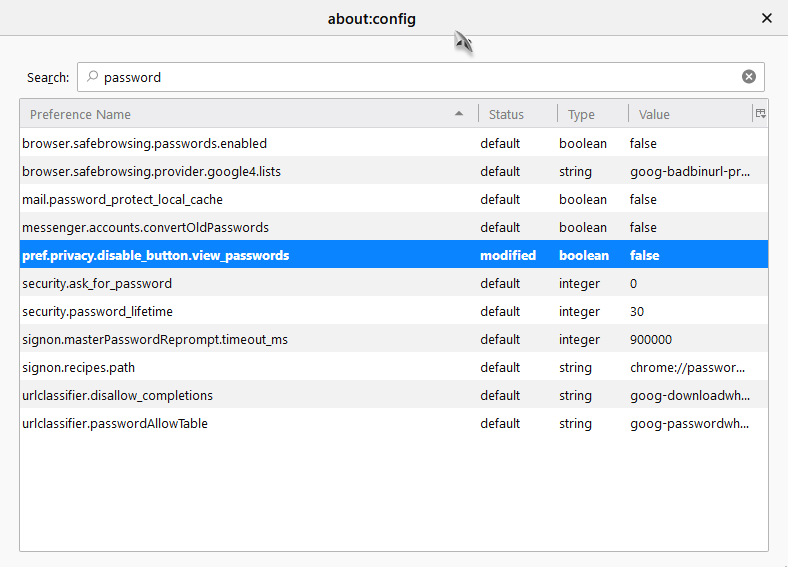
Anyone who is determined to see the passwords can reverse the preference toggle, or reset a master password. Your best option is to password-protect operating-system user accounts and lock the computer when it is unattended.
@stans, I have tried this earlier. Didn't work on the latest version.
@sfhowes, I am looking to deter casual curiosity.
Prefs like pref.privacy.disable_button.view_passwords only work when you lock them via an autoconfig.cfg file.
That should work in Thunderbird as well.
// disable Saved Passwords
lockPref("pref.privacy.disable_button.view_passwords", true);
@cor-el, tried this before posting the question. Doesn't work.