


I think last used cookies break my privacy
Hello! I rare use my second profile (I use with command -p - default profile manager in Firefox) , and never visit this site in this session! But Firefox visit without my knowledge! I have disabled new tab page (blank), but Firefox always visit this site and break my privacy. I dont have opened tabs with this site also.
Any fix?
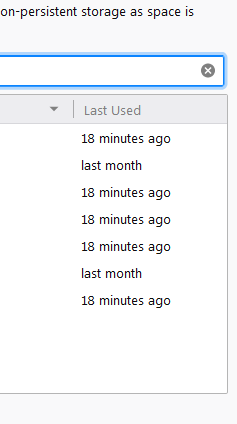
-- In screenshot I filter cookies from this site.
글쓴이 foham64691 수정일시
모든 댓글 (1)
I'm not sure what site you are referring to -- this support site?
Is the problem with a site on the new tab page, something that is included with a new installation of Firefox, or something from your history? Perhaps it is related to updating the page thumbnail. I'm not sure how that works in recent versions. If you need to block a site from the new tab page, see: Customize your Firefox New Tab page.
Firefox retrieves some files on a regular schedule, such as the phishing/malware site lists. This article describes what is retrieved automatically in case you want to test with some features disabled: How to stop Firefox from making automatic connections.