Unable to allow location access to websites (such as Google Maps)
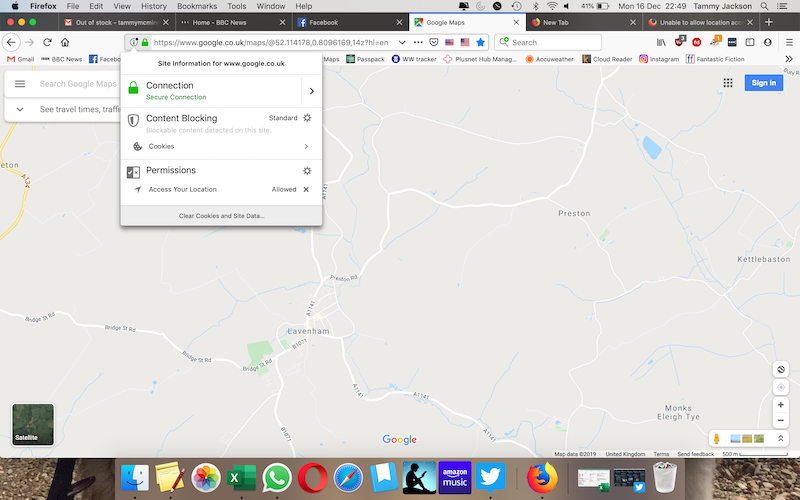
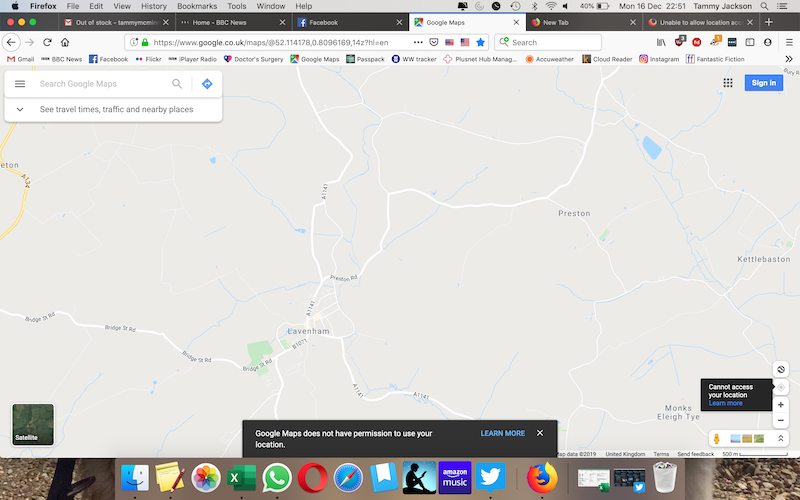
When I visit Google Maps I get a general view of where I am at the city level. However, for quite some time, clicking on the locator dot gives the message "Google Maps does not have permission to use your location."
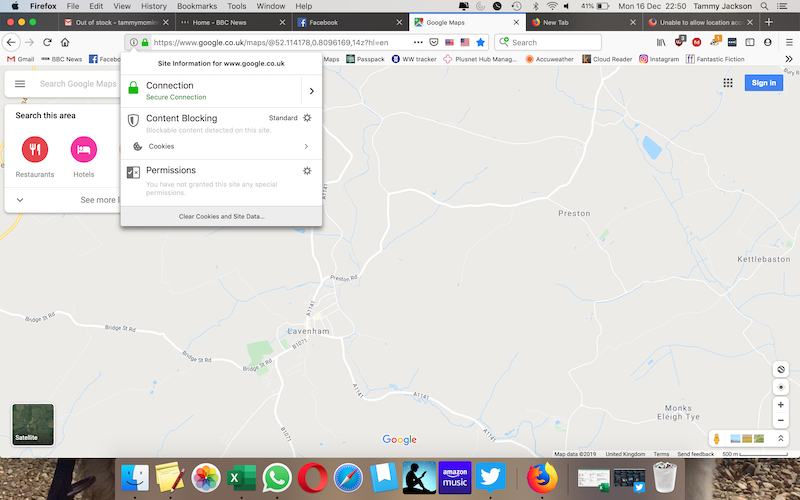
If I check my location settings using hamburger > preferences > Privacy & Security > Permissions > Location, I see a handful of websites in a dropdown list (none of them are Google Maps), with no way of adding others. The box for "Block new requests . . ." is NOT checked.
I don't see any other location-blocking settings.
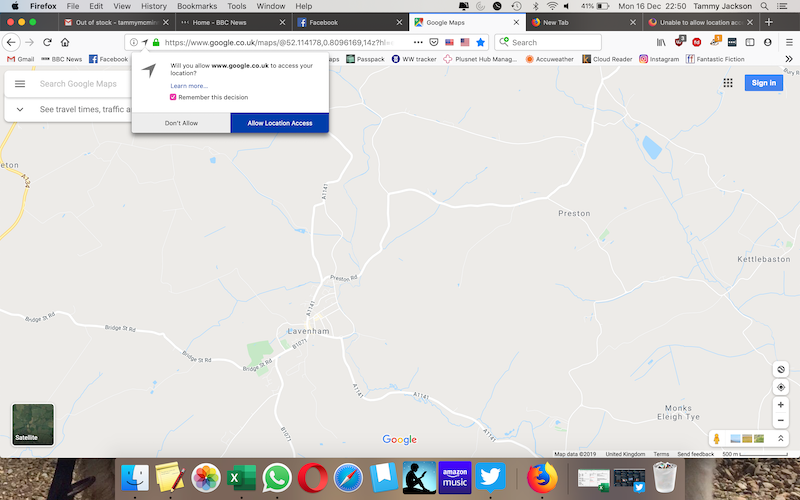
Some websites will prompt me to allow location access; allowing it never adds the site to my whitelist. Sometimes I just keep getting prompted to allow access in a loop.
I am using Firefox Quantum 69.0.2 on OSX.
Extension-wise, I am using DuckDuckGo Privacy Essentials, but disabling it does not fix the problem.
모든 댓글 (2)
선택된 해결법
Ahh. I finally figured this out. At some point I must have disabled all location services at the OS level.
Updating the my location settings in my OSX security preferences fixed the issue. It would be great if Firefox had better messaging to tell users this. ("Location access has been blocked by your operating system.")
I have granted permission for Google Maps to access my location but as soon as I click on the location button on Google Maps page, I get the message "Google Maps does not have permission to use your location." and the location button greys out.