


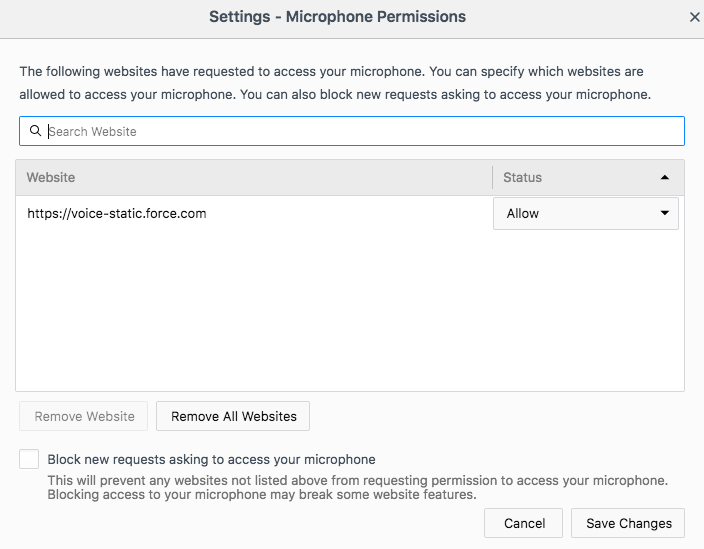
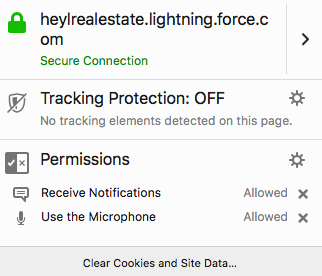
My microphone isn't working. I have a bluetooth headset and it works in google chrome. I have allowed access to the mic in permission settings.

I've updated my permissions in the settings.
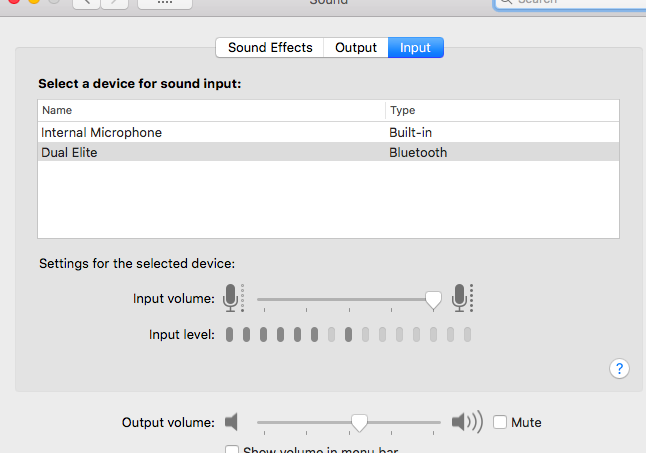
I've also insured my computer settings are set to my default microphone, and I've tried restarting the browser, removing the website from allowed permissions and then re-adding it. It gives me the pop up box to allow salesforce to access my microphone and I say yes, and it still doesn't work!
I've also tried it in safe mode, and I've adjusted the permissions manually to allow access.
모든 댓글 (7)
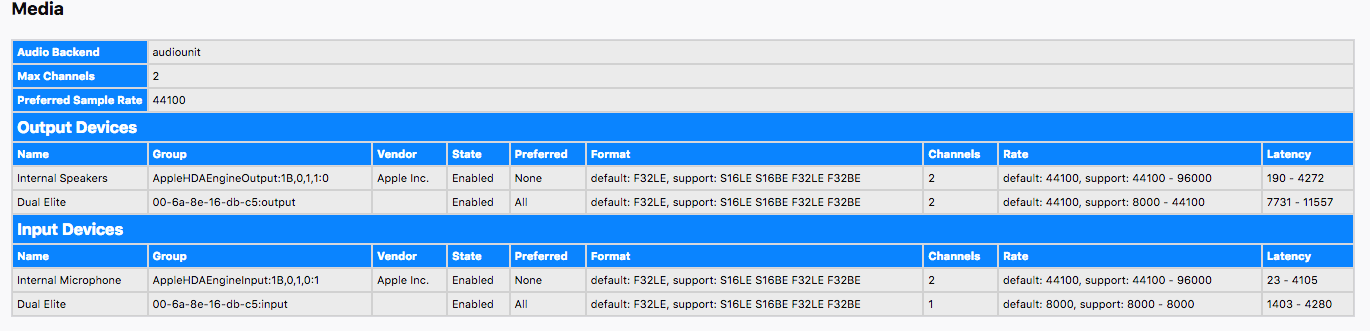
Screenshots attached.
Hello saraljahn,
A stab in the dark, but would you check this please :
Firefox's 3-bar menu => Preferences => Privacy & Security Under "History" : choose "Use Custom settings for history" and make sure that "Clear history when Firefox closes" is unchecked.
It was already unchecked... I'm not sure if you can see the screenshots I attached to the thread, but I was thinking perhaps there is an issue with the Channel the mic is on? It's channel 1 and the rest say channel 2??? Thoughts? I've tried to search for how to change that but no luck.
New Development. The mic seems to be working when I use my internal mic, just not the bluetooth headset I typically use. Am I crazy to think that it's that channel issue?
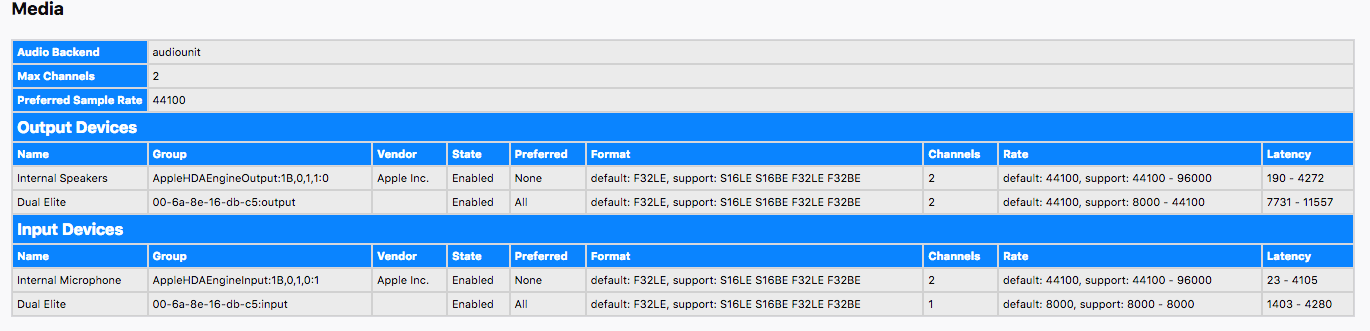
That would be a hardware conflict and you need to contact the headset maker for support.
I wonder if Firefox only "sees" the default recording device (Windows calls it a recording device, not sure about MacOS).
Is it easy to make your Bluetooth device the default temporarily as a test? Please switch back before disconnecting.
sarahljahn said
I was thinking perhaps there is an issue with the Channel the mic is on? It's channel 1 and the rest say channel 2??? Thoughts? I've tried to search for how to change that but no luck.
How about "Audio Devices" settings in MacOS??