tabs and tiles are blurry in firefox quantum

I just got a new laptop, downloaded the most recent Firefox and all but my current tabs are blurry and all text on new tab page is blurry.
모든 댓글 (5)
You may have accidentally zoomed web page(s). Reset the page zoom on pages that cause problems.
- View -> Zoom -> Reset (Ctrl+0/Command+0 (zero))
All tabs are fuzzy except the current one, including the menu bar. It seems to have nothing to do with whether the web page content is zoomed or at 100%. I do not have this problem in any other program.
should have gone to specsavers
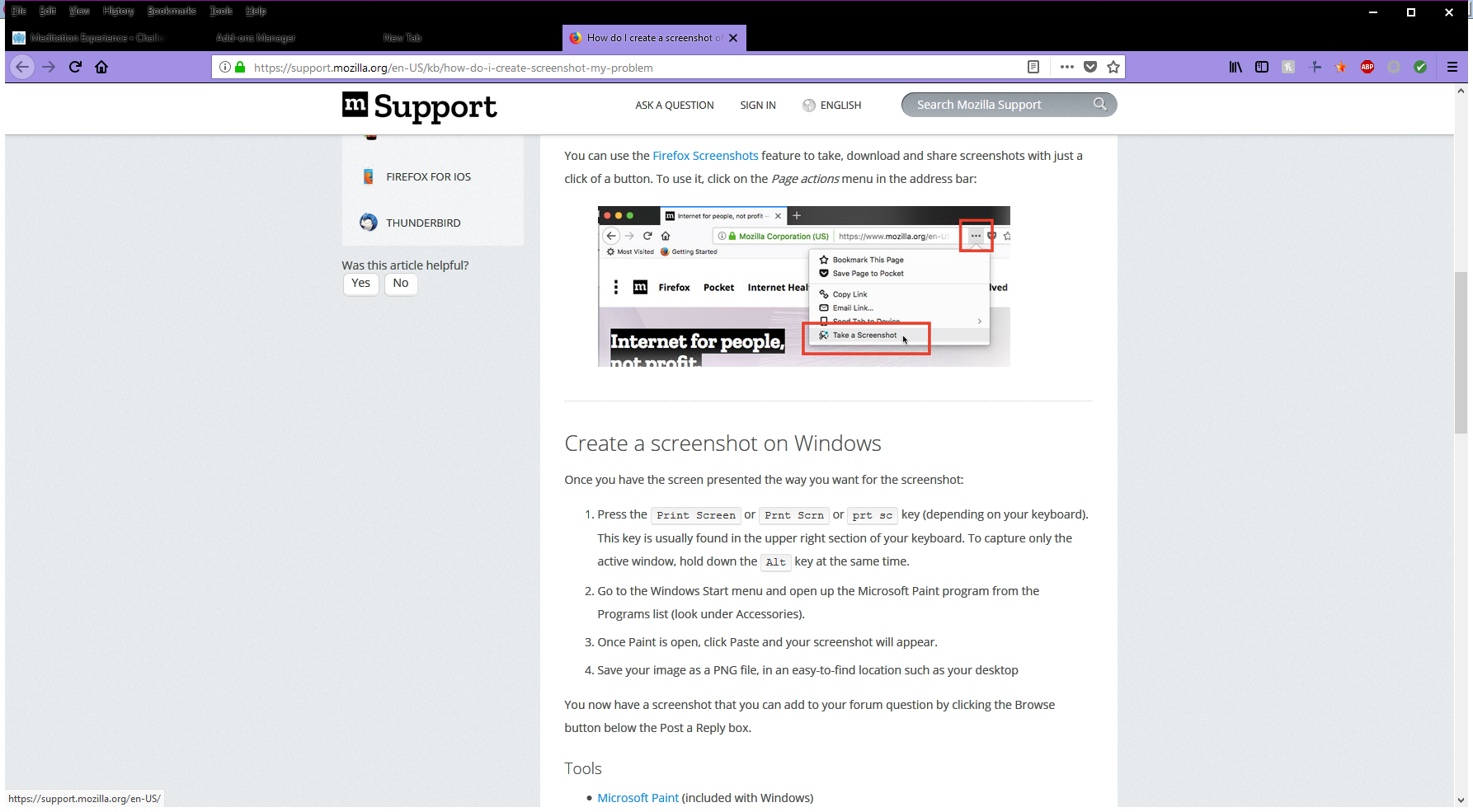
Can you attach a screenshot?
- https://support.mozilla.org/en-US/kb/how-do-i-create-screenshot-my-problem
- use a compressed image type like PNG or JPG to save the screenshot
This could be related with the recent switch in Firefox 52+ from Cairo to Skia for canvas/content rendering.
Firefox 52+ has changed from Cairo to Skia for canvas/content rendering.
You can modify these gfx.*.azure.backends prefs on the about:config page to revert to the old font rendering swap the skia,cairo order to cairo,skia or remove the skia and leave cairo.
- gfx.canvas.azure.backends = direct2d1.1,cairo,skia
- gfx.content.azure.backends = direct2d1.1,cairo,skia
You can open the about:config page via the location/address bar. You can accept the warning and click "I accept the risk!" to continue.
Once I disable colorful tabs, all is good, screen shot attached - check out upper left hand corner - all is blurred except for current tab