


When I filter inbox mail, attachments get "lost". How do I get the attachments to filter along with their respective emails?

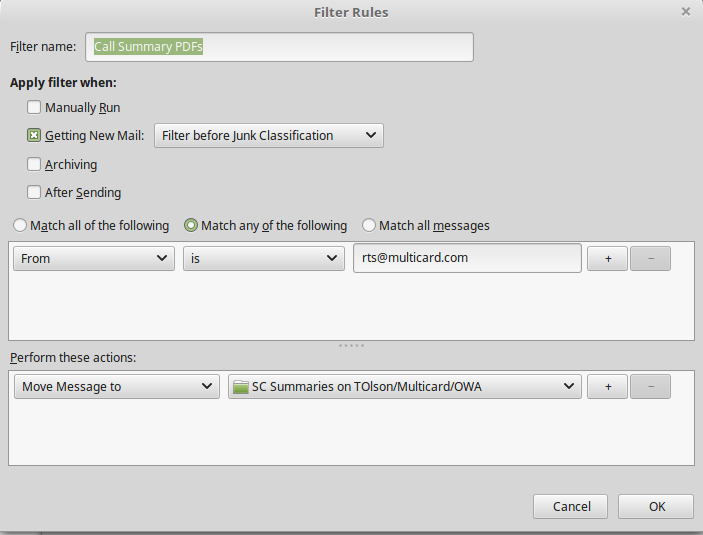
When I complete a service call at work, my company's dispatch system sends me an email with a PDF attached, documenting the work I performed. I wanted to automatically place those emails in a specific folder, so I created a filter which moves the emails as intended. However, in the process, the attachment icon/link disappears. If the attachment is still on my computer, I can no longer locate it.
Screenshot of destination folder: lower two emails were moved from Inbox using the filter, upper two were moved from Inbox by drag-and-drop. Link icon disappears on the filtered emails.
Thank you for whatever insight you can provide!

모든 댓글 (1)
In Thunderbird, e-mail attachments stay as part of the e-mail unless you manually save out the attachment. Filtering the e-mail does not separate attachments from the e-mails.
Something else is going on, and it is probably corruption of your Inbox and/or the folder those e-mails are going into.
2. For both the Inbox and that folder those e-mails are going into, right-click the folder, choose Properties, then click the Repair Folder button.
3. Select the account in Thunderbird, then from the menu: File: Compact Folders.
If that doesn't solve the issue, then:
4. Find & open your Thunderbird Profile folder:
Select Help: Troubleshooting Information from the Thunderbird menu (either from the menu button , on the top right, or the normal menu at the top of the window.)
Under "Application Basics", beside "Profile Folder", click the "Show Profile" button. This will open a window showing the contents of your Thunderbird Profile folder.
5. Quit Thunderbird, but keep that window open showing your Thunderbird Profile folder.
6. Delete "global-messages-db.sqlite" and "panacea.dat" from the profile folder.
Now please read and follow the advice in this article: Keep it working - Thunderbird