


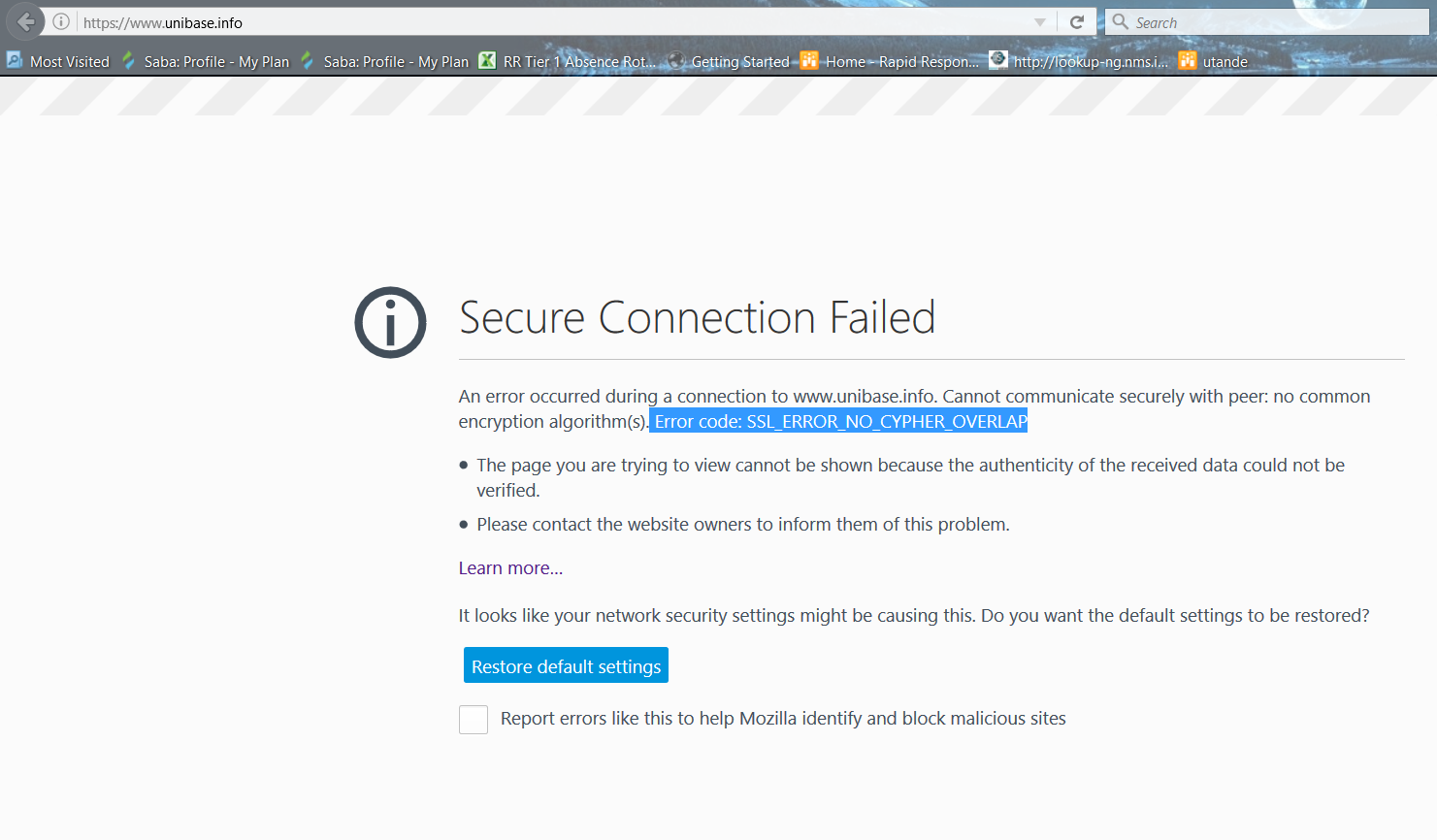
Error code: SSL_ERROR_NO_CYPHER_OVERLAP

get that error when trying to access www.unibase.info
I have tried all solutions on this matter none helped, Client is not contactable to make changes to their server for tsl 1........ so how can l fix it so that firefox doesnt block this even for the coming upgrades or whatever triggers this event.
모든 댓글 (2)
This is the same site we discussed in your earlier thread: firefox said dont trust this website and l clicked ok, want to undo that?
If Firefox 50 no longer uses that workaround, you could switch to the Extended Support Release of Firefox 45. See: https://www.mozilla.org/firefox/organizations/
선택된 해결법
Normally this error occurs on a website that is outdated in still supporting RC4.
RC4 support has been completely removed in Firefox 50 as it is no longer able to be overridden. https://www.fxsitecompat.com/en-CA/docs/2016/rc4-support-has-been-completely-removed/
https://blog.mozilla.org/security/2015/09/11/deprecating-the-rc4-cipher/