


Mails invisible in exquilla inbox only

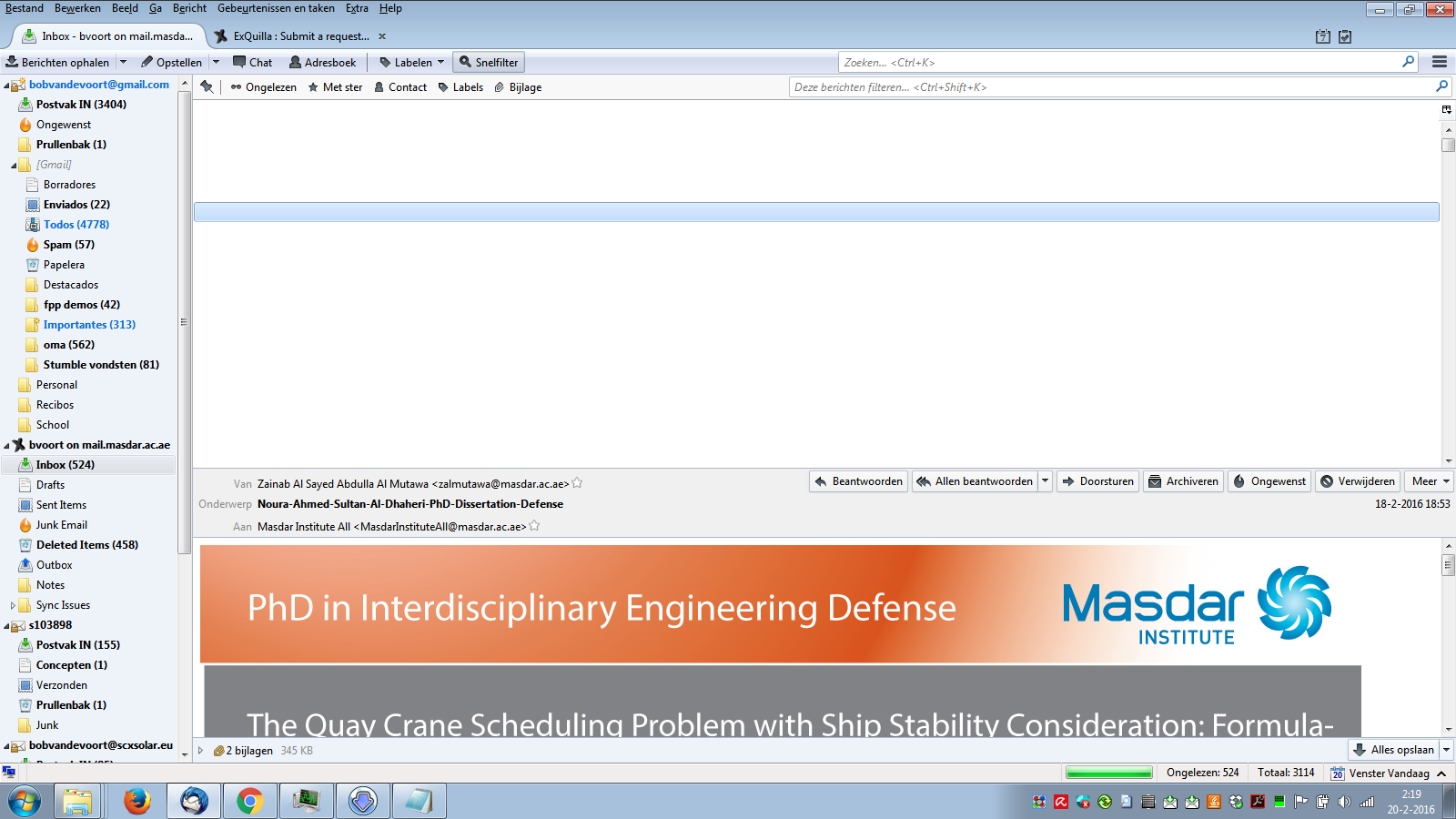
For a few weeks now I've had the problem that the emails in my exquilla inbox (title, date, etc) are invisible. This is only the case in the Exquilla inbox the rest of my mozilla thunderbird is working fine. And it's only the inbox, the rest still works fine.
What I've tried so far:
I've restarted my computer, cleaned the cache, etc.
Restart mozilla in safe mode.
Uninstall all extensions and then reinstall them (exquilla, zindus, lightning and provider for microsoft exchange).
I've tried the repair function which didn't work either
Updating all my inbox folders in unified view (where the problem doesn't exist strangely enough).
Most of the stuff here http://kb.mozillazine.org/Disappearing_mail and here http://kb.mozillazine.org/Empty_folders
Right now I'm trying to see if it has something to do with profiles but still trying to figure that one out (not familiar with it at all).
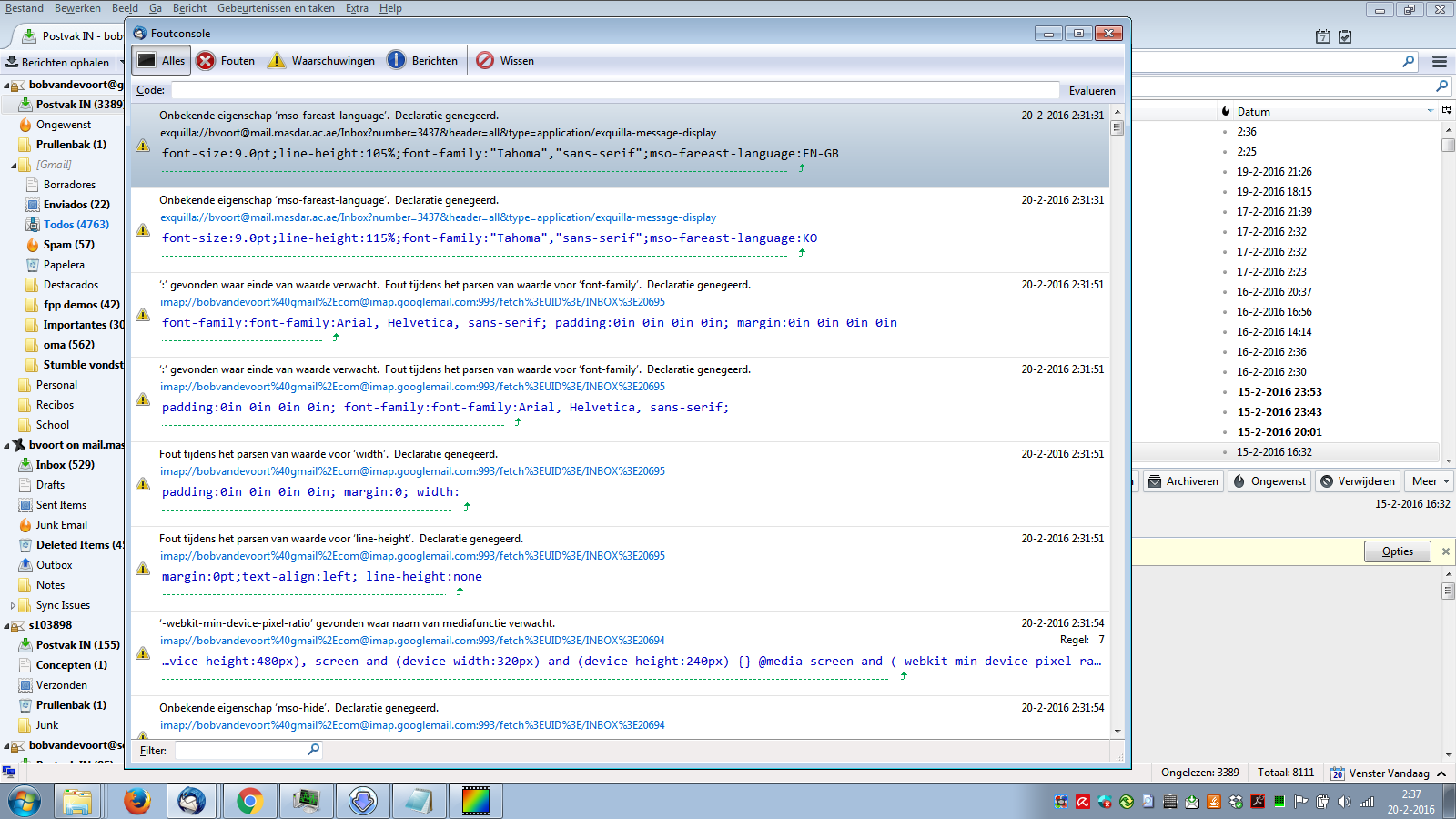
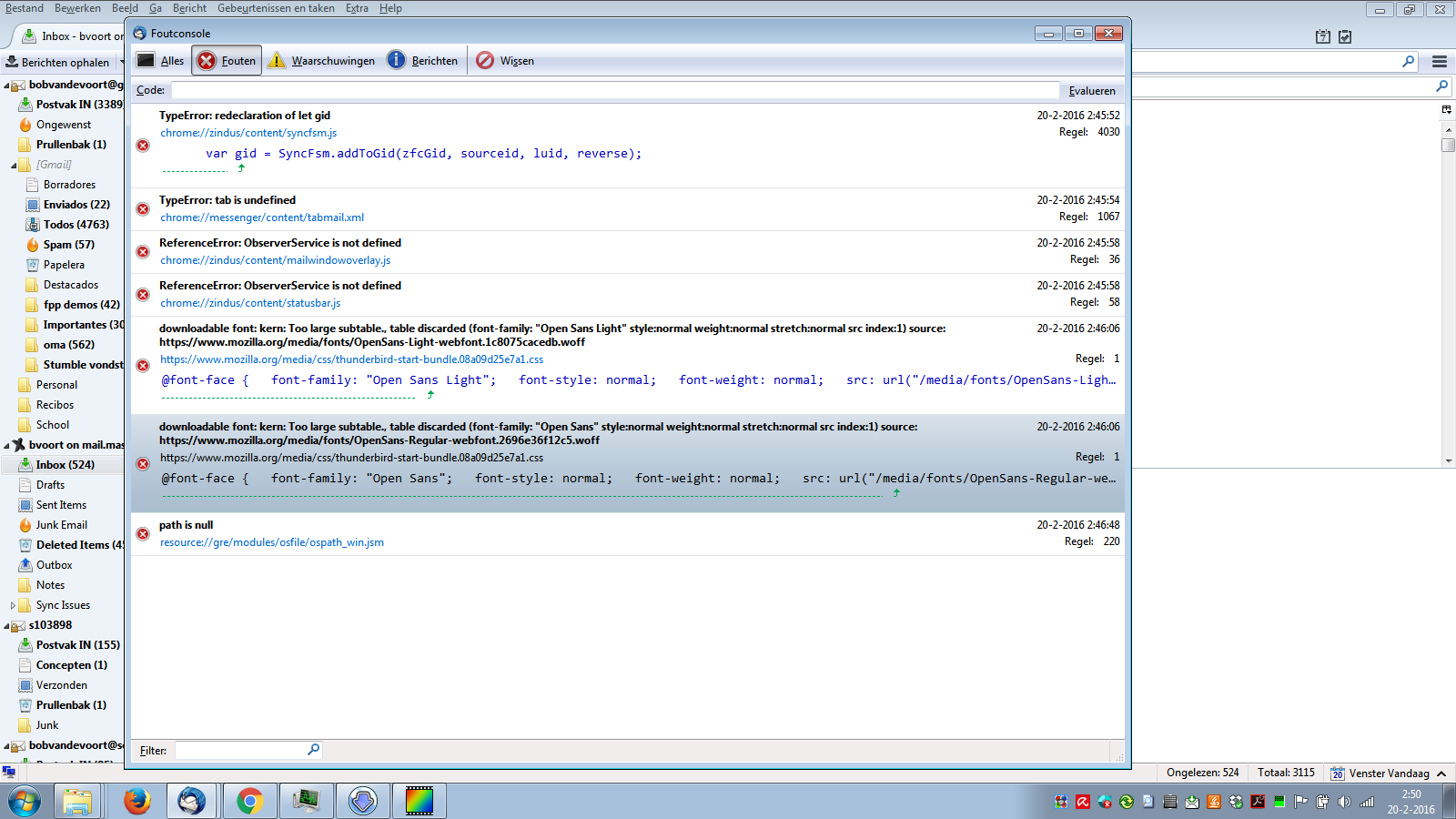
I've added some screenshots to show what I mean and my error log.
I would greatly appreciate some help
글쓴이 bobvandevoort 수정일시
선택된 해결법
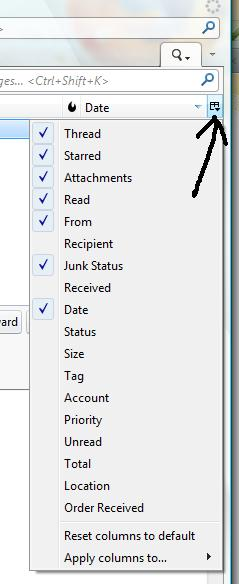
Please try this: select the Inbox to see invisible list. click on the fat right column choice icon. see image below. Select : 'Reset columns to default'.
문맥에 따라 이 답변을 읽어주세요 👍 3모든 댓글 (8)
I have been in communication with the Exequilla author. He advises me it is not exequilla. I have encountered one other person on the forum in recent days with the same issue on a single folder. They are not using exequilla.
https://support.mozilla.org/en-US/questions/1112631
Please try the deletion of files I suggest there and see if it works for you.
i wouldn't be surprised if it is a corrupted font file. But where/how do I find the specific corrupted font file so that I can delete it?
글쓴이 bobvandevoort 수정일시
This is what I meant. On reflection it is unlikely to be a font, or all folders would be affected.
From the help menu select troubleshooting information and then the show profile button. Close Thunderbird.
In the Thunderbird profile delete the following files if they exist
foldertree.dat xulstore.json Virtualfolders.dat Localstore.rdf panacea.dat
Restart Thunderbird
Matt said
This is what I meant. On reflection it is unlikely to be a font, or all folders would be affected. From the help menu select troubleshooting information and then the show profile button. Close Thunderbird. In the Thunderbird profile delete the following files if they exist foldertree.dat xulstore.json Virtualfolders.dat Localstore.rdf panacea.dat Restart Thunderbird
ok this is what I just tried I encountered the following files: foldertree.json (not deleted) Localstore.rdf (deleted) panacea.dat (deleted) Virtualfolders.dat (deleted) xulstore.json (deleted)
The problem persisted so I tried to delete foldertree.json as well. (deleted the other files again and started thunderbird again)
The problem still persisted so I put the back up I made of the files back again after closing thunderbird.
글쓴이 bobvandevoort 수정일시
Why are you not deleting foldertree.json?
Matt said
Why are you not deleting foldertree.json?
I tried that the second time around as I mentioned above. (I didn't do it the first time because I wasn't sure if I should since you said it should have been .dat)
선택된 해결법
Please try this: select the Inbox to see invisible list. click on the fat right column choice icon. see image below. Select : 'Reset columns to default'.
Toad-Hall said
Please try this: select the Inbox to see invisible list. click on the fat right column choice icon. see image below. Select : 'Reset columns to default'.
Awesome appears that this was the issue -.- thank you very much :D