


Fullscreen Dual Monitors (Youtube)

I have a problem with my youtube. Whenever it goes in fullscreen on my 2d monitor (Not same aspect) Monitor 1: 1360x960 Monitor 2: 1280x720
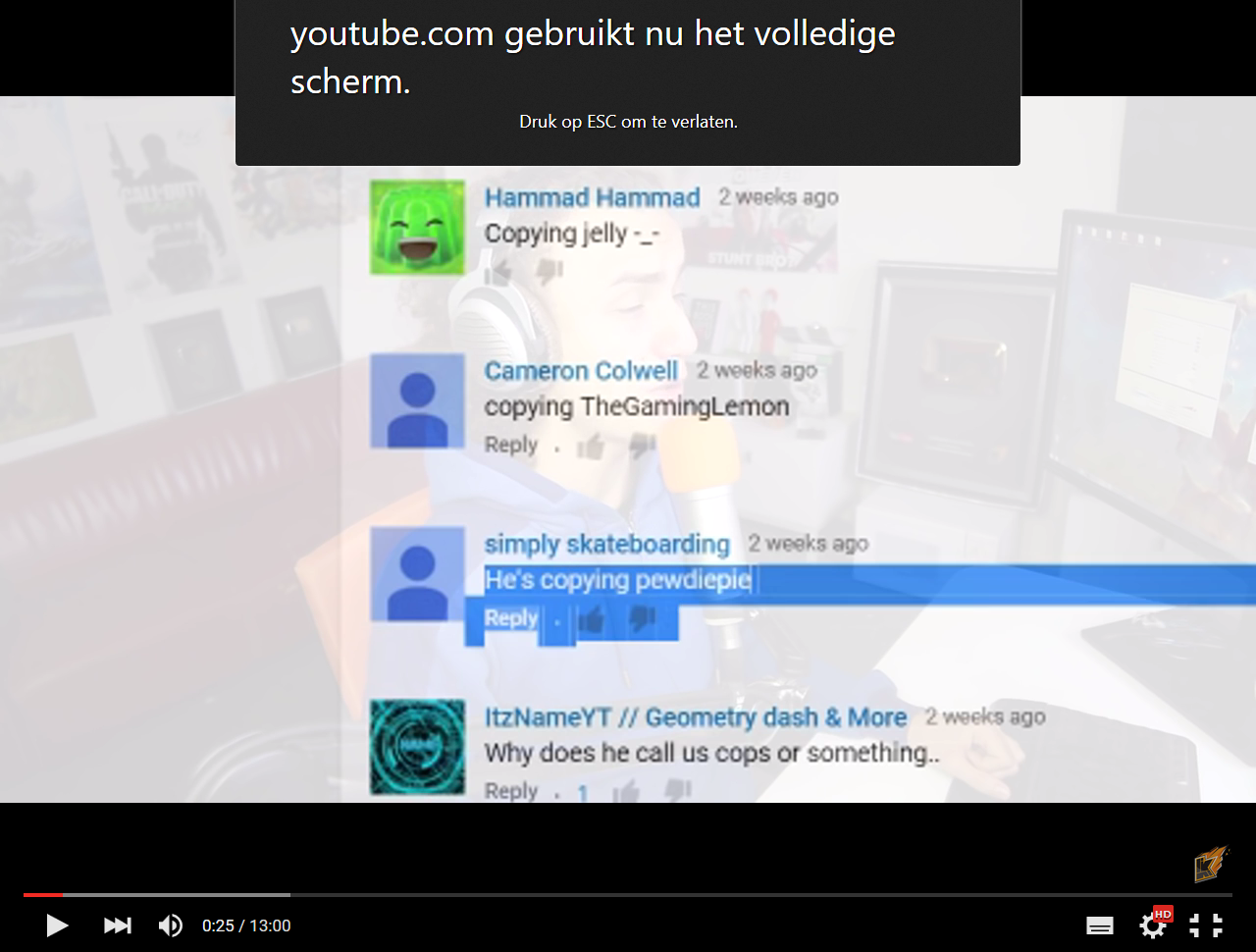
But if i look at the stats its says this: Dimensions: 1280 x 720 Resolution: 640 x 360@50
2 Black bars on the top and on the under. Can you pls help me with this?
모든 댓글 (4)
Hi arronvdc, I understand when watching youtube in Firefox in fullscreen that there difference in resolution and screen size than that of the monitor.
Sometimes yotube files are limited to the quality that they are uploaded as.
However the screen that is active when you fullscreen the browser will take that meta data I believe. However its smaller than both of them which is strange. If you move the widow to the desired monitor, then hit full screen is there a difference?
Yes there is a difference. Btw im using a laptop (My laptops screens is 1366 x 786 ) And my 2nd screen is 1280x720. Here is a screenshot of my 2th screen.
I found this little hack that you might find useful: https://www.youtube.com/watch?v=GNQdVCqFNdE
Thats not my problem (I dont upload videos) I watch videos and see the black bars.