


My toolbars continue to revert changes when firefox restarts, even after deleting localstore.rdf

Basically exactly what it says in the title. After closing or restarting firefox, all custom toolbars and toolbar settings revert or corrupt or whatever you'd call the before-and-after shots below. I've booted into safe mode and reset them, problem persists. I've manually deleted %appdata%\Mozilla\Profiles\ns92nxcd.default\localstore.rdf, problem persists.
ჩასწორების თარიღი: , ავტორი: detroitmatt
ყველა პასუხი (2)
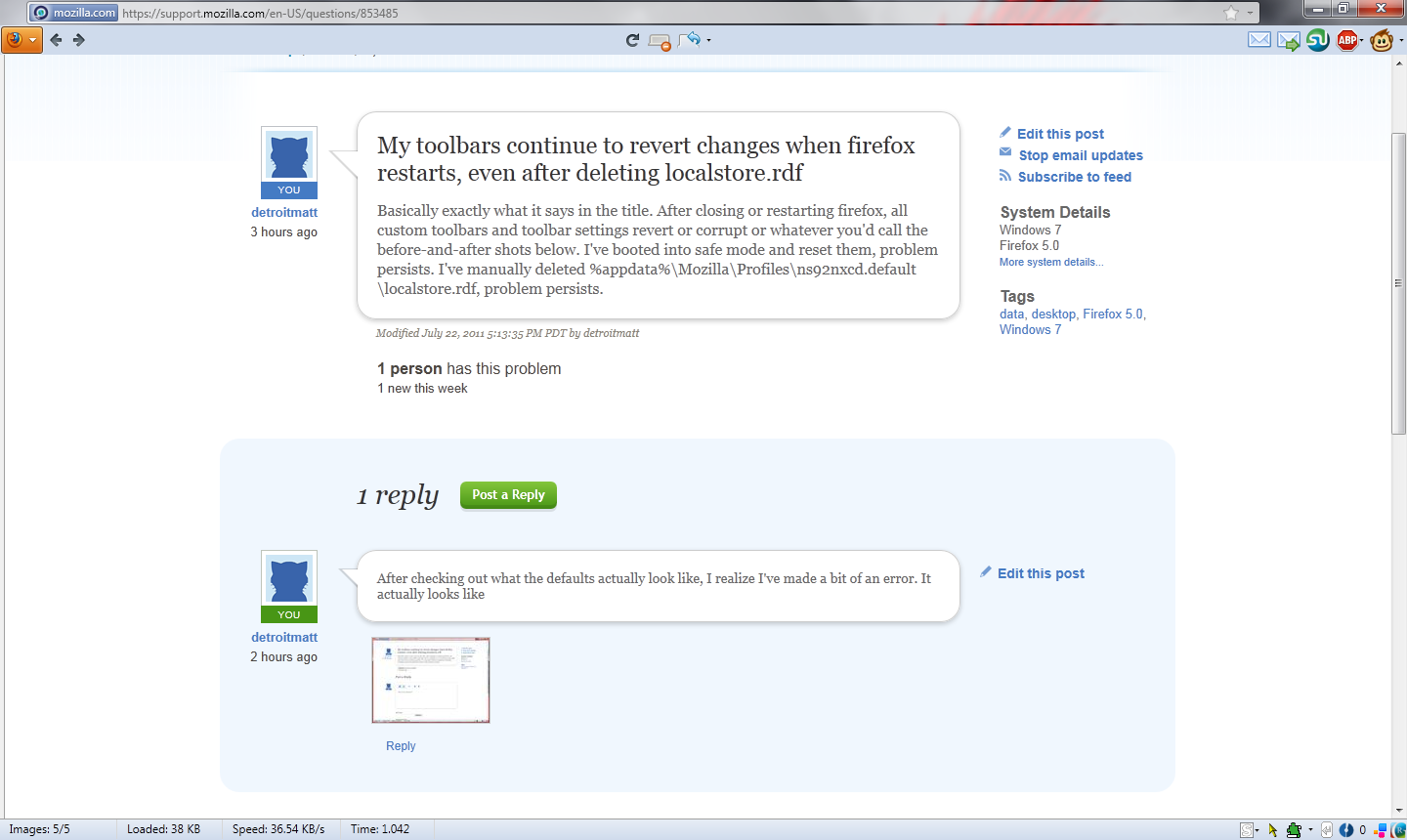
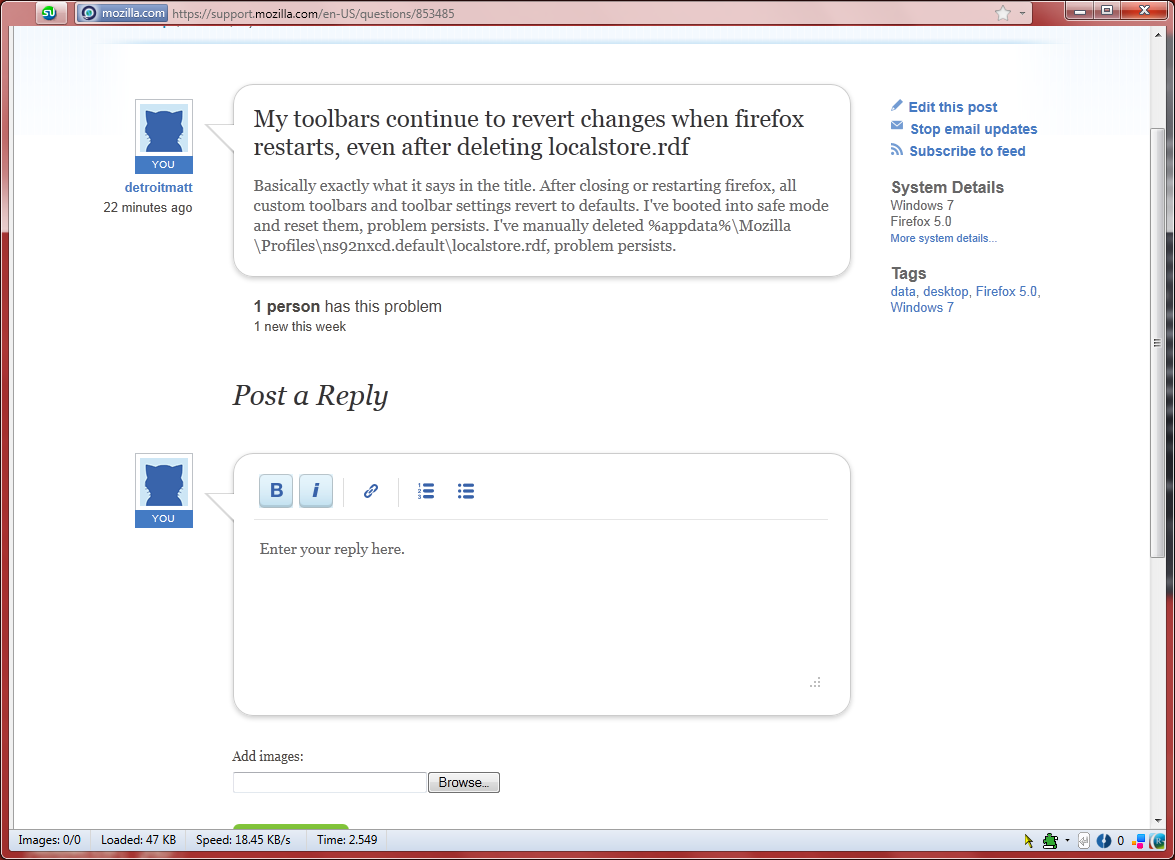
Before and after shots (Before is the one with a toolbar, after has only the title bar (with address bar and stumbleupon button. I'm using an extension that allows the address bar to be in the title bar) Ignore the change in window size.
ჩასწორების თარიღი: , ავტორი: detroitmatt
The problem was related to Tree Style Tabs