


I installed tor button and restarted firefox. Can't see tor button.

I had tor button on an older version of Mozilla and it worked fine. After installing the new version tor button went away. I reinstalled tor button and restarted Mozilla. Tor button never appeared. It's not in the lower right as before.
ყველა პასუხი (2)
i also have same problem when i installed firefox 4.tor button is not compitable with that one..alpha version of tor button is also not helpful :( , hope tor it self find solution & will release tor button for firefox 4 in near future just my hope :)
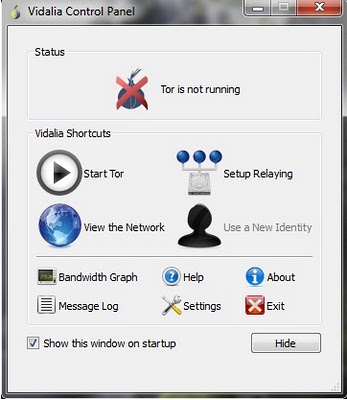
When I go to the ADD-ONs page and search for Tor Button (https://addons.mozilla.org/en-US/firefox/search/?q=tor+button&cat=all&x=15&y=15) the Add-On is found: TorButton by Mike Perry. When I click on Download Now, the Add-On tries to install itself and finally generates a message stating: "Tor button could not be installed because it is not compatible with FireFox 4.01". It was compatible with FireFox version 3.x.y. So, many people will have a problem now. The hope is now that either FireFox releases an update making it compatible again with the existing version of the TorButton Add-On or Tor releases an update making Tor compatible with the new FireFox version.
ჩასწორების თარიღი: , ავტორი: dr.Bob