


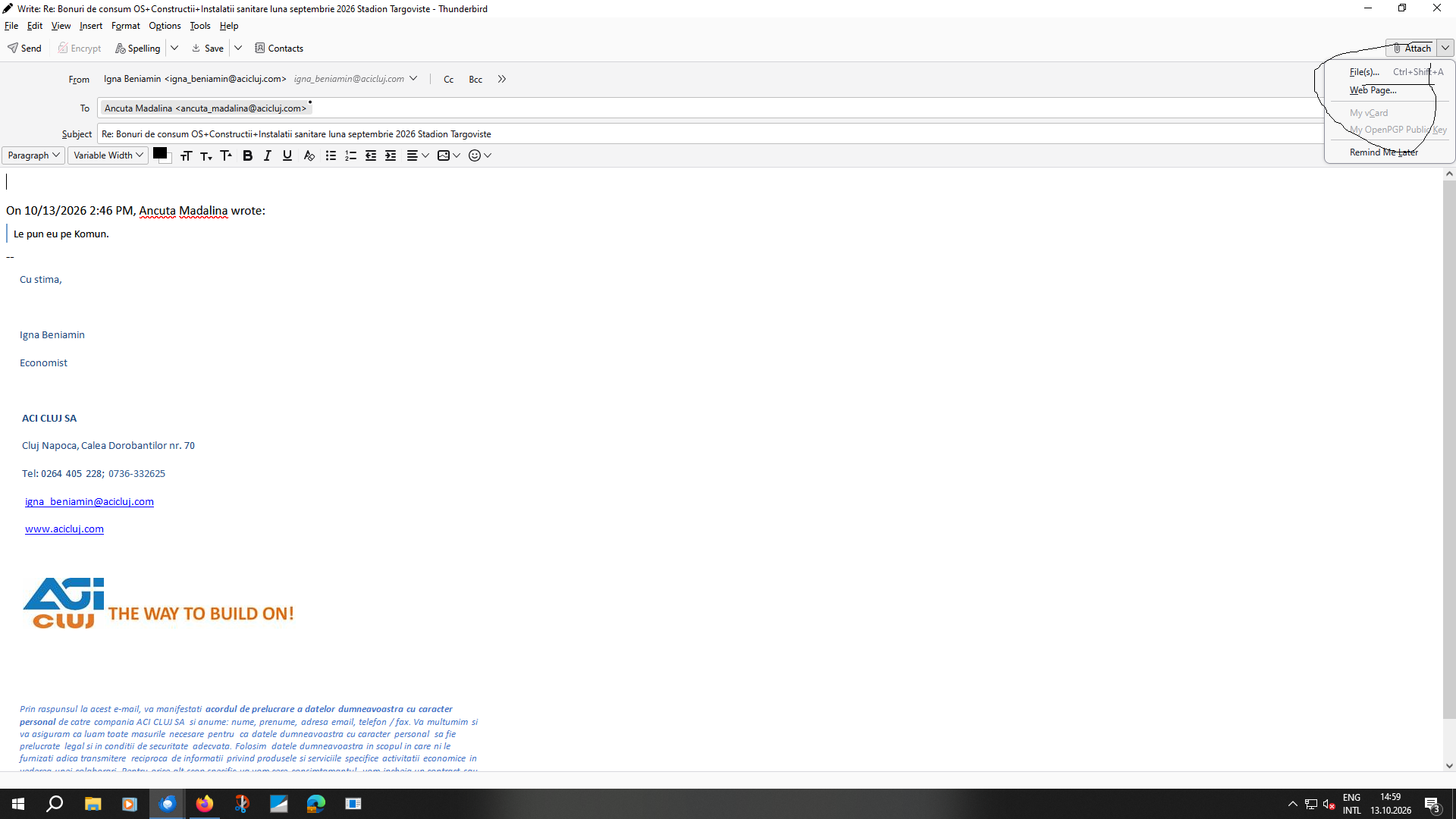
Este blocat butonul de atasament.

Va rog mult sa ma ajutati cu adresa de email nu merge sa atasez documentele.este blocat butonul de atasament cum il deblochezi?
ყველა პასუხი (1)
შერჩეული გადაწყვეტა
This is a recently discovered bug. The symptom is that if you previously attached a file, but the previous containing folder now no longer exists because it was deleted or renamed, when you later try to attach a file using the Write window's "Attach" button, it will silently fail. That is, clicking the button will appear to do nothing. The bug should be fixed in the next release.
In the meantime, a workaround is to drag-and-drop the file onto the Write window using the mouse.
Or, if you don't mind changing Thunderbird's Advanced Settings:
- In <Settings | General | Config Editor> search for: "mail.compose.attach.dir".
- The value (path) here must be changed to one that is still available (for example C:\).
- Close and exit Thunderbird, then restart it (this step might not be necessary.)