Firefox won't open after last update

I have noticed several automatic updates in the last several days.
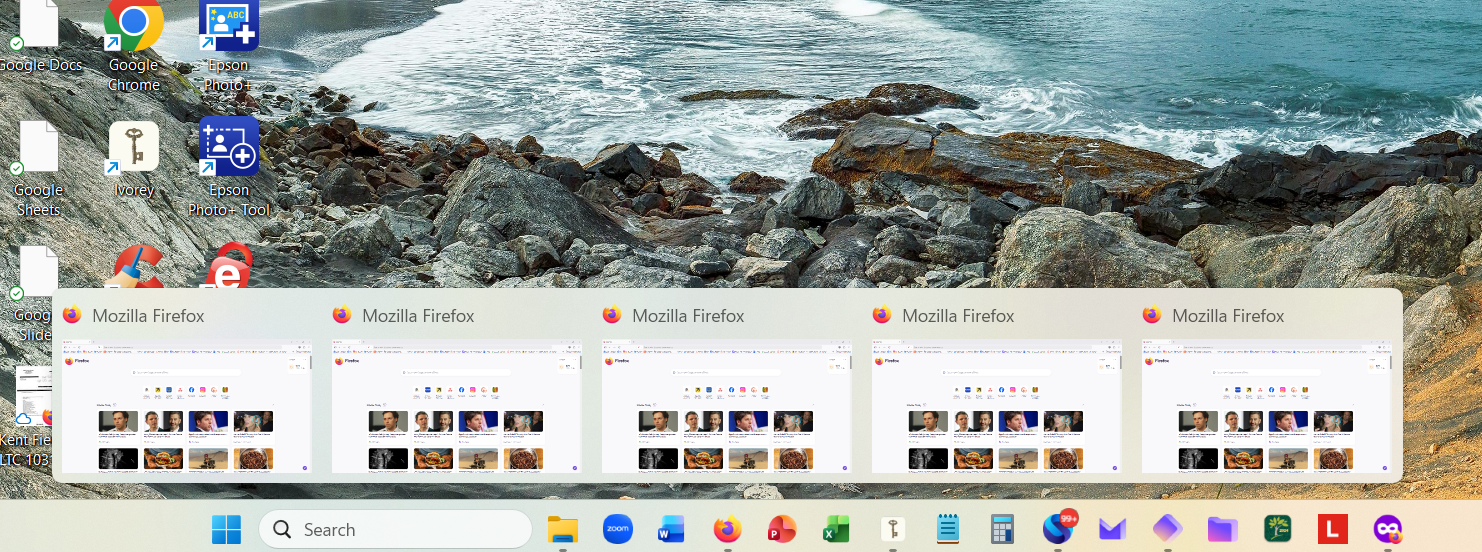
Yesterday, I started my Lenovo laptop and clicked on Firefox to start my business day. Clicked on the icon. Nothing opened on my screen. Each time I clicked, a thumbnail would open (see attached image).
I can right click on the icon. I tried open a new window. Nothing. I tried open private browser. Icon opened, I can see thumbnail, but it did not open either.
I tried to download new Firefox. Same. I tried to delete Firefox from Installed Apps in settings. Then I was asked if I wanted to Refresh Firefox instead of deleting. It saved my Firefox files. Thank you. I followed the steps. Firefox worked throughout the day.
This morning I tried to open Firefox...nothing except thumbnails like in the photo.
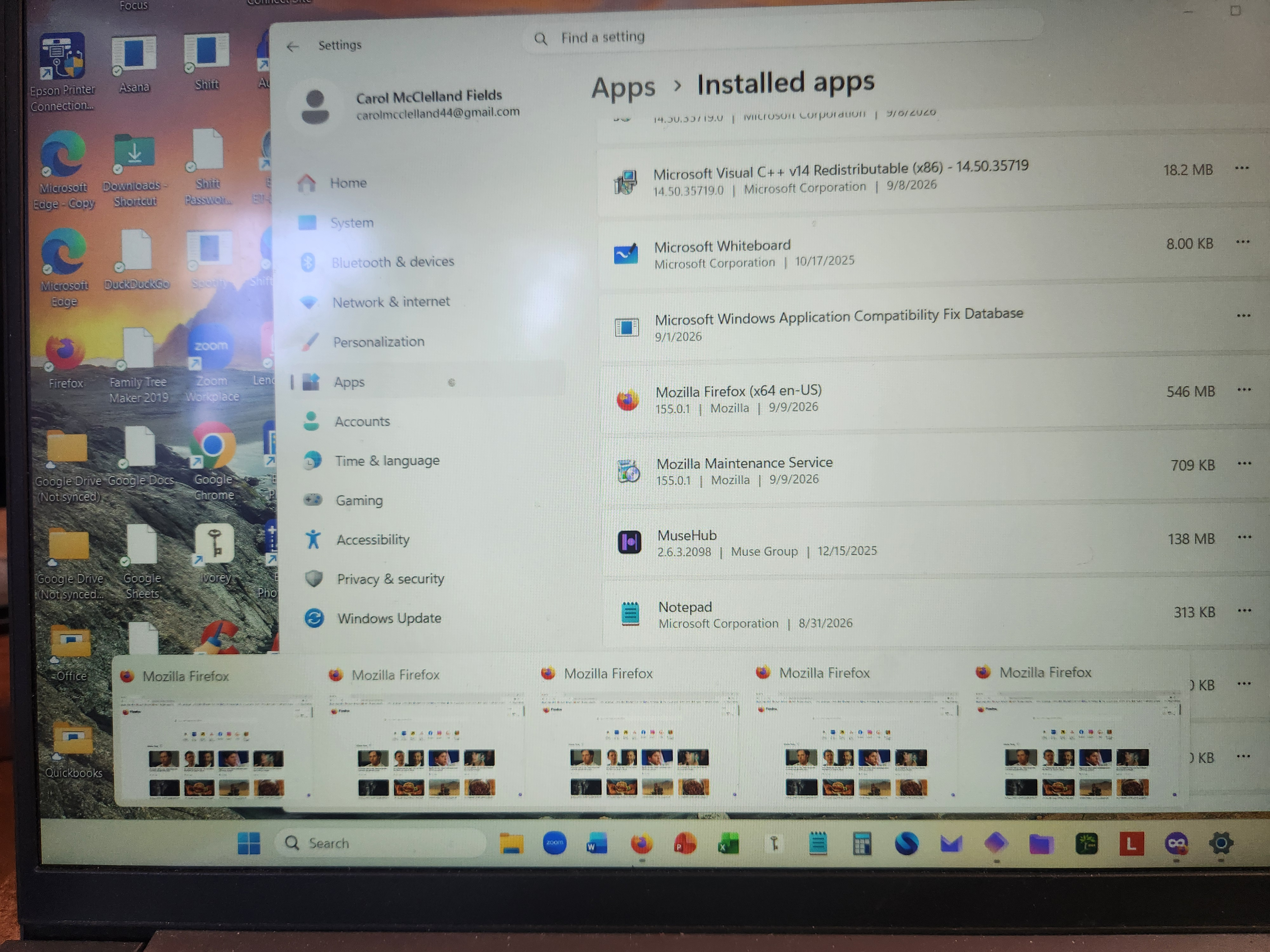
Photo has version date for Firefox. Dated yesterday 9.9.2026.
Appreciate your help.
All I have access to is right click on Firefox icon in my tray. I cannot see any settings.
ყველა პასუხი (2)
You have five instances of Fx open in the task bar. The main screen is Windows settings.
Can you close the bottom five and the windows one?
So what settings are you looking for?
Are you using this site via Android currently
As I mentioned in my description, those five instances are thumbnails only. They do not open to full screen on my Lenovo laptop.
I closed all of my other windows and I am still not seeing an open firefox window.
I am looking for instructions on how to get a workable firefox icon so I can do my work.
As mentioned above, I tried the refresh route yesterday. It worked for a day, but now I'm back to where I was yesterday morning. Same symptoms, same thumbnails, same lack of access to my web browser.