


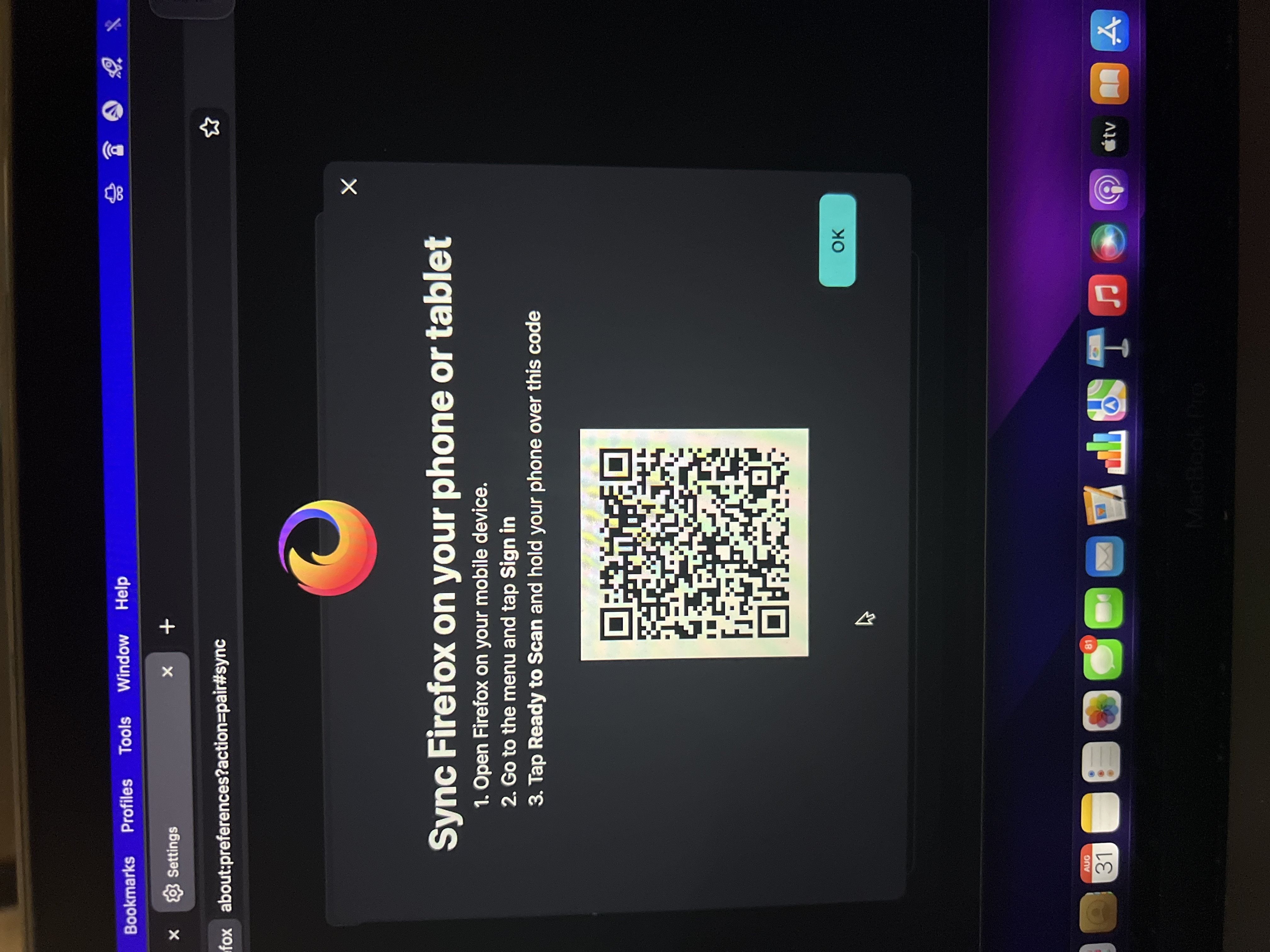
I’m just trying to pair my Firefox on my computer to my phone
So I’m just trying to sync the Firefox from my phone or on my phone to my tablet. I see the tablet saying sync Firefox open Firefox on your device go to the menu and top sign in and then tap ready to scan and hold your phone over this QR code . There’s no ready to scan anywhere in the screen or when I go into the menu
ყველა პასუხი (1)

Hello! The instructions on your tablet are probably a little outdated because the “Ready to scan” option may not show up directly after you tap the menu. On your phone, open Firefox and go to Menu → Settings → Sync and save data. From there, you should be able to find “Ready to scan” and use your phone to scan the QR code on your tablet. If you still don’t see it, you can also sign in to the same Firefox/Mozilla account on both devices, and your bookmarks, history, passwords, and open tabs should sync automatically.