


Sync tabs between window devices

my tabs are not syncing between my window laptops. Everything else does. I have verified the tabs sync is checked. How do I fix it?
ყველა პასუხი (4)
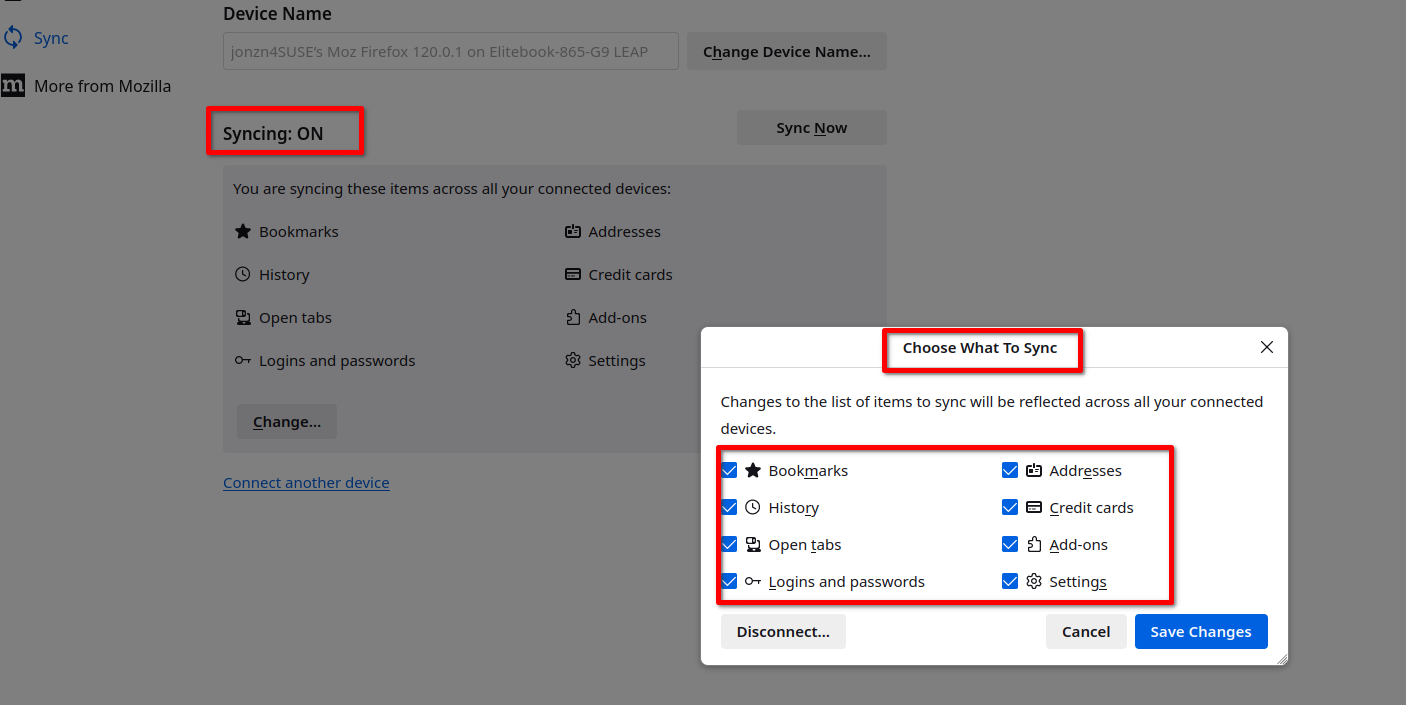
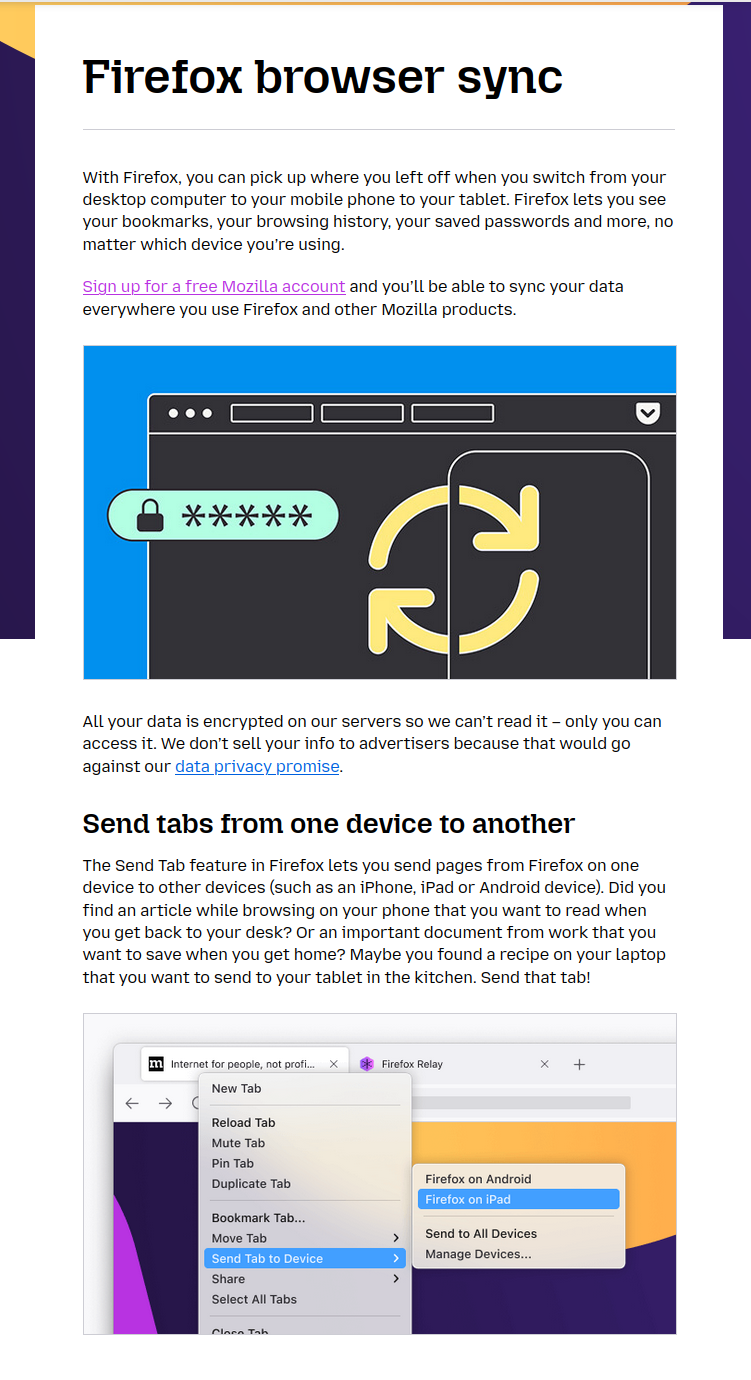
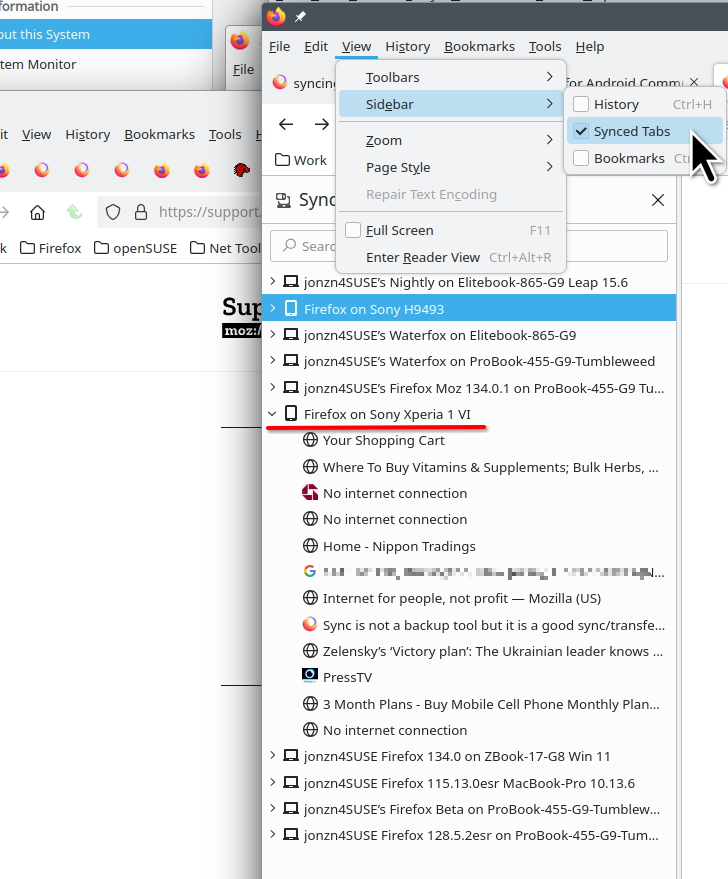
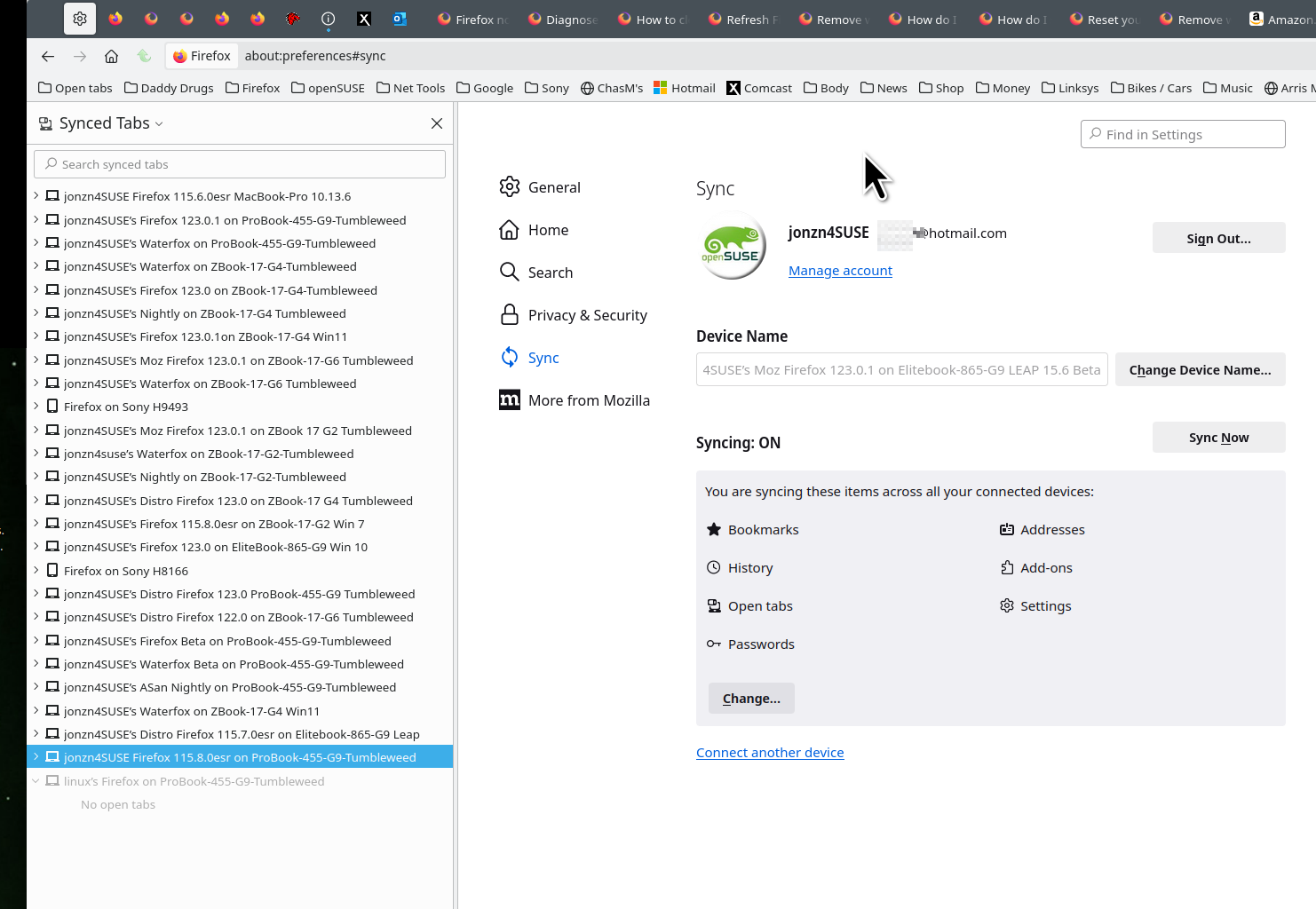
Sync allows you to see and send tabs between devices. see screenshots
https://support.mozilla.org/en-US/kb/how-do-i-set-sync-my-computer https://support.mozilla.org/en-US/kb/how-do-i-choose-what-information-sync-firefox https://support.mozilla.org/en-US/kb/view-synced-tabs-other-devices
What is Firefox Sync and why would you use it https://hacks.mozilla.org/2018/11/firefox-sync-privacy/
Sync Firefox data https://support.mozilla.org/en-US/kb/sync
ჩასწორების თარიღი: , ავტორი: jonzn4SUSE
Thank you, I already have this information. The current issue is this. I am logged into both window computers. I have all boxes marked. I am able, it appears, sync everything but the tabs. I have tried to trouble shot this but what I tried does not work. How do I solve this issue so I can get the tabs on my new laptop?
daniel_a_g said
How do I solve this issue so I can get the tabs on my new laptop?
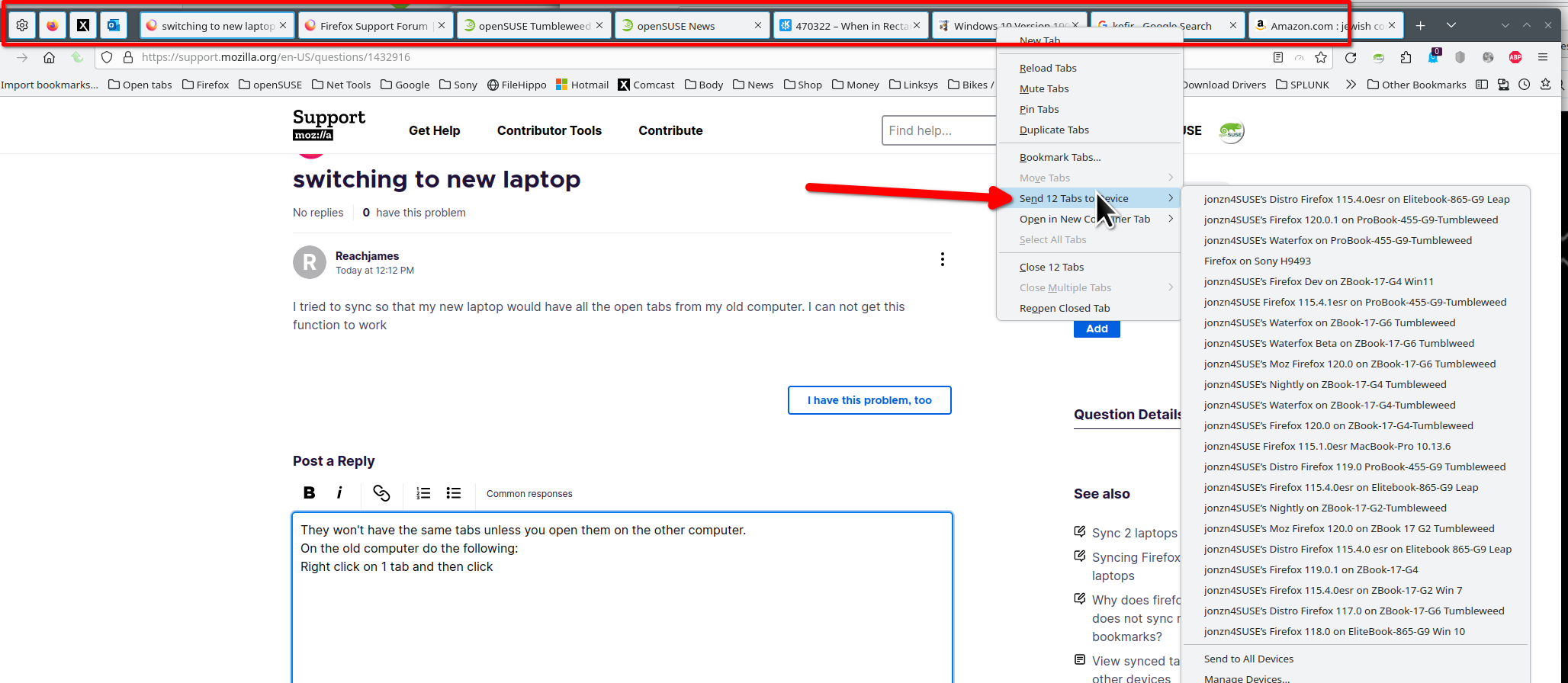
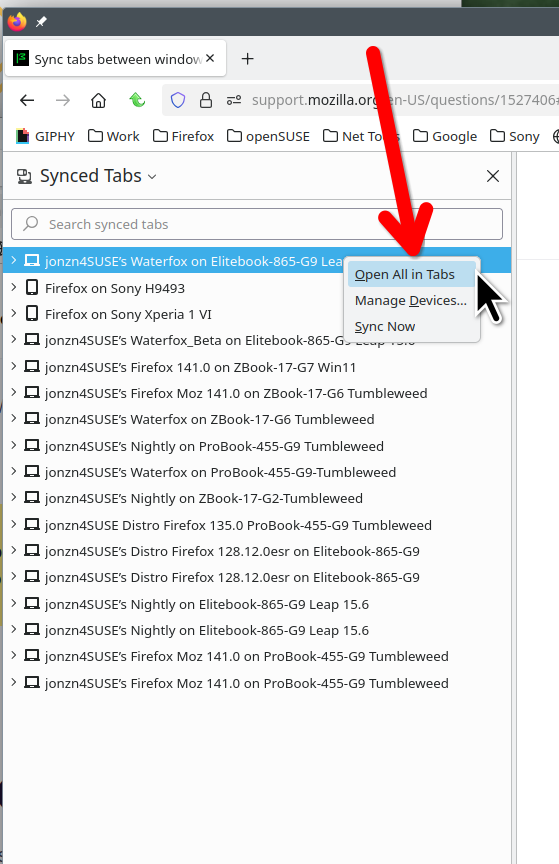
One way, from the old laptop, select all the tabs, and then send them to the new laptop. Another way is on the new laptop, open the sync tabs side bar and you should see the old laptop and it's open tabs. Just right click on the old laptop and click the option to open all in tabs.
ჩასწორების თარიღი: , ავტორი: jonzn4SUSE

I have the same problem as daniel_a_g and the replies here do not solve the issue. All replies simply say what you should do if the sync worked, but the point is: it doesn't.