

ეს თემა დაარქივებულია.
დასვით ახალი კითხვა, თუ დახმარება გესაჭიროებათ.

დაარქივებული
extension shortcuts

The add on extension shortcuts disappeared. How do I get them back
The add on extension shortcuts disappeared. How do I get them back
ყველა პასუხი (3)

If you can't recall the extension then no one here knows what it is either.
As I said above, the extensions didn't disappear, the shortcuts did. This is in Mozilla Firefox. (see uploaded image) It shows which extensions are supposed to be active, but they do not appear in the shortcuts area of the Menu Bar. I'm sure I have something turned off, but I have followed directions about shortcuts and that hasn't helped yet.
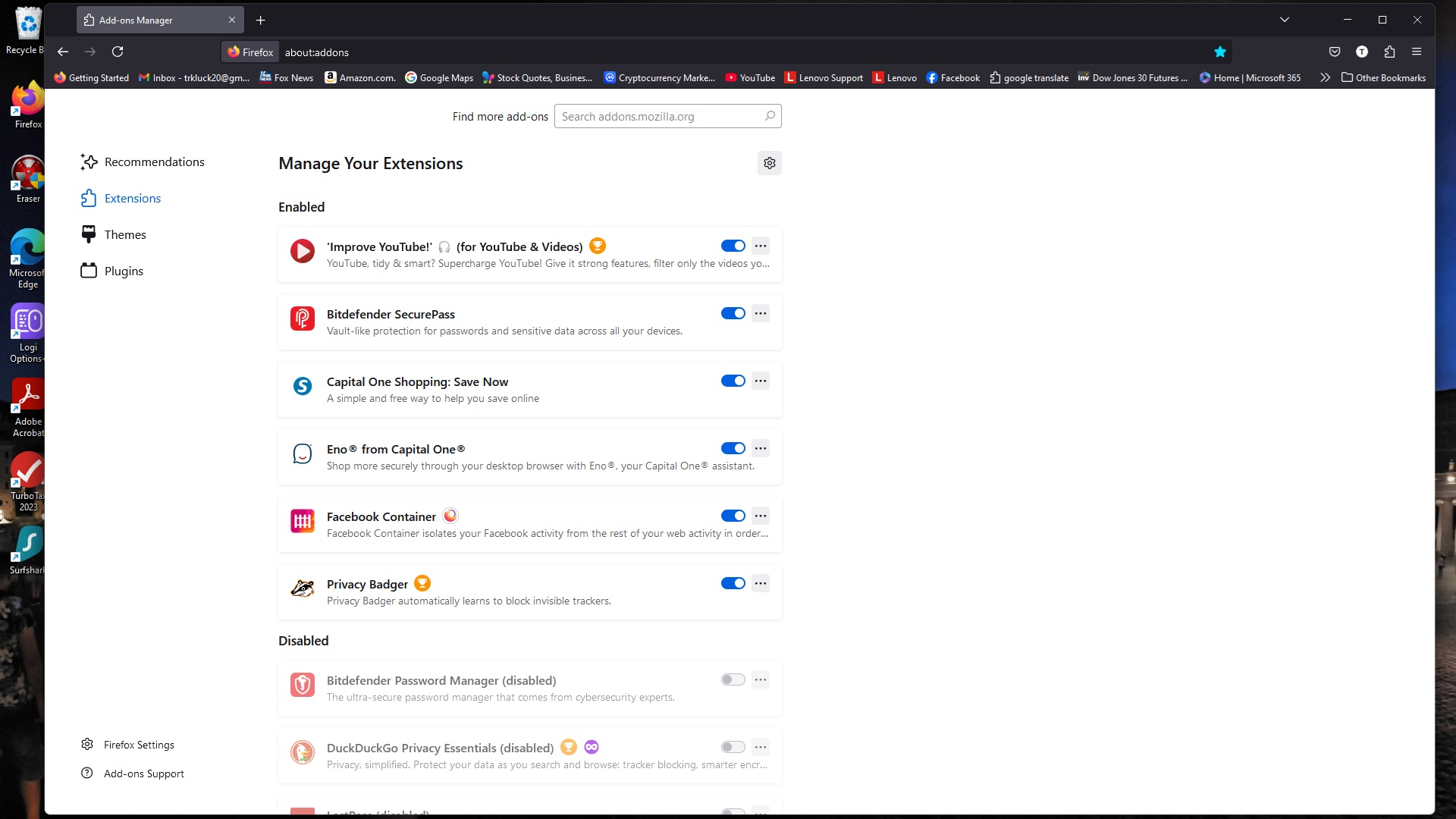
Then uninstall and reinstall them from the Firefox Addon page. Write the name down and try again to reinstall them.