


Firefox not loading content
Hello.
The website in question is https://www.liverpoolfc.com/ and the more specific pages with this problem are the sub-pages of the Competitions page.
Main page: https://www.liverpoolfc.com/fans/competitions
Some examples of sub-pages: https://www.liverpoolfc.com/fans/competitions/win-a-jota-shirt-and-lfc-ball https://www.liverpoolfc.com/fans/competitions/win-a-jota-shirt-and-lfc-ball
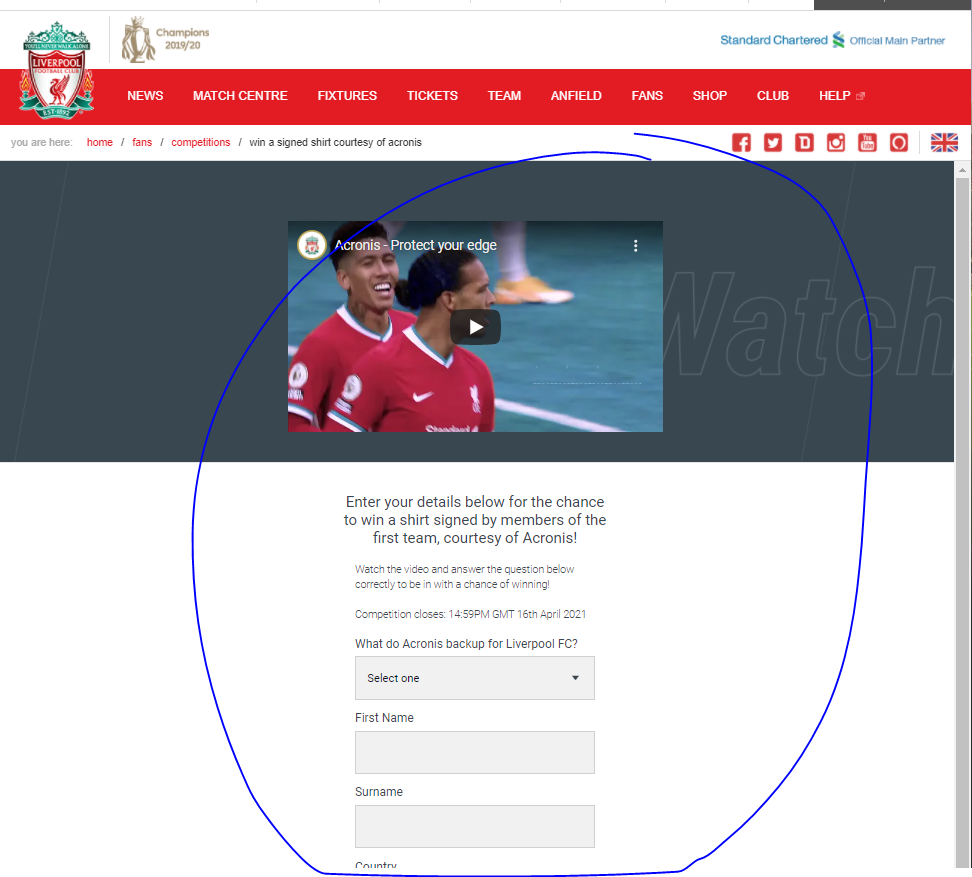
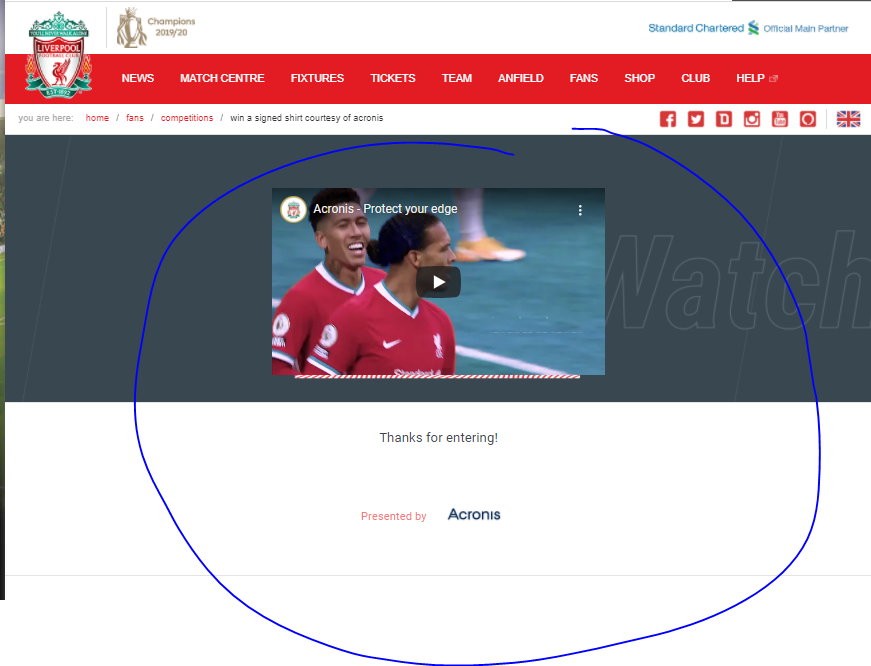
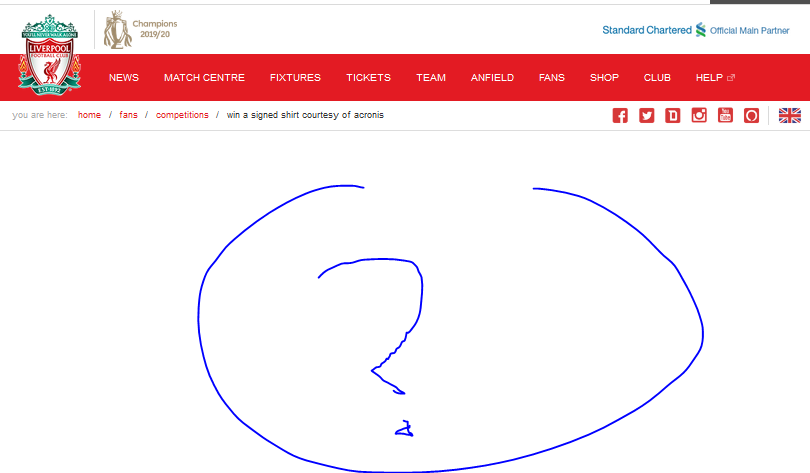
I have tried the solution where I cleared my cookies and all the saved data. The problem still persists. But if I use any other browser, the content loads correctly. With Firefox on the other hand the content doesn't load - or it loads but it doesn't display?
Anyone has a solution? It's a very frustrating problem. I have asked LFC for a solution but they said that they cannot replicate the problem and they just simply suggest that I use a different kind of browser - I don't want that, because I love Firefox.
I have attached some snips of how the pages look in Firefox, Edge and Chrome.
Thanks in advance.
გადაწყვეტა შერჩეულია
Make sure you are not blocking content.
Start Firefox in Safe Mode {web link}
A small dialog should appear. Click Start In Safe Mode (not Refresh). Is the problem still there?
https://support.mozilla.org/en-US/kb/enhanced-tracking-protection-firefox-desktop
Many site issues can be caused by corrupt cookies or cache.
Warning ! ! This will log you out of sites you're logged in to. You may also lose any settings for that website.
- How to clear the Firefox cache {web link}acking-protection-firefox-desktop
ყველა პასუხი (3)

შერჩეული გადაწყვეტა
Make sure you are not blocking content.
Start Firefox in Safe Mode {web link}
A small dialog should appear. Click Start In Safe Mode (not Refresh). Is the problem still there?
https://support.mozilla.org/en-US/kb/enhanced-tracking-protection-firefox-desktop
Many site issues can be caused by corrupt cookies or cache.
Warning ! ! This will log you out of sites you're logged in to. You may also lose any settings for that website.
- How to clear the Firefox cache {web link}acking-protection-firefox-desktop
Yes, it works fine in SafeMode. It was because of the AdBlocker Ultimate add-on.
I guess it's a problem they have to solve. It shouldn't see a "flash" form as an advertisment..
Thanks.
Load the web page. After the page is loaded, click the AdBlock icon. Now select Disable on <website>. After, reload the page.