


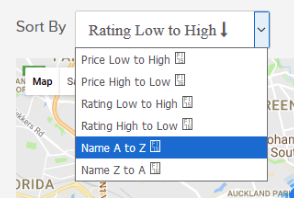
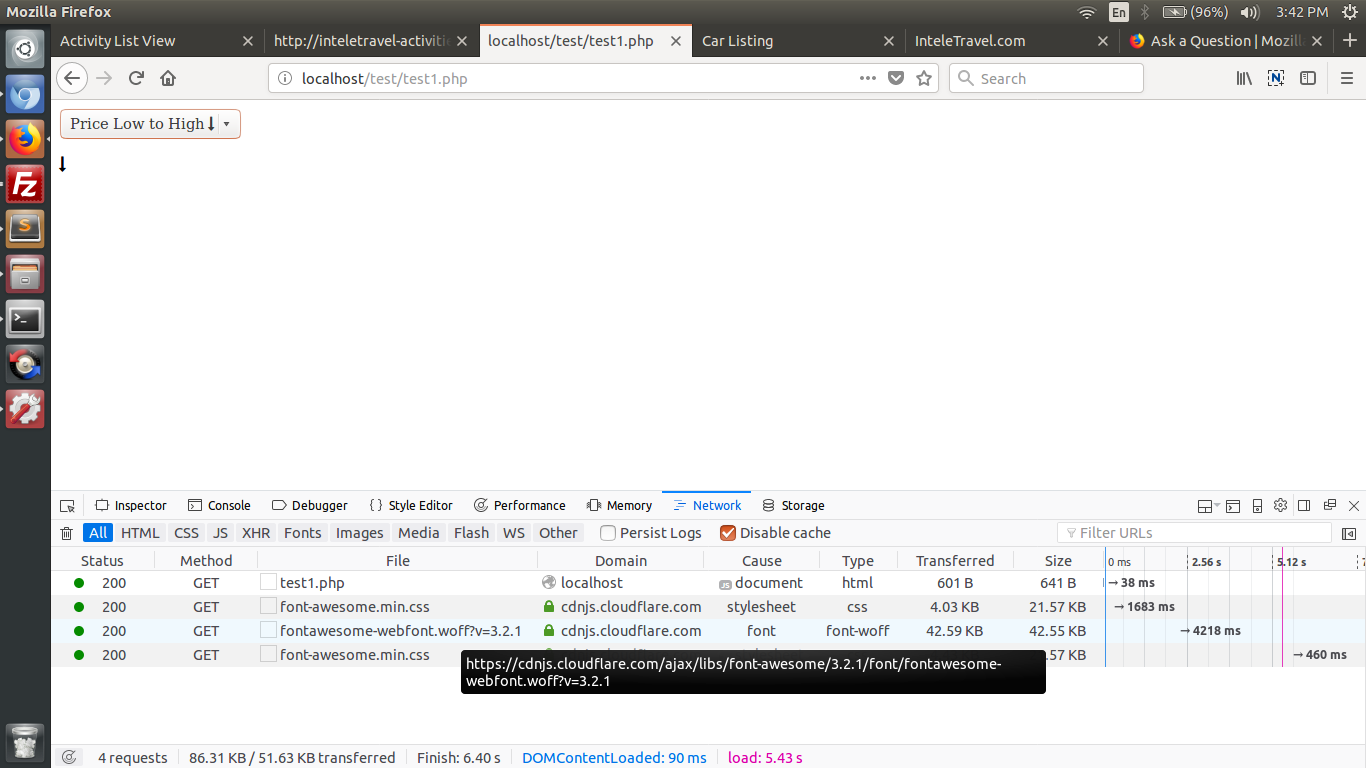
firefox does not show font-awesome unicode codes in html select option but it does for paragraphs or in other html elements

I have checked that firefox is able to fetch font files. If I add a unicode character in <p> tag then it shows but it does not work in <option></option> , but it does in chrome or other browsers.
I have checked that firefox is able to fetch font files. If I add a unicode character in <p> tag then it shows but it does not work in <option></option> , but it does in chrome or other browsers.
ჩასწორების თარიღი: , ავტორი: cor-el
ყველა პასუხი (2)
u can try this in your local file please
<link rel="stylesheet" type="text/css" href="https://cdnjs.cloudflare.com/ajax/libs/font-awesome/3.2.1/css/font-awesome.min.css"> <style type="text/css"> select, select option { font-family: 'FontAwesome'; } </style> </head> <body style="font-family: 'FontAwesome';"> <select name="allSort"> <option value="price-up">Price Low to High </option> <option value="price-down">Price High to Low </option> <option value="name-down">Name A to Z </option> <option value="name-up">Name Z to A </option> </select> <p></p>
ჩასწორების თარიღი: , ავტორი: cor-el
Yes, there are a lot of issues with <select> element.
They're tracked in this meta: https://bugzilla.mozilla.org/show_bug.cgi?id=1154677
I'm not sure if yours is already mentioned, you could create a new bug and attach it to the list in 1154677.