


"Sending of the message failed. The message could not be sent using Outgoing server (SMTP) smtp.gmail.com"

I sent messages last night from Mozilla Thunderbird and all of a sudden, I'm getting this message now and I changed NOTHING in my settings. HELP!
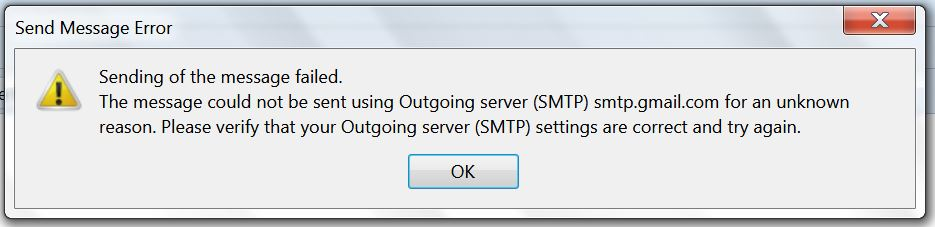
Sending of the message failed. The message could not be sent using Outgoing server (SMTP) smtp.gmail.com for an unknown reason. Please verify that your Outgoing server (SMTP) settings are correct and try again.
ჩასწორების თარიღი: , ავტორი: Wayne Mery
ყველა პასუხი (4)
The server is probably down or you are seeing the result of network issues.
I do note It is gmail, but I've occasionally hit issues (rare, but true)
No this is the same account I've had for like 8 years. Worked fine yesterday and now I can't send anything through Mozilla. I can log on Gmail with a website and send and receive fine.
Please post this info:
In Thunderbird Help > Troubleshooting Information make sure 'Include account names' is NOT selected. click on 'copy text to clipboard' button In this forum question. right click in a 'Post a Reply' text box and select paste' EDit/remove all the info on fonts and printers, but do not edit anything else.