


youtube videos delayed start, HTML5 player

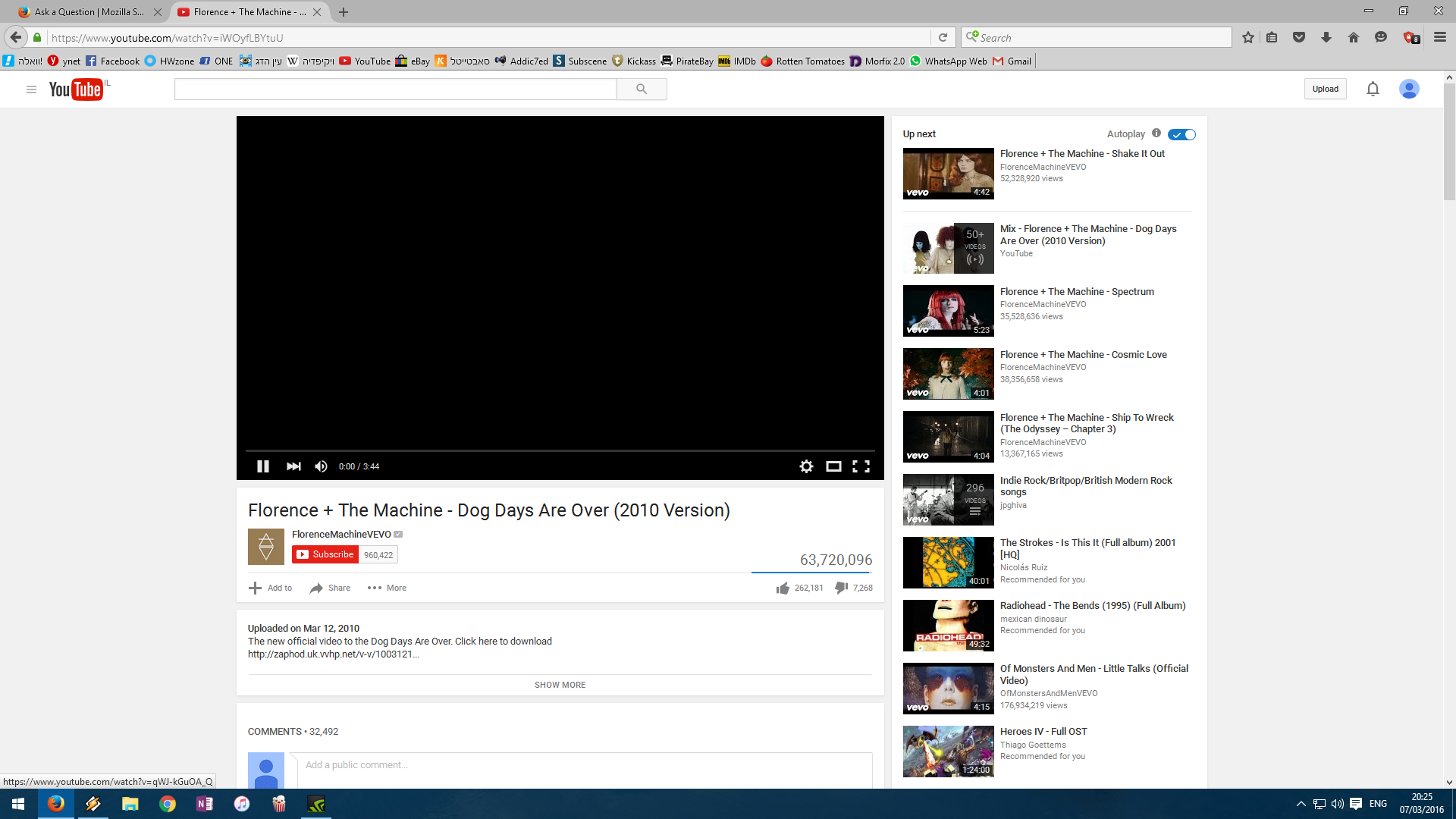
i'm running the latest FF version (44 x64) on a win 10 os. this problem persists for a few months and frankly it's really frustrating. most times when i play a youtube video it has a delayed start - showing a black video screen but not the duration and no indication of loading (no spinning circle or grey caching bar). the delay is anywhere from 5 - 30 seconds. tried re-installing FF, refreshing FF and safe mode - nothing helped. when i'm running in safe mode the problem doesn't occur, but instead i have ads playing. i've seen a lot of different posts about this problem - but no solutions.
anyone has any idea what to do?
Thanks, David.
ყველა პასუხი (6)
davidbor said
when i'm running in safe mode the problem doesn't occur, but instead i have ads playing.
Pre-roll video ads play in Safe Mode and not in regular mode?
Maybe you are using an ad blocking extension that is not very good at its job and it can't skip ads, just hide them?? What are you using? If it's not obvious from the Add-ons page, you can copy/paste a list from the Troubleshooting Information page.
Add-ons Page
You can view installed extensions on the Add-ons page. Either:
- Ctrl+Shift+a
- "3-bar" menu button (or Tools menu) > Add-ons
In the left column, click Extensions. Then your list appears on the right, enabled extensions on top, disabled on the bottom.
Troubleshooting Information Page
To copy/paste your list of extensions:
Open the support information page using either
- "3-bar" menu button > "?" button > Troubleshooting Information
- (menu bar) Help > Troubleshooting Information
- type or paste about:support in the address bar and press Enter/Return
Scroll down to the Extensions heading. Then select using the mouse from extensions through the end of the table listing the extensions and copy (Ctrl+c).
Then click in a reply and paste (Ctrl+v). It will look a little messy but don't worry, we're used to it.
jscher2000 said
Pre-roll video ads play in Safe Mode and not in regular mode?
Exactly. i tried using several ad block add-ons, some of which are: AdBlock Plus, AdBlock Ultimate and AdGuard (always only one enabled). for all of them the problem persists.
If you turn off all the ad blockers -- in regular mode, not Safe Mode -- do you get the expected behavior: ads sometimes play, videos play promptly, or are there still long delays?
nope, everything works fine (except for the annoying ads). i thought it was related to the ad blockers, but it happens with all of them, plus chrome with the same ad blockers (AdBlock Plus for example) works fine. it's important to point out i've been using adblock plus for a few years now and everything worked fine, nothing changed add-on wise when the problem started.
Probably a change by YouTube that the extension authors or makers of lists will need to adapt to. You might check their respective support sites/forums to see whether there is a known workaround.
fair enough. thanks!