


Problem with displaying bold text within the WordPress editor

Good evening, I have a problem with the display of bold text on the Wordpress site editor.
I have already contacted the Wordpress experts and we have noticed that the problem does not exist with other browsers and does not depend on the brand of the PC, given that we have tried with different PCs and with different operating systems (Mac and Windows).
The problem really comes from the browser.
How can I solve it?
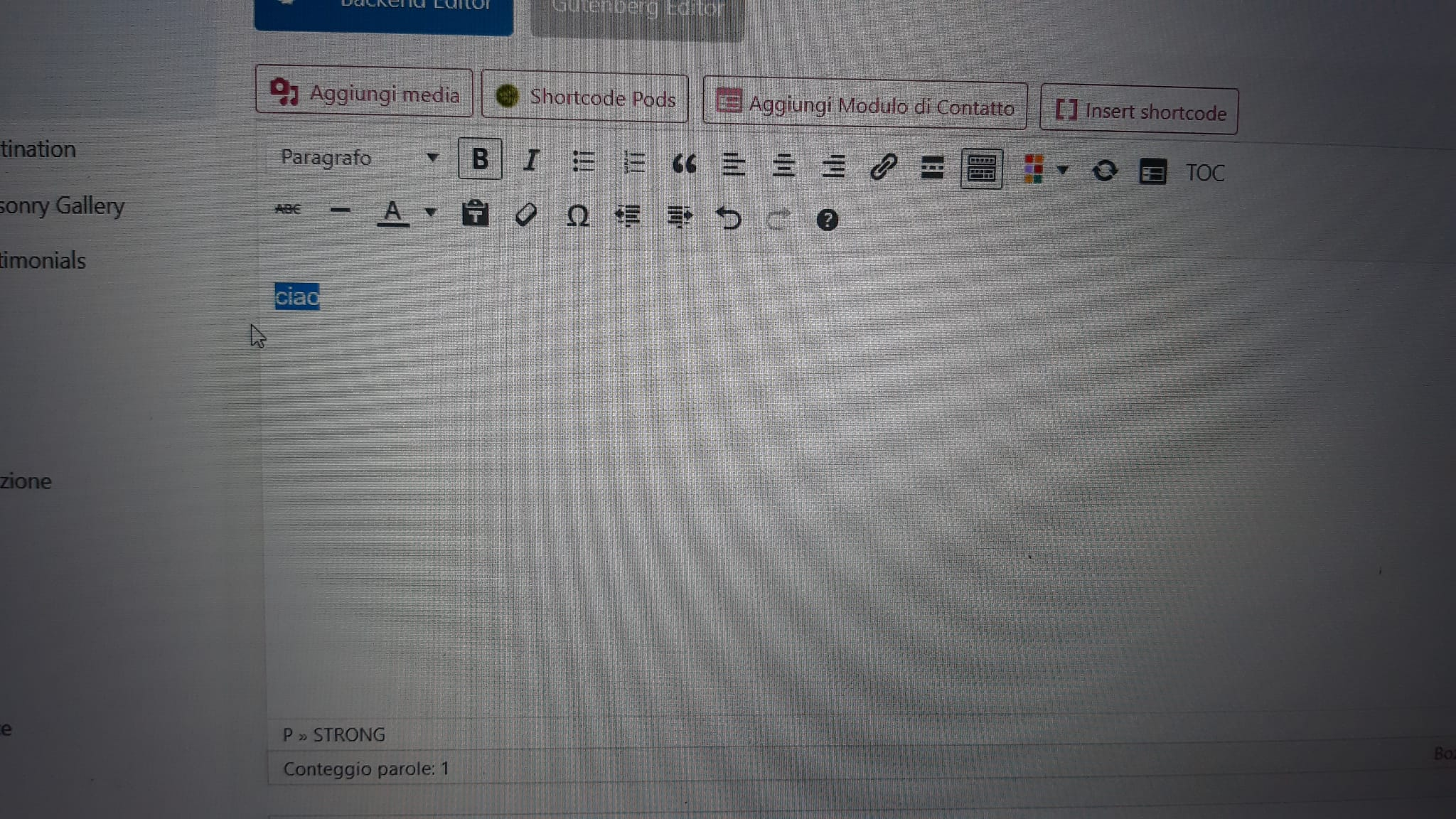
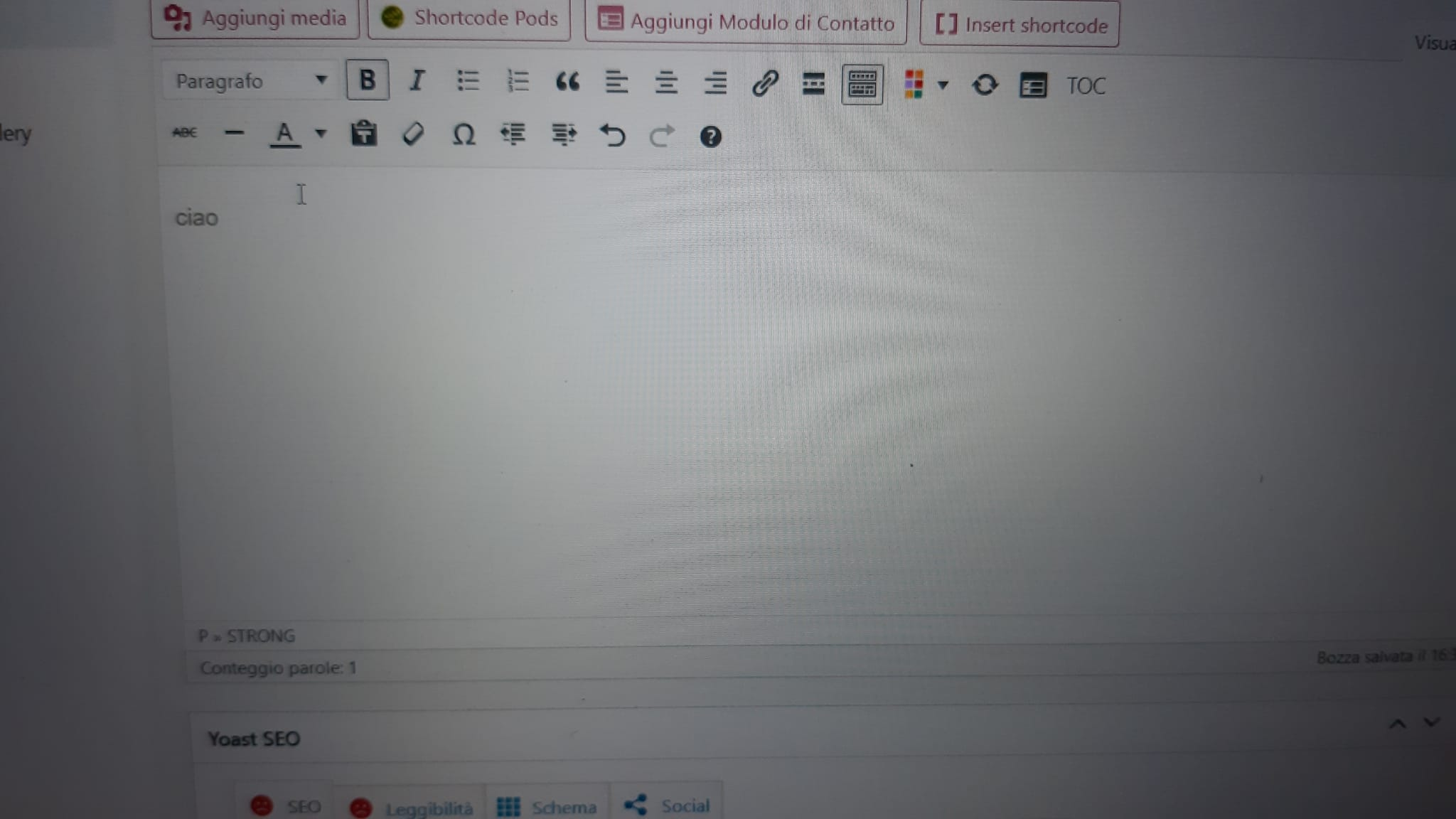
Összes válasz (3)
Bold text works for me with the WordPress 6.3.2 editor. This may depend on the specific plugins installed on your site, it looks like you have WPBakery Page Builder?
Does it still happen in Troubleshoot Mode?
Good morning. I have installed WPBakery for 3 years and the problem has recurred on and off and now seems unsolvable. I tried with the proposed method but unfortunately I still don't see the bold text. I would like to point out that a friend tried with a Mac PC and it worked but I still have this problem, which I don't see in Google Chrome.
Does it still happen in a new profile? An easy way to test a new profile is to install Developer Edition and see if it happens there or refresh your existing profile.