


Some pages keep showing like text rather than html

Hi, I am using the latest version of firefox, although this has been happening for a few versions now, it also doesnt happen on every site just some, facebook is one.
Basically the page will maybe take a little longer than usual to load and when it does, instead of looking like an html page, the page will just look like text with pictures scrolling right down. the odd thing is sometimes them same pages also load fine, so they dont load this way all the time..
I am not sure if its my settings or any add-ons im using, although i have tried turning them off and still appeared the same.
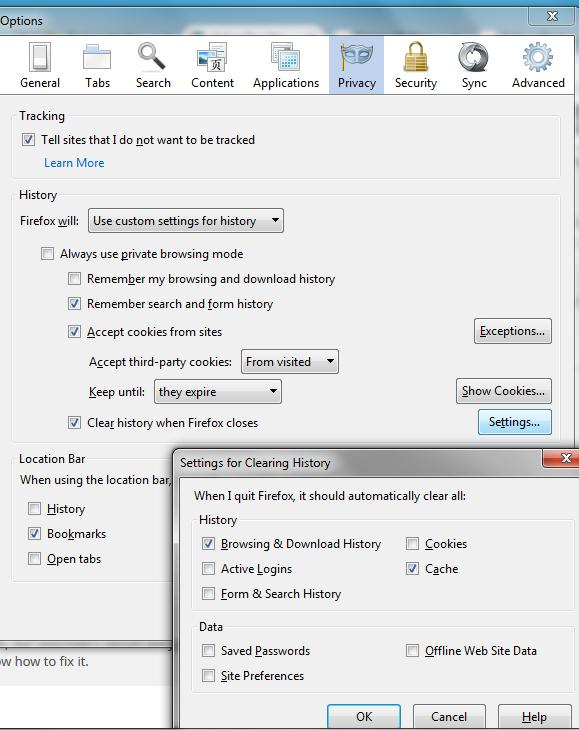
I have added a pic of my privacy settings, not sure if it could be them?
the add-ons i use are:
righttoclick blur https everywhere
any advice would be great
thanks
James
Összes válasz (2)
Have you noticed any security certificate issues? If so, that could be a factor and we should try to get to the bottom of that first.
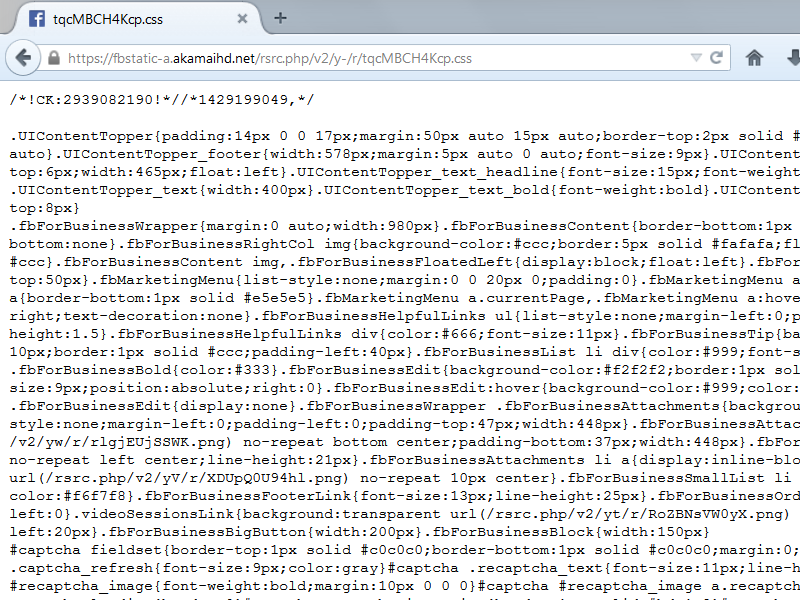
Like some other large sites, Facebook uses multiple domains to host its content. When I check the FB login page, the style sheets and scripts are stored on fbstatic-a.akamaihd.net. Can you think of any reason that site might be blocked? Can you visit this link directly (the results are just a pile of text like the attached screen shot): https://fbstatic-a.akamaihd.net/rsrc.php/v2/y-/r/tqcMBCH4Kcp.css
Extensions that force a https connection or extensions that can block content can cause such issues.
Start Firefox in Safe Mode to check if one of the extensions (Firefox/Tools > Add-ons > Extensions) or if hardware acceleration is causing the problem.
- Switch to the DEFAULT theme: Firefox/Tools > Add-ons > Appearance
- Do NOT click the Reset button on the Safe Mode start window
- https://support.mozilla.org/kb/Safe+Mode
- https://support.mozilla.org/kb/Troubleshooting+extensions+and+themes
You can reload web page(s) and bypass the cache to refresh possibly outdated or corrupted files.
- Hold down the Shift key and left-click the Reload button
- Press "Ctrl + F5" or press "Ctrl + Shift + R" (Windows,Linux)
- Press "Command + Shift + R" (Mac)
Clear the cache and remove cookies only from websites that cause problems.
"Clear the Cache":
- Firefox/Tools > Options > Advanced > Network > Cached Web Content: "Clear Now"
"Remove Cookies" from sites causing problems:
- Firefox/Tools > Options > Privacy > "Use custom settings for history" > Cookies: "Show Cookies"