


How can I open the bookmarks sidebar with a left-click again?

I used to be able to open the bookmarks sidebar by left-clicking the bookmarks icon on my navigation bar. Now when I left-click the bookmarks icon on the navigation bar it opens the drop-down bookmarks list. I realise you can open the bookmarks sidebar with ctrl-B, but I'd love to be able to open the sidebar with a left-click. Any ideas folks? Much love for Mozilla volunteers btw.
כל התגובות (5)
Hi,
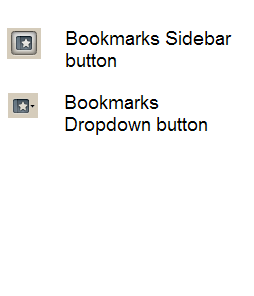
There is another similar icon named Bookmarks in the Customize window which provides the said functionality. You have to add that.
פתרון נבחר
See image at the bottom of this reply for the 2 different buttons (click on the image for a larger view).
You can also open or close the Bookmarks Sidebar with CTRL+B
If this reply solves your problem, please click "Solved It" next to this reply when signed-in to the forum.
השתנתה ב־ על־ידי SafeBrowser
Thanks Guys/Gals, your posts helped me understand and solve the problem.
Big ups!
השתנתה ב־ על־ידי FoxyLove
I don't have that icon in my toolbar menu. Where do I get it? I just got a new computer and got the newest version of Firefox and I don't have the choice between the two bookmark icons. On my old computer, after upgrading, those icons with the little boxes around them were still available, but not on the new computer
Hi,
The icons are in the Customize window: View (or Alt + V) > Toolbars > Customize.... You have to drag it out and place it on the spot where you want it to be. If the icons are missing try clicking Restore Default Set when in the Customize window. Please also see the link in SafeBrowser's reply.