


Menu bar is not visible, but neither is Full Screen mode button. How do I fix this?

While I am in Firefox, it appears that I am in Full Screen mode, as my Menu Bar is missing while in the application, but when I looked up how to troubleshoot, it told me to click on the Full Screen mode button (with diagonal arrows) but it is not visible anywhere in my browser. How else can I get out of Full Screen mode? Thank you!
פתרון נבחר
Do you get the menu bar if you close that Firefox window?
On Mac you can't hide the menu bar like in Window and Linux, and because the OS controls the menu bar then it may not be a Firefox problem.
You can try:
You can also try to remove the Firefox plist file.
See How .plist files become corrupt and troubleshooting the results
Go to "Library > Preferences" and remove the plist file for Firefox (org.mozilla.firefox.plist).
כל התגובות (6)
On Mac you can use: command+Shift+F
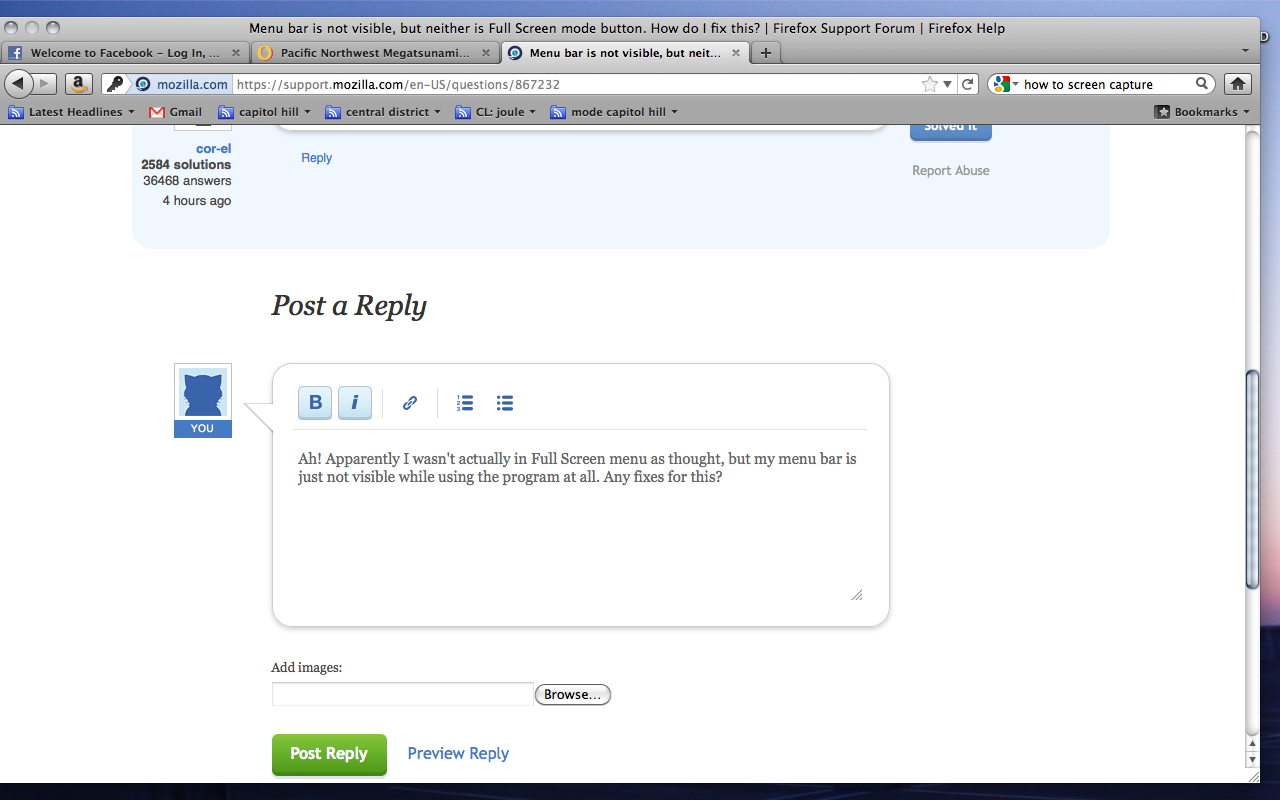
Ah! Apparently I wasn't actually in Full Screen menu as thought, but my menu bar is just not visible while using the program at all. Any fixes for this?
Right-click on Tab bar (don't right-click on a tab, right-click on the tab bar) and check Menu Bar option.
פתרון נבחר
Do you get the menu bar if you close that Firefox window?
On Mac you can't hide the menu bar like in Window and Linux, and because the OS controls the menu bar then it may not be a Firefox problem.
You can try:
You can also try to remove the Firefox plist file.
See How .plist files become corrupt and troubleshooting the results
Go to "Library > Preferences" and remove the plist file for Firefox (org.mozilla.firefox.plist).
Removing the .pslist file worked! Thank you!
You're welcome