


asking about the VPN you ate offering

Is this my own VPN with out connections to the wifi VPN
כל התגובות (3)

By the way, you are on the Desktop forum
See top menu Community Forums for Android
The VPN works through Wi-Fi and mobile networks it is just a proxy not an inbuilt VPN
You can read about it here if you search [VPN]
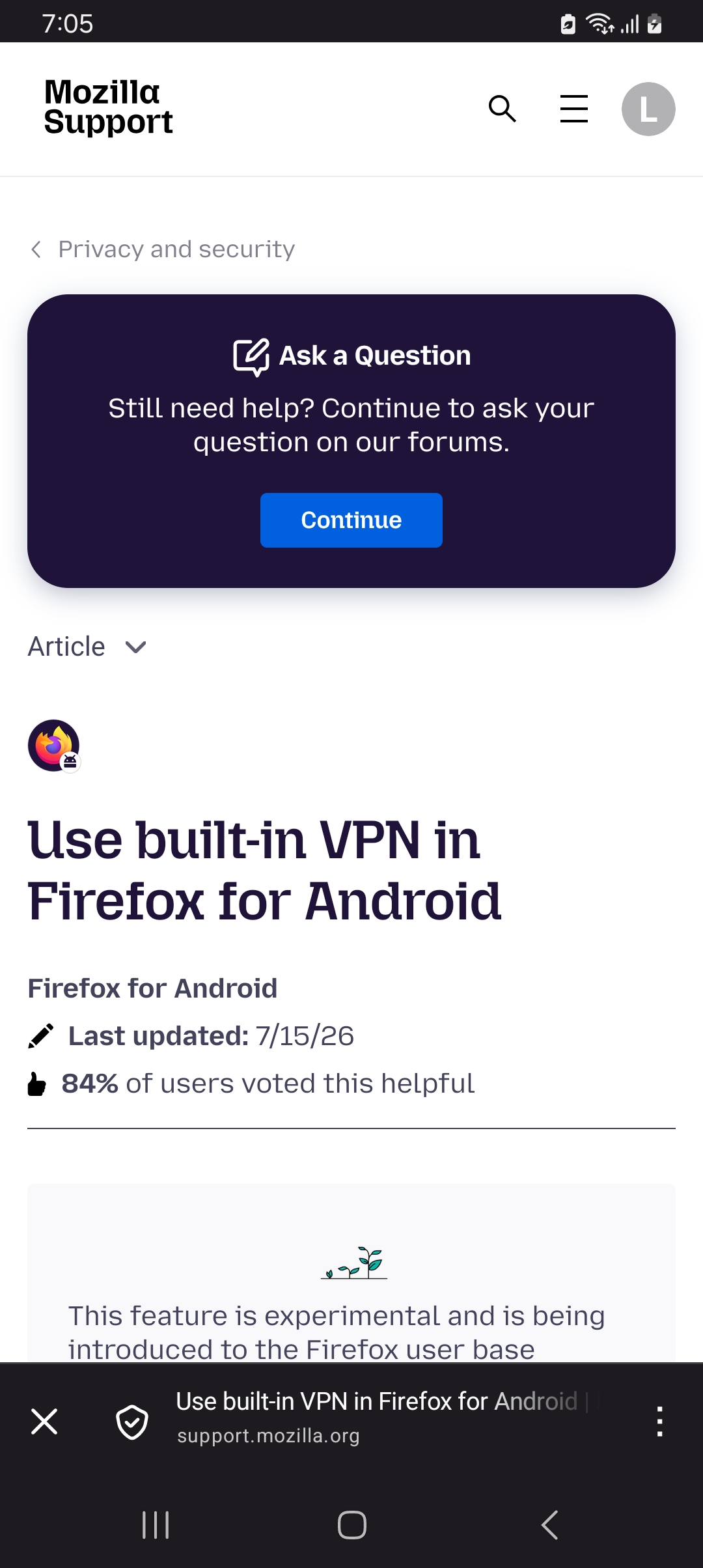
https://support.mozilla.org/en-US/kb/mobile-android-vpn
The KB article explains what it is. The built-in VPN in Firefox for Android is free with no subscription options. It does however have a monthly 50GB data usage cap. However unlike the built-in VPN feature on desktop Firefox it currently does not have a way to manually change server location.
These articles are about the built-in VPN in desktop Firefox. https://www.firefox.com/en-US/features/browser-with-built-in-vpn-secure-browsing/ https://blog.mozilla.org/en/firefox/built-in-vpn/
The built-in VPN is only in the Firefox web browsers for desktop and Android and does not cover the whole device like standalone VPN's do. It is also not a full VPN like how the subscription based standalone Mozilla VPN app is. Like most built-in browser VPN's and Extension VPN's the built-in VPN in Firefox actually routes your browsing traffic through a proxy network that replaces your IP address before it reaches a website. The sites you visit see the proxy’s IP address rather than your own.
השתנתה ב־ על־ידי James
amoun said
By the way, you are on the Desktop forum
Nope as it is in the Firefox for Android section ;)