


Cannot create local backup

Hi,
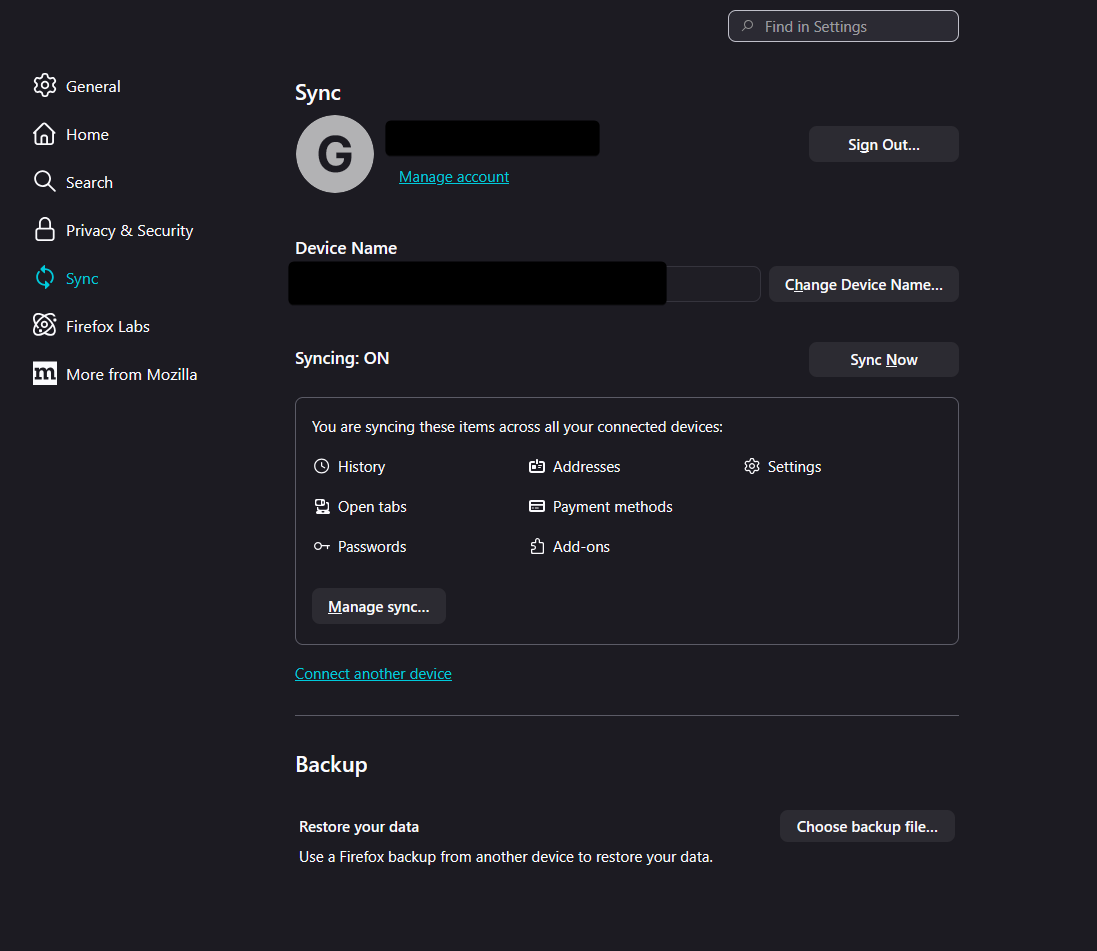
On the "Your Firefox has updated" page, I recently found out that in addition to Firefox Sync, you can also create a backup in the form of a local file. When I try to follow the instructions on the support page for the function (here I get stuck. For some reason I am only allowed to choose a file to restore my data, but I am not allowed to create a new backup. I have tried refreshing Firefox and even creating a new profile, but both have the same issue. I am not seeing a "manage backup" button either (see screenshot).
It's not the end of the world thanks to Firefox Sync, but I would like to get it working as a nice backup :)
Thanks in advance for any help you guys can give me!
כל התגובות (5)
פתרון נבחר
Hi,
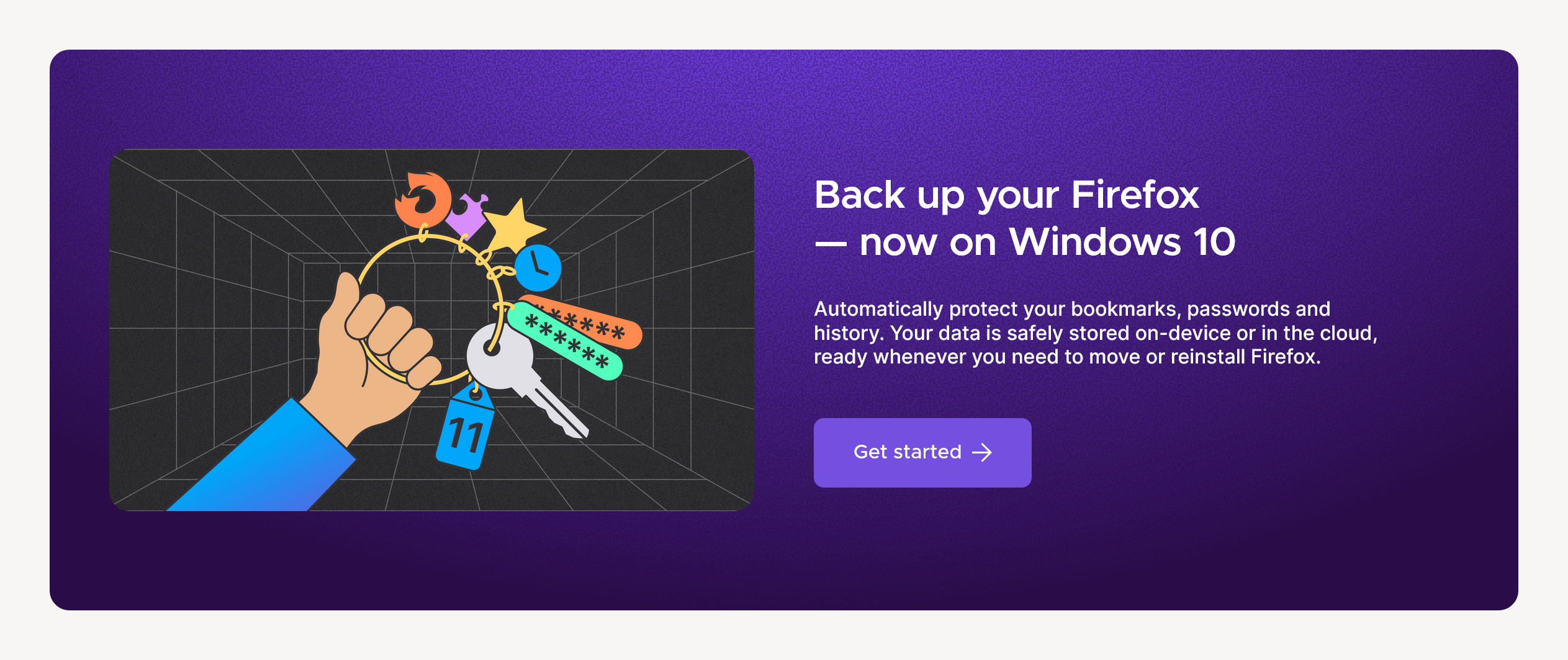
As mentioned on the WhatsNew page, backup is currently available on Windows 10 only. On Windows 11, for now, you can only restore from already created backups.
(I'll mark my reply above as a solution to highlight it for other users looking for an answer. If you disagree, you can unmark it by clicking Undo under the reply.)
Ah, that explains a lot. I completely missed that. I thought it was a typo because usually features available on Windows 10 are available on 11 too. I’ve only ever seen 11 specific features that are not available 10.
I do feel extra stupid now that I’ve seen that the support page does have a banner specifically mentioning the Windows 10 only compatibility, but I don’t remember seeing it on the what’s new page. Unfortunately I cannot find the page on my iPad and I currently do not have access to my pc.
Thanks for the assist in any case!
Edit; I now see your screenshot. I think on there they should have made it more clear that it is not for Windows 11, like they did in the support article. So I did not miss it, the what’s new page is not clear enough in that regard imo.
השתנתה ב־ על־ידי FlamingPhoenix40
You are welcome! The reason for the backup being available only on Windows 10 is that the primary use case is moving from Windows 10 to Windows 11. The team is working on extending support, though.
Also, the support article didn't actually have that banner when you read it. It was only added a day ago to address the confusion.
Glad to hear I was not going crazy then hahaha :)