


System Freeze when using Picture-in-Picture simultaneously with other applications.
Hello. For a while now I have been using the picture-in-picture feature to play a video in the corner while using other applications. It has been a great help as I have a single monitor.
Unfortunately, I have recently been encountering a severe issue with the feature over the last week. When attempting to use picture-in-picture while my computer is running a videogame (through Steam) my entire system will freeze. The audio still plays as normal, but the image is frozen and the system is unresponsive until I force a shutdown and reboot.
Any help at all in with this issue would be greatly appreciated, thank you.
Hardware Specs:
GPU AMD Radeon RX 6750 XT
CPU AMD Ryzen 5 5600X 6-Core Processor 3.70 GHz
RAM 16.0 GB
OS Windows 11 Home
פתרון נבחר
For anyone experiencing a similar issue, I found a solution to my problem.
Apparently in a recent firefox update, the hardware acceleration option under advanced performance setting had been turned on. I have since disabled that setting and I am no longer having any problems with my computer.
Read this answer in context 👍 1כל התגובות (3)
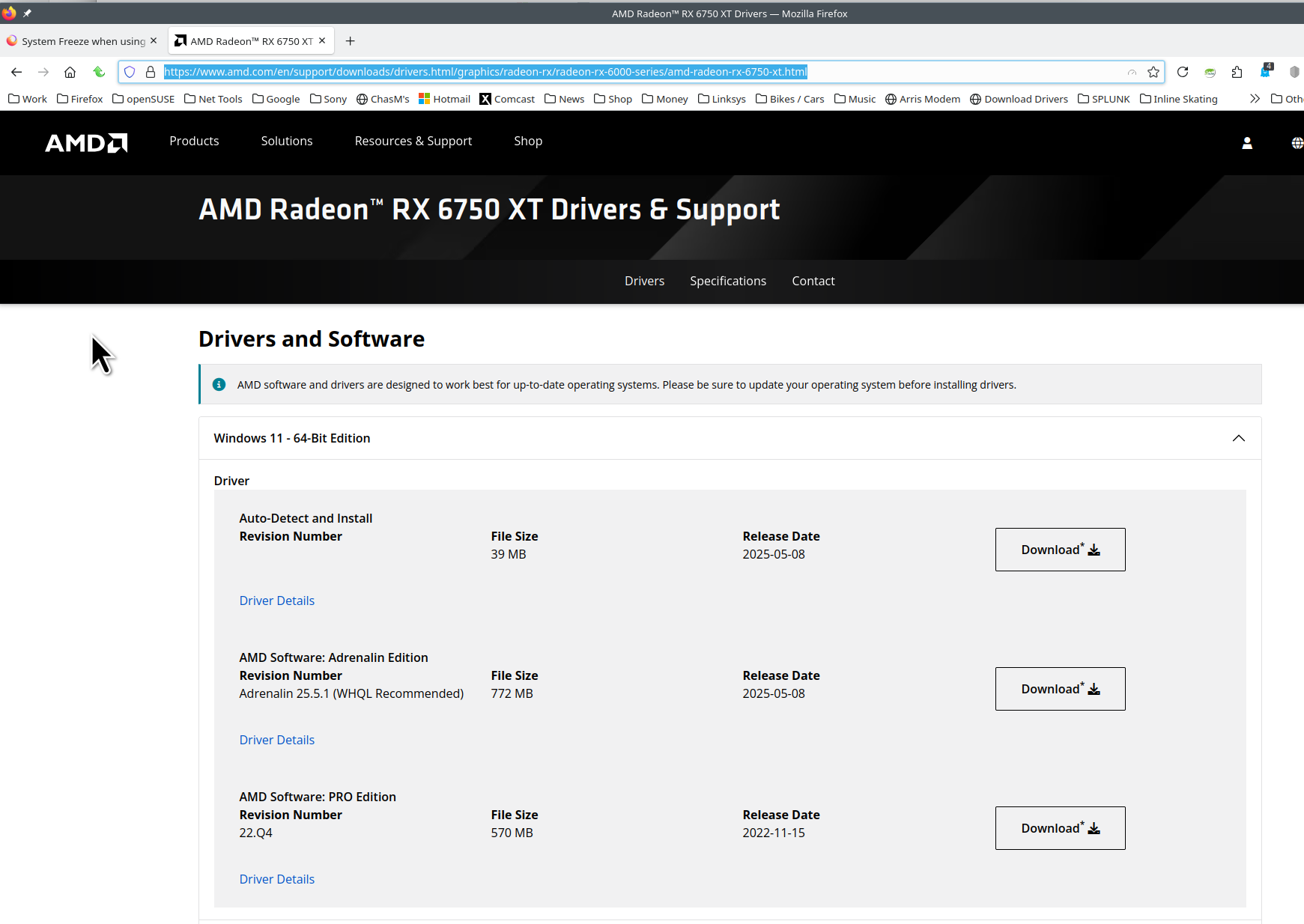
Thanks for the system info. AMD driver for your card. see screenshot https://www.amd.com/en/support/downloads/drivers.html/graphics/radeon-rx/radeon-rx-6000-series/amd-radeon-rx-6750-xt.html Have you run Windows update lately? Is your computer DIY? If not DIY, what make and model computer?
Hi jonzn4SUSE, apologies for responding so late. I hadn't logged back in to see any answers since it seemed like the issue had resolved itself after reinstalling both the drivers and the AMD adrenaline software.
To answer your questions the computer is a DIY and Windows is up to date outside of a cumulative preview.
פתרון נבחר
For anyone experiencing a similar issue, I found a solution to my problem.
Apparently in a recent firefox update, the hardware acceleration option under advanced performance setting had been turned on. I have since disabled that setting and I am no longer having any problems with my computer.